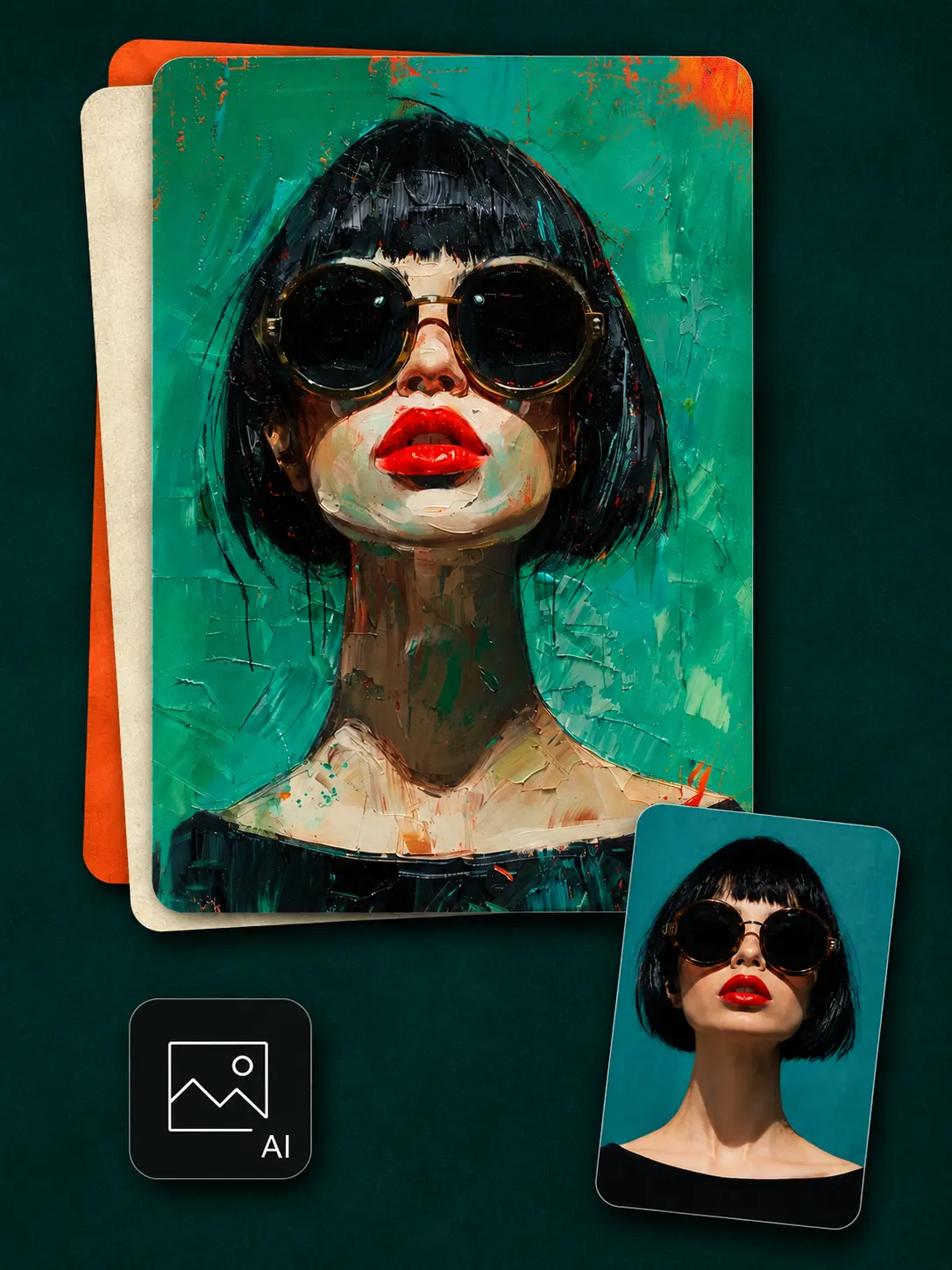

Artistic Portraits
Turn a clear selfie or portrait into painted, illustrated, comic, or graphic artwork for a profile image, social post, invitation, or personal project.
 ImageHub
 Upload a photo, describe the look you want, and turn it into AI art online for free. Download an HD result with no login and no watermark.
Your AI Artwork

Results gallery
Turn a photo into art while keeping its subject as the visual starting point. Portraits, pet photos, travel shots, and early visual ideas can each take on a different medium, mood, and purpose.
Turn a clear selfie or portrait into painted, illustrated, comic, or graphic artwork for a profile image, social post, invitation, or personal project.

Use the photo to art generator to reimagine a favorite pet as a painted portrait, playful illustration, storybook character, or personal keepsake.

Rework a city view, vacation photo, or landscape as a retro poster, textured painting, or atmospheric illustration while keeping the original scene as the foundation.

Turn a sketch, reference image, or everyday photo into a distinctive starting point for a cover, thumbnail, moodboard, character, or scene.
How it works

Choose the portrait, pet photo, landscape, travel shot, or sketch you want to transform. Clear images with a visible subject give the model more useful detail.

Describe the art style or mood you want in plain language.

ImageHub uses your photo as the visual starting point and your description as the creative direction. Review the HD result, download it without a watermark, or generate another version.
Art styles
An AI art generator from image can take the same source photo toward a soft painting, bold graphic, detailed drawing, or stylized digital image. Choose a direction that fits the subject and its intended use.

Soften edges and colors for portraits, flowers, travel scenes, and personal artwork with a light, hand-painted feel.
Why ImageHub
Your upload supplies the subject and composition, making the image to art generator useful when a person, place, object, or rough idea must remain the foundation.
Explore another artistic direction without drawing, masking, managing layers, installing software, or rebuilding the image by hand.
Open the free AI art generator, upload an image, and start your first transformation without creating an account or logging in.
Save an HD image without an ImageHub watermark, generate another interpretation, or continue editing the result with another ImageHub tool.
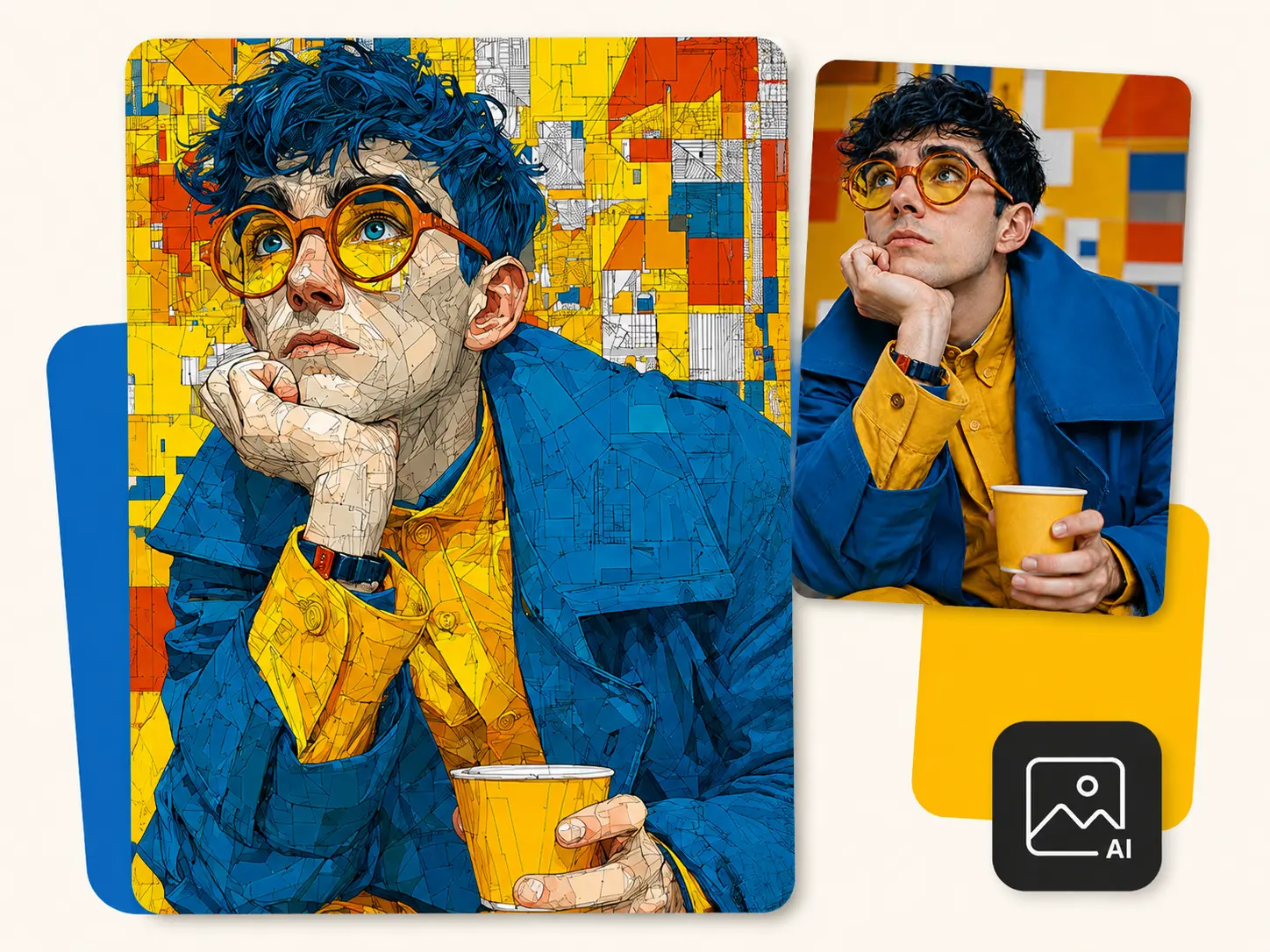
What to expect
AI art generation creates a new interpretation of your image. It can preserve the main subject and overall composition while changing facial details, colors, objects, textures, or the background. It will not make a pixel-for-pixel copy of the source.
A clear, well-lit source with a visible main subject gives the AI art generator stronger visual information to work from. Busy backgrounds, very small subjects, heavy blur, or cropped faces leave more room for interpretation. If the first version is not right, change the description and generate again.
Need to add, remove, or replace something instead of changing the artistic style? Use the AI Image-to-Image Generator.
FAQ
What the tool needs from you, what it returns, and how it differs from text-only generation.
An AI art generator from image turns an uploaded visual into new artwork. The source provides the subject and composition, while your description guides the artistic direction. It is also called an image to art generator or photo to art generator.
Yes. Upload a portrait, pet photo, landscape, travel image, sketch, or another clear visual. Describe the result you want, then generate a new version based on that source.
No. This page is designed to turn a photo into art and requires an uploaded reference. To create a new visual from text alone, use ImageHub’s Free AI Image Generator.
The AI Art Generator is free to use, with no account or login required. Generated images download without an ImageHub watermark.
You can upload JPG, PNG, and WebP images. A clear, well-lit source with a visible main subject usually provides a stronger starting point.
Not exactly. The AI art generator creates a new interpretation rather than a pixel-perfect filter. Facial features, objects, colors, textures, or background details may change.
Yes. Choose an anime look and use a clear photo of the person or group. For a dedicated workflow, use the AI Anime Generator.
Download the result, then use the AI Image Upscaler when the artwork needs more pixels for a large display, detailed crop, presentation, or print.
Upload an image, describe the look you want, and generate a clean HD artwork for free. No login and no watermark.
Create AI Art FreeFree to use · No login · No watermark · HD download