
Product Photo Editing
Create clean, polished product visuals for online stores, marketplaces, promotions, and branded content.
 ImageHub
 Free AI photo editor online
Upload a photo, describe the change you want, and let ImageHub create the edited image for you. No complicated tools, no account, and no watermark—just free AI photo editing in your browser.
Example

Gallery
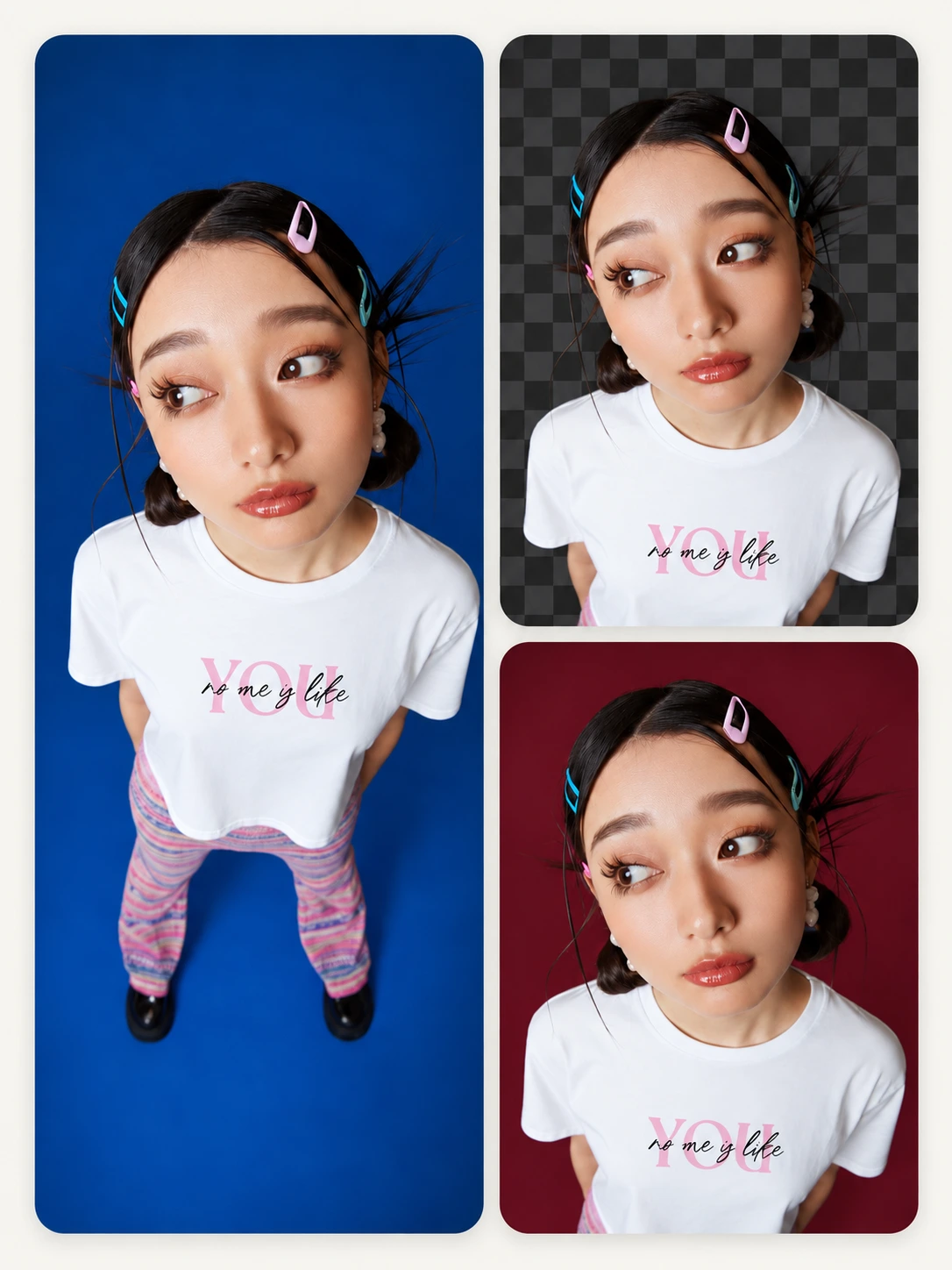
Explore finished images created with ImageHub’s online AI photo editor. From polished product photos and portraits to background changes and creative transformations, these examples show different ways AI can help rework an existing image.
Results can vary depending on the source image and requested edit.
Create clean, polished product visuals for online stores, marketplaces, promotions, and branded content.

Refine portraits and profile photos with a cleaner composition, updated background, or different visual mood.

Place the main subject in a different setting or create a new visual environment around an existing photo.

Explore editorial, cinematic, illustrated, seasonal, and other creative directions using an existing image.

Turn photos into fresh visual assets for social posts, thumbnails, campaigns, advertisements, and personal brands.

Clean up distracting details, improve the overall presentation, or give a personal photo a new look.
Features
ImageHub is an AI image editor for people who want a finished result without navigating layers, masks, filters, and complicated settings. Upload an existing photo, describe the change, and create a new version directly in your browser.
Replace or transform the setting around a person, product, pet, or other subject. Create studio backgrounds, outdoor scenes, seasonal settings, and new visual environments without rebuilding the image manually.
Change a Photo BackgroundClean up distracting objects and unnecessary details that take attention away from the main subject.
Remove an Object from a PhotoCreate a brighter image, explore a warmer or cooler color direction, or change the overall atmosphere of a photo.
Adjust a Photo with AICreate polished visuals for profiles, portfolios, resumes, personal brands, and social channels.
Edit a PortraitGive existing product photos a new background, setting, composition, or campaign direction without arranging another photoshoot.
Edit a Product PhotoReimagine an existing image with a different visual style, atmosphere, or creative direction.
Transform an ImageHow it works
ImageHub makes online photo editing a simple three-step process.
Choose the photo you want to edit and add it to the online editor.
Explain what you want the finished image to look like. You can describe the subject, background, lighting, color, mood, composition, or style you want to change.
Review the completed edit and download your image in HD without an ImageHub watermark.
Upload a Photo to Get Started
Why ImageHub
Start editing a photo without entering payment information or installing paid software.
Upload and edit an image without creating an account, entering an email address, or logging in.
Download the completed image without an ImageHub watermark.
Get an HD version of your edited image for digital content, online listings, presentations, and personal projects.
Focus on the result you want instead of learning traditional photo editing tools and settings.
ImageHub works directly in your web browser, so there is no editing software to install.
Use cases
Create updated product visuals for online stores, marketplace listings, seasonal promotions, and product launches.
Develop new images for posts, thumbnails, profile pictures, advertisements, and campaigns.
Turn an existing photo into a new visual direction for branded content, promotional materials, presentations, and digital campaigns.
Refine images for resumes, portfolios, professional profiles, creator accounts, and personal brands.
Clean up distracting details, explore a different setting, or create a new visual style from a photo you already have.
Create visual revisions from written feedback without converting every requested change into a manual editing workflow.
Before you start
FAQ
Answers about how AI photo editing works, what the free tier includes, the HD download, and what to check before using a completed image.
Upload an image, describe what you want to change, and download a clean HD result—free, without creating an account, and without a watermark.