imagehub
Generate an image
AI Generate
AI Enhance
AI Remove
AI Edit
AI Beauty

Text-to-image, in your browser

AI Image Generator - Create an Image From a Text Prompt

You need an image and nothing in your folder fits. Describe what you want in plain words - the subject, the setting, the style - and get a finished, high-resolution image back. No scrolling stock sites, no opening a design app.

  • Free
  • No login
  • Unlimited runs
  • HD output
  • Runs in your browser

Workbench

Describe the image you want

63/240
2 - Aspect ratio 1:1 selected

Example

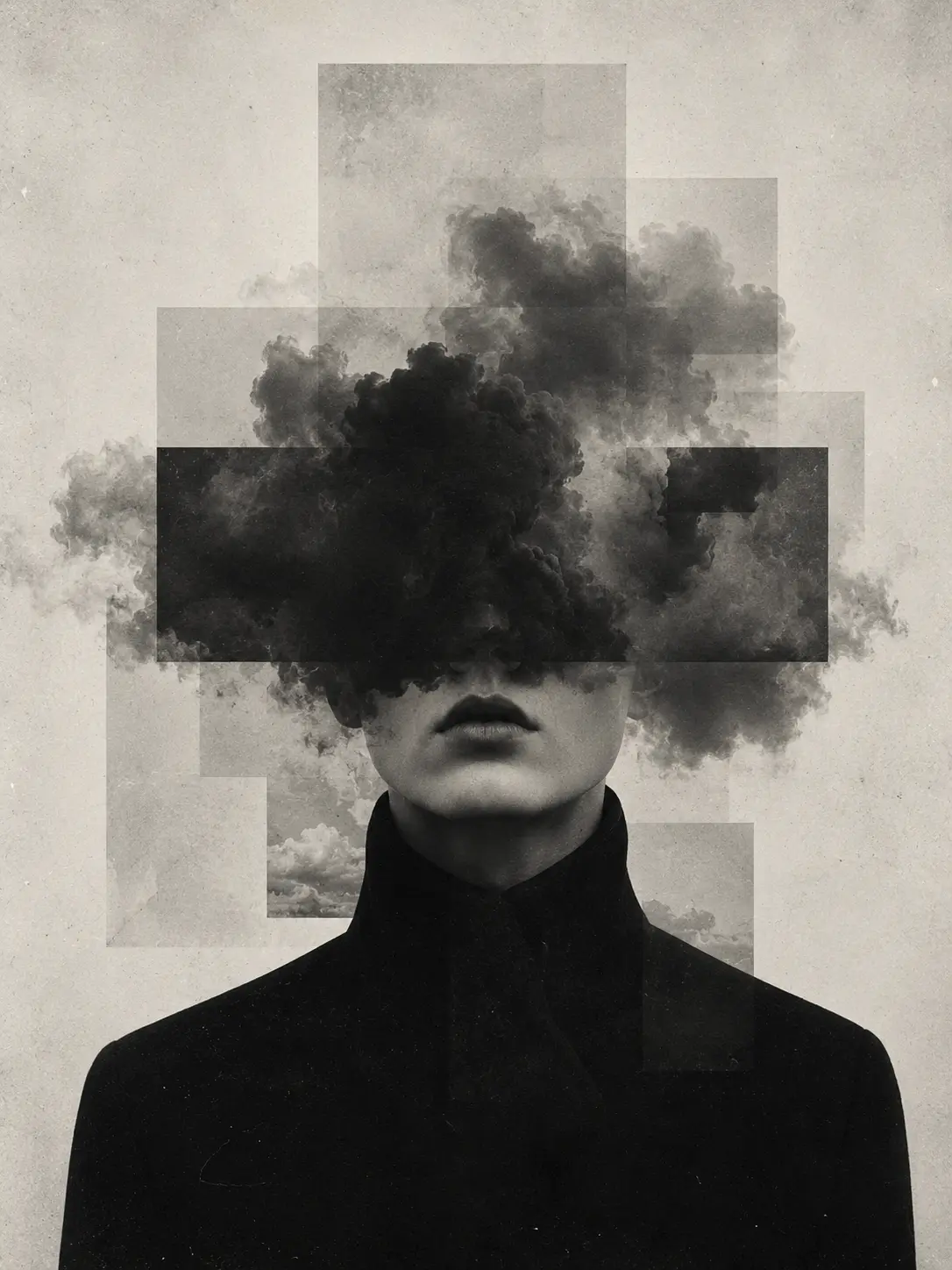
A surreal black-and-white AI-generated portrait of a figure whose face is hidden behind a billowing dark cloud.

Live example - write a prompt, choose a ratio, then generate to turn the preview into a result.

Skip the stock hunt

Get the Picture You Imagined, From One Sentence.

Finding the right stock photo means scrolling page after page of near-misses, watching the good ones sit behind a license fee, and settling for one that's already on three other sites. Briefing a designer for a single graphic means a day or two of back-and-forth - and a bill at the end of it.

Type what you need instead - "a flat-lay of a coffee cup and a notebook in soft morning light" - and get an original image back. Made for this one post, not pulled from a library everyone else is using too.

Write a prompt ->
A minimalist black-and-white AI-generated image of a face and hand peering through a narrow tear in a blank white surface.

What you can make

From Photoreal Mockups to Flat Illustrations.

The same prompt box covers most of what a content calendar throws at you. Name the look you want and it generates in that direction - describe a photo and you get something photoreal; ask for AI art and you get an illustration.

A blog post mockup with a wide AI-generated hero banner of a lakeside desk scene above the article text.

Blog headers & hero banners

A wide, on-topic image for the top of a post or landing page.

A photoreal AI-generated product mockup of a minimalist white bottle on a stone pedestal in soft light.

Product mockups

A clean photoreal scene to stand in before you have real product shots.

A flat vector-style illustration of people collaborating around charts and ideas, generated from a prompt.

Flat illustrations & spot art

Simple graphics for explainers, decks, and section breaks.

A grid of six AI-generated social media post templates in matching earthy tones.

Social graphics

On-theme visuals sized for a feed instead of a recycled stock photo.

A soft, neutral AI-generated backdrop of a sunlit wall with leaf shadows, ready to layer text or a product over.

Backgrounds & textures

A base to drop your own text or product onto later.

Three steps, no setup

Prompt In, Image Out.

Three things to do - write, generate, refine. The image arrives on the same screen, and there's no run limit, so you keep going until it fits.

Step 1

Write your prompt.

Describe the subject, the setting, and the style in plain words. The more specific you are, the closer the result lands.

Step 2

Generate the image.

Get a high-resolution image back, right in your browser - nothing to install.

Step 3

Refine and re-run - free.

Not quite right? Change a few words, switch the style, and generate again. There's no run limit, so keep going until it fits the post.

Generate your first image ->
The AI image generator turning a text prompt into a finished product photo, with options to refine and re-run.

Where it earns its keep

From a Blog Header to a Week of Posts.

A blog CMS editor with an AI-generated header set as the featured image, scheduled to publish.

A content marketer, 4 p.m.

Post scheduled for 5.

The article's ready; the featured-image slot is empty. They type a prompt that matches the topic and drop a finished HD header into the CMS before the post goes live - no stock subscription touched.

A social media feed planner with seven AI-generated posts scheduled across a week.

A social media manager

Planning next week's feed.

Seven posts, seven blank image slots. One prompt per post, one sitting, and the whole content calendar is filled with on-theme graphics by the same afternoon.

An AI visual generator building a skincare landing page, with the hero and section images generated and a sections checklist complete.

A solo founder

Building a landing page with no design budget.

No money for stock, no time to brief a designer. They generate the hero image and a few section visuals, and ship the page that evening instead of waiting days on a design round-trip.

Generate an image ->

A quick look first

Check the Image Before It Goes Live.

AI gets you most of the way in one generation, but give the result a quick look before anything public-facing ships. The usual spots to check:

  • Hands, fingers, and faces The classic places generation slips.
  • Any text in the image Signs, labels, and logos often come out garbled; plan to add real text yourself.
  • Counts and proportions The right number of objects, nothing fused or duplicated.
  • Brand fit Colors and style actually match the post it's going into.
  • Edges No smears where the subject meets the background.
Look closely A close-up AI-generated portrait of an eye and skin with prismatic light, shown for checking detail before publishing.

Quick answers

Questions People Ask First.

Practical answers about cost, prompt wording, logos and text, editing after the fact, and whether you need an account.

Is the AI image generator free?
Yes - free, no login, and no cap on how many images you make. Generate, tweak the prompt, and run it again as many times as you need.
What should I type to get a good image?
Describe the subject, the setting, and the style in plain words - "a minimalist desk setup, top-down, warm light" beats "nice office photo". Not happy with the first result? Change a few words and generate again; there is no limit on tries.
Can it put my exact logo or text in the image?
Not reliably - generated text often comes out garbled, and it will not reproduce your exact logo. Generate the visual, then add real text and your logo on top yourself. If you need a clean subject to drop a logo beside, lift it off its background with the AI Background Remover.
Can I edit or resize the image after I generate it?
Yes. Feed it into the AI Image-to-Image Generator to change details with another prompt, widen the canvas with the AI Image Extender, scale it up with the AI Image Upscaler, or erase a stray object that came out wrong.
Do I need an account or an app?
No. It runs in your browser - nothing to install, no sign-up.

One prompt away

Describe It, Generate It, Use It.

Next time you're staring at a blank slot where an image should go, type what you need and get it back - as many tries as it takes to fit the post.

Generate an image ->

Free - No login - Unlimited runs - HD output - Runs in your browser