
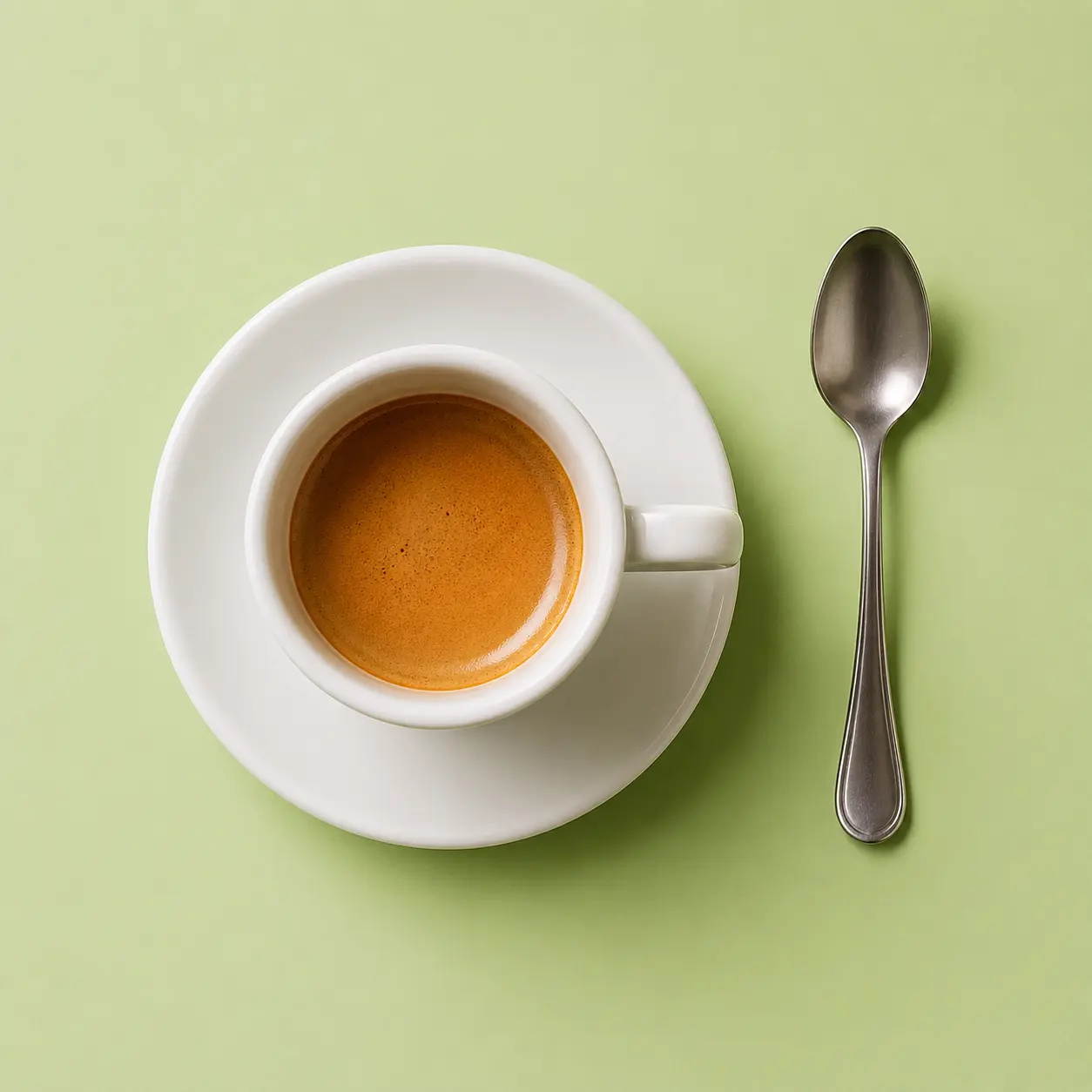
Object detail
Edges and small textures become easier to inspect after upscaling.
 imagehub
 Make a small, blurry, or compressed image larger and clearer. Upload one image and ImageHub starts AI upscaling automatically, with no login and no ImageHub watermark on downloads.
Drop image to upscale
or click to browse (JPG, PNG, WebP)
ImageHub does not retain or scrape your image data.

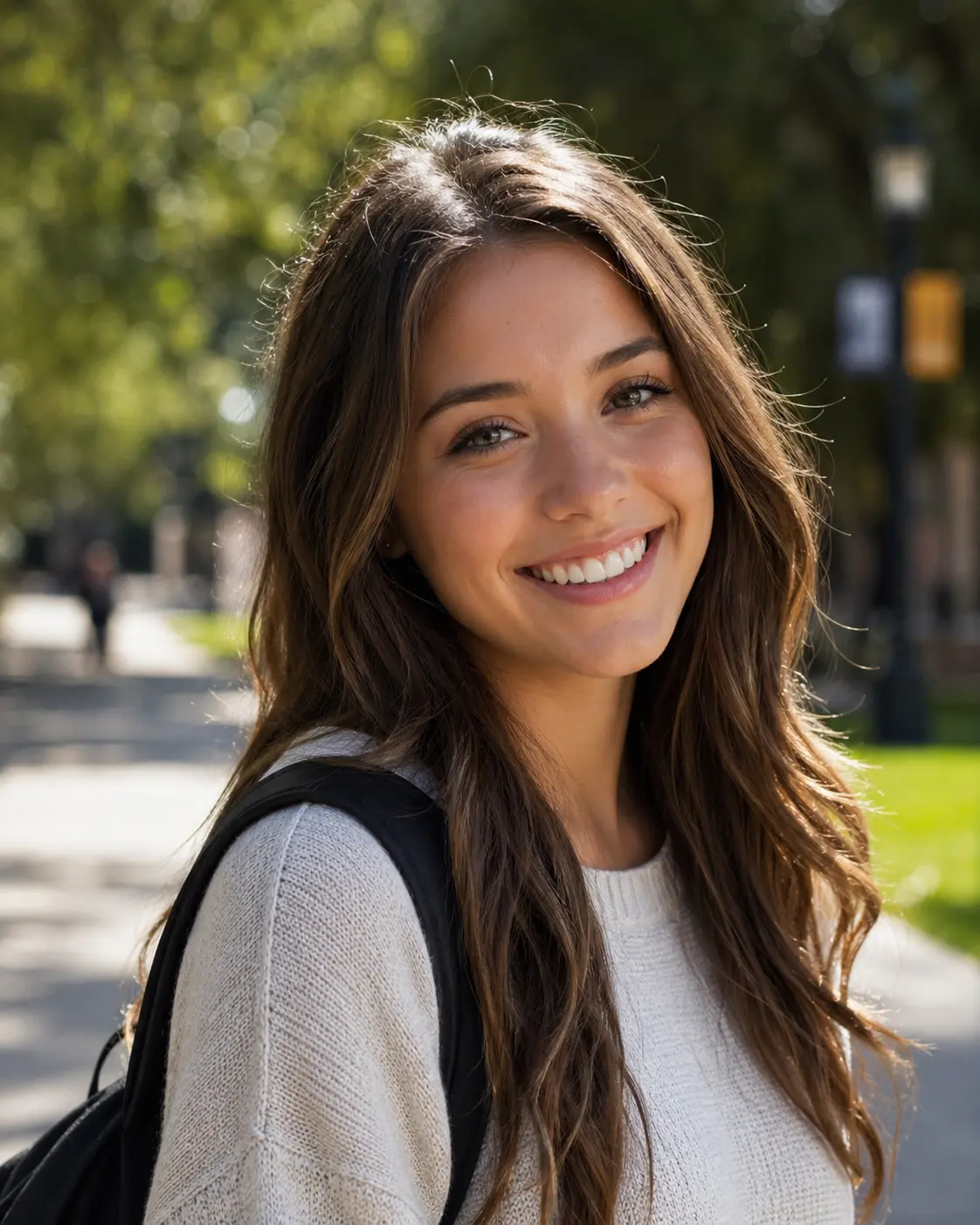
Before and after
AI upscaling is easiest to trust when you can inspect the result. Compare the soft source image with the upscaled version and look for clearer edges, texture, and small details before you download.
Edges and small textures become easier to inspect after upscaling.


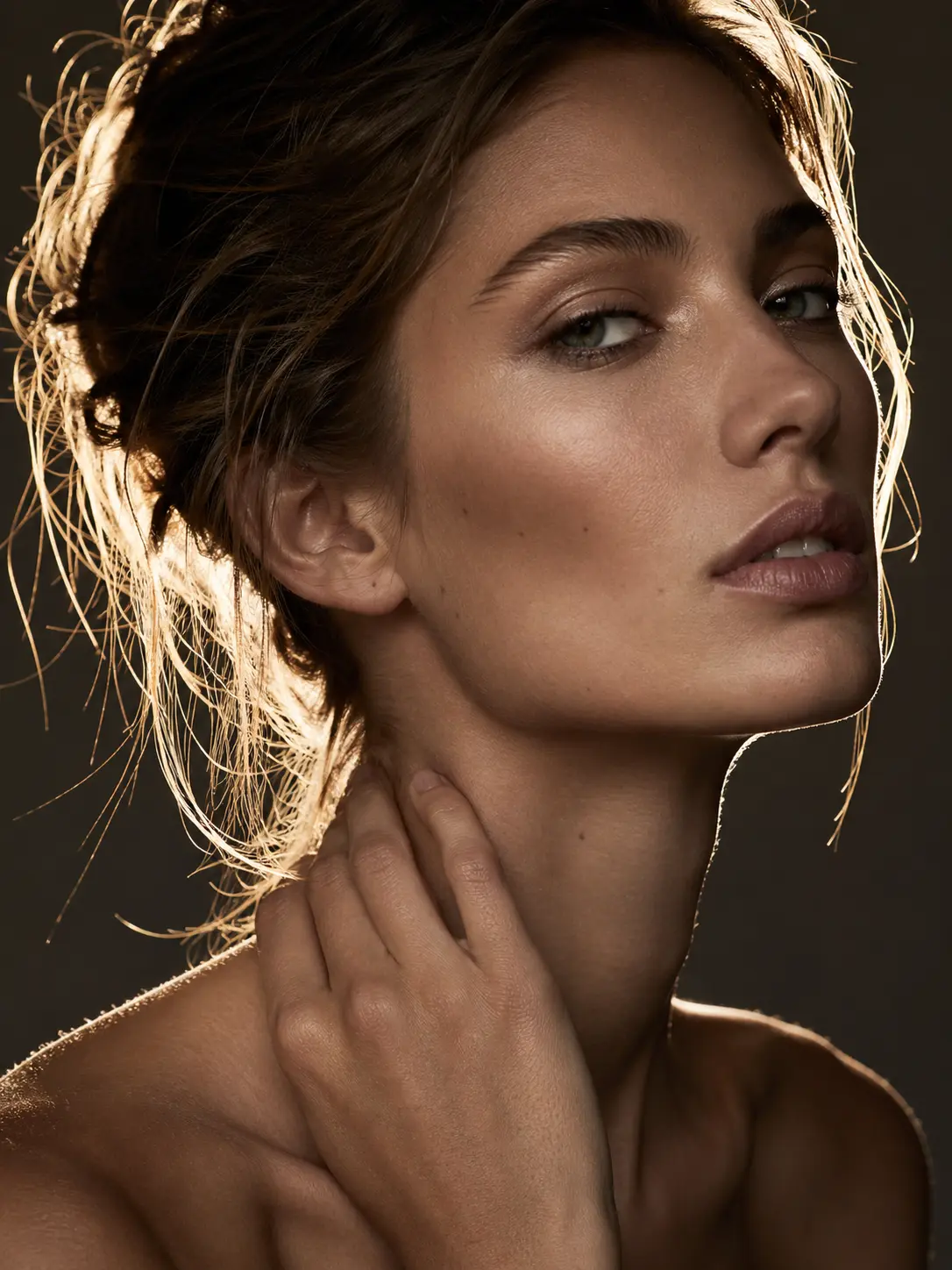
A cleaner portrait source can help AI produce a more useful enlarged result.
Compare matching crops from the same image before you download.
Simple workflow
You do not need to set up a complex editor before generation starts. Upload your image, let ImageHub upscale it automatically, then review and download the clearer result.
Upload or drop one image into the browser-based upscaler.
ImageHub starts AI upscaling after import, without extra setup first.
Compare the output and make sure the detail works for your project.
Save the upscaled result without an ImageHub watermark.
Output flow
Auto
No extra setup required before generation.
Use it for
Use ImageHub when an image looks too small or soft for the place you need it. AI upscaling can help make common visual assets clearer for practical creative and commercial projects.
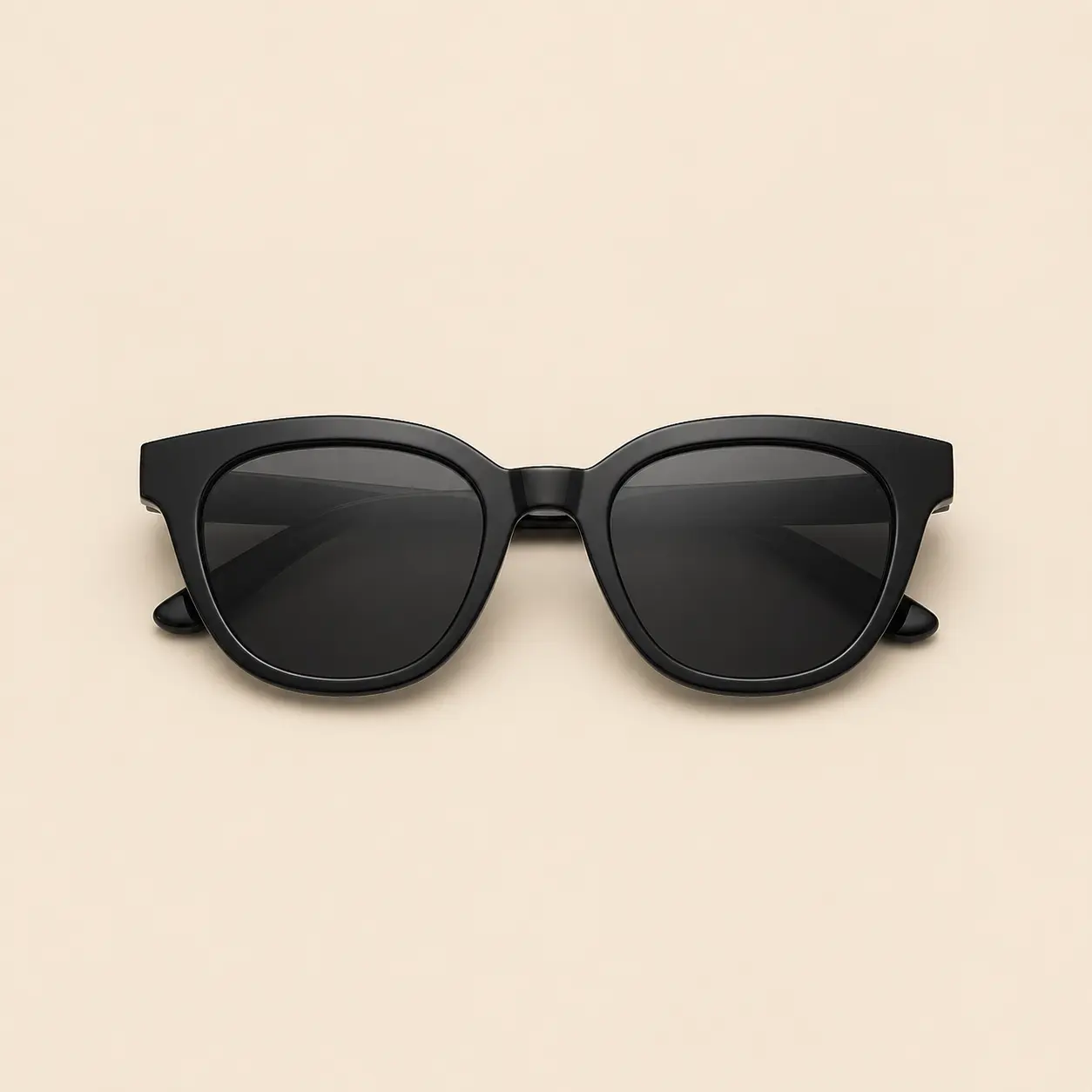
Product photos: Make product edges and texture easier to review before publishing.
Make product edges and texture easier to review before publishing.


Portraits: Improve a compressed profile or portrait image before using it in a layout.
Improve a compressed profile or portrait image before using it in a layout.

Start from a sharper source image for posts, covers, and thumbnails.


Screenshots: Make small interface crops or documentation images easier to read.
Make small interface crops or documentation images easier to read.
Design assets: Prepare a clearer image before placing it in decks, mockups, or design files.
Prepare a clearer image before placing it in decks, mockups, or design files.
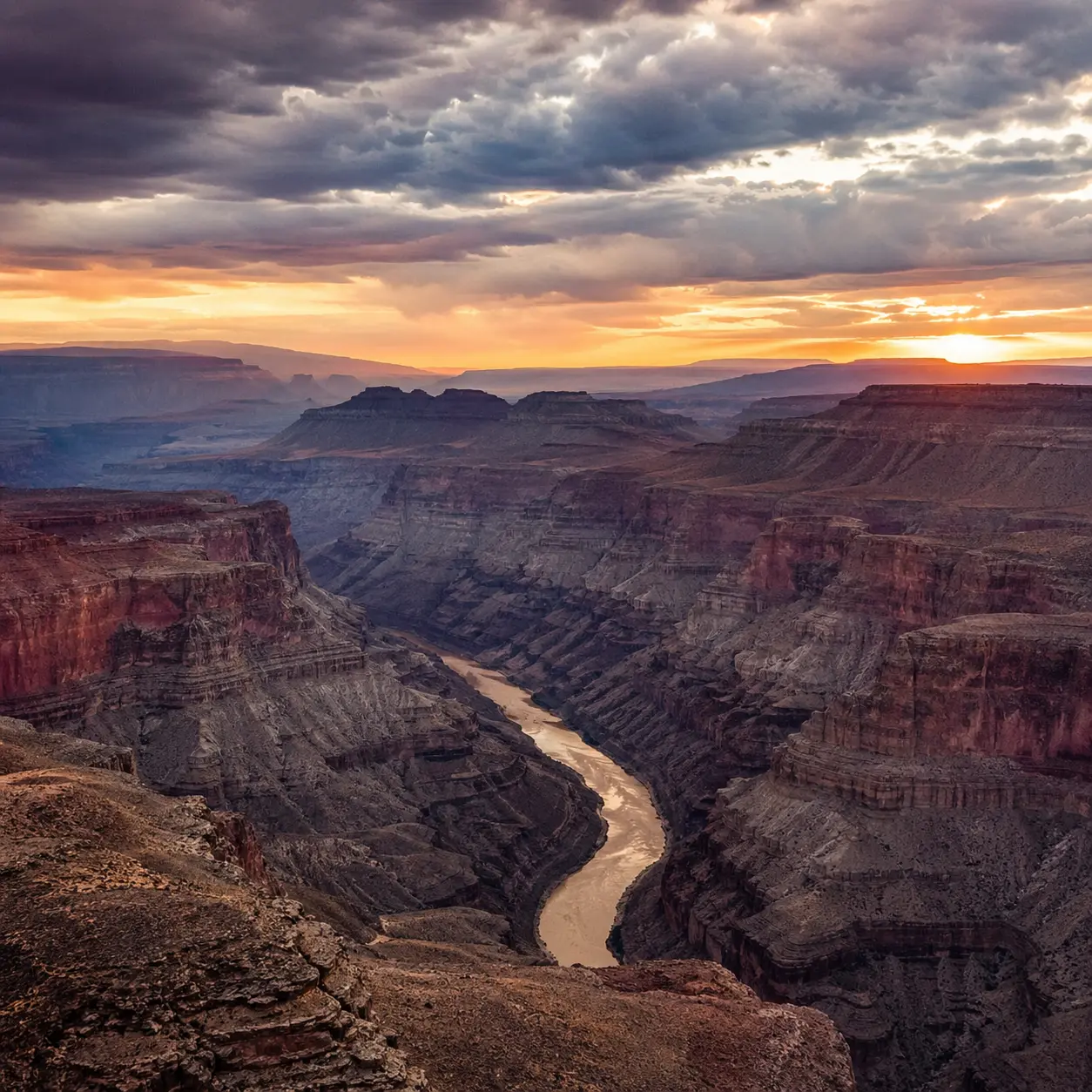
Compressed images: Give soft or compressed visuals a more useful starting point.
Give soft or compressed visuals a more useful starting point.
Choose the right tool
Image tools can sound similar, but they solve different jobs. Use AI Image Upscaler when you want a larger, clearer version of the same image. Use another ImageHub tool when you need to change the canvas, remove a background, or clean a visible mark.
Enlarges the same image and uses AI to improve clarity.
Changes image dimensions without adding AI detail or improving clarity.
Adds new canvas area around an image and fills the missing space.
Removes the background behind the subject instead of changing resolution.
Helps clean visible marks from images you can edit.
FAQ
Quick answers about using ImageHub to upscale images online.
An AI image upscaler enlarges an image and uses AI to improve perceived clarity as the image gets bigger. ImageHub's AI Image Upscaler is built for low-resolution, blurry, compressed, or pixelated images that need a clearer online result.
Upload or drop one image into AI Image Upscaler. After import, ImageHub starts AI upscaling automatically. Review the clearer result, then download it without an ImageHub watermark.
Yes. AI Image Upscaler is free to use, and downloads are free.
No. You can use AI Image Upscaler without logging in.
No. ImageHub does not add an ImageHub watermark to AI Image Upscaler downloads.
No. ImageHub does not retain or scrape your image data.
Start with common image formats such as JPG/JPEG, PNG, and WebP. Avoid uploading files such as RAW, vector, PDF, or video unless the product UI says they are supported.
Yes. Commercial use is allowed, as long as you have the right to use the original image and the final result.
No. AI Image Upscaler is designed for one image at a time. Batch processing is not supported for this route.
No. AI upscaling can make an image larger and clearer, but the result still depends on the source image. Start with the cleanest file you have and review the output before using it.
No. Resizing changes image dimensions. AI upscaling enlarges the image and uses AI to improve clarity during that enlargement.
No. An upscaler improves the size and clarity of the same image. An image extender adds new canvas area around the image, and a background remover removes the background behind the subject.
Start now
Upload a small or blurry image and let ImageHub create a larger, clearer result automatically. No login, no ImageHub watermark, and no desktop editing setup.
Free to use. Free download. ImageHub does not retain or scrape your image data.
Upscale image
Need a different image task?
Add more canvas around an image.
Remove the background behind a subject when you need a clean cutout.
Clean visible marks from images you can edit.
Place product photos on a clean white background.