
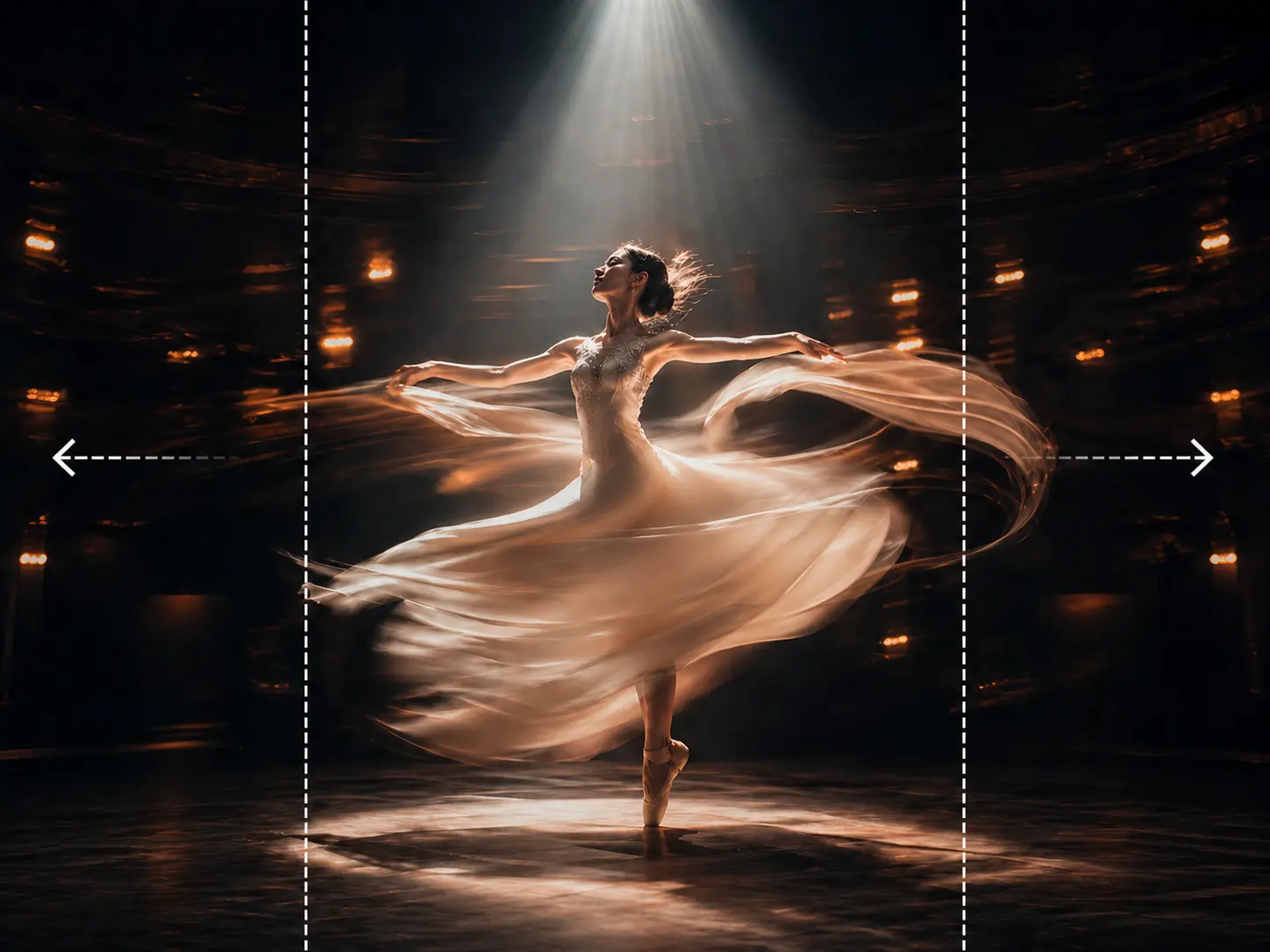
Original Ratio
Expand the source canvas with a simple slider while keeping the original image ratio.
 ImageHub
 Expand and uncrop your images online with ImageHub's free AI Image Extender. Upload a photo, choose the canvas ratio, position the image, and let AI fill the missing space with no login or watermark.
Drag and drop your image here
Supported formats: JPG, JPEG, PNG, WEBP
Canvas modes
Original Ratio keeps the source shape. Custom Ratio uses a fixed output canvas preset. In both modes, you drag the image into place before AI fills the new space.
Expand the source canvas with a simple slider while keeping the original image ratio.
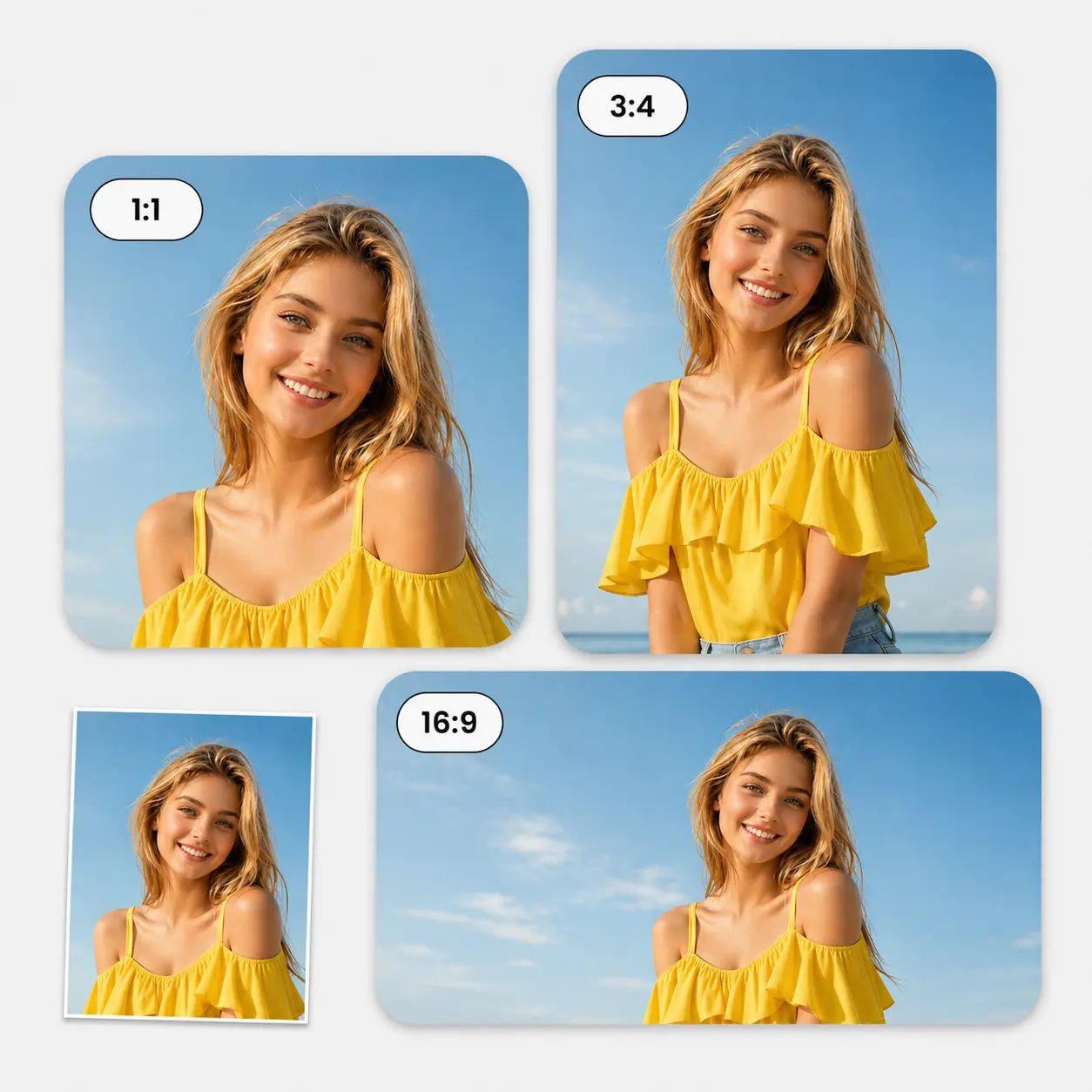
Pick a fixed canvas preset, then reposition the image so AI fills the area you need.
How it works
No prompt is required. The canvas position tells ImageHub where new image area is needed.
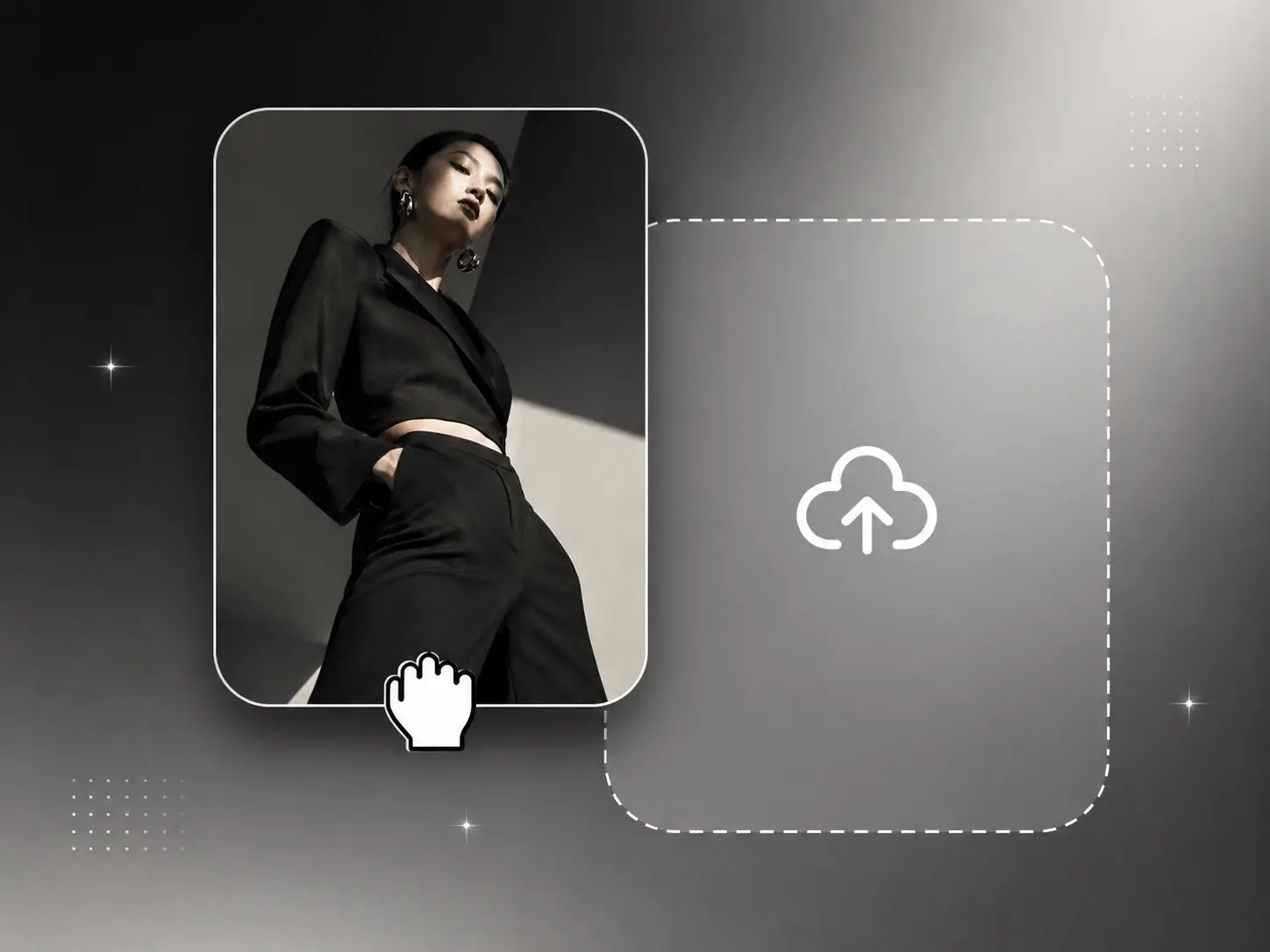
Start with one photo, product shot, portrait, landscape, or creative image in the browser.
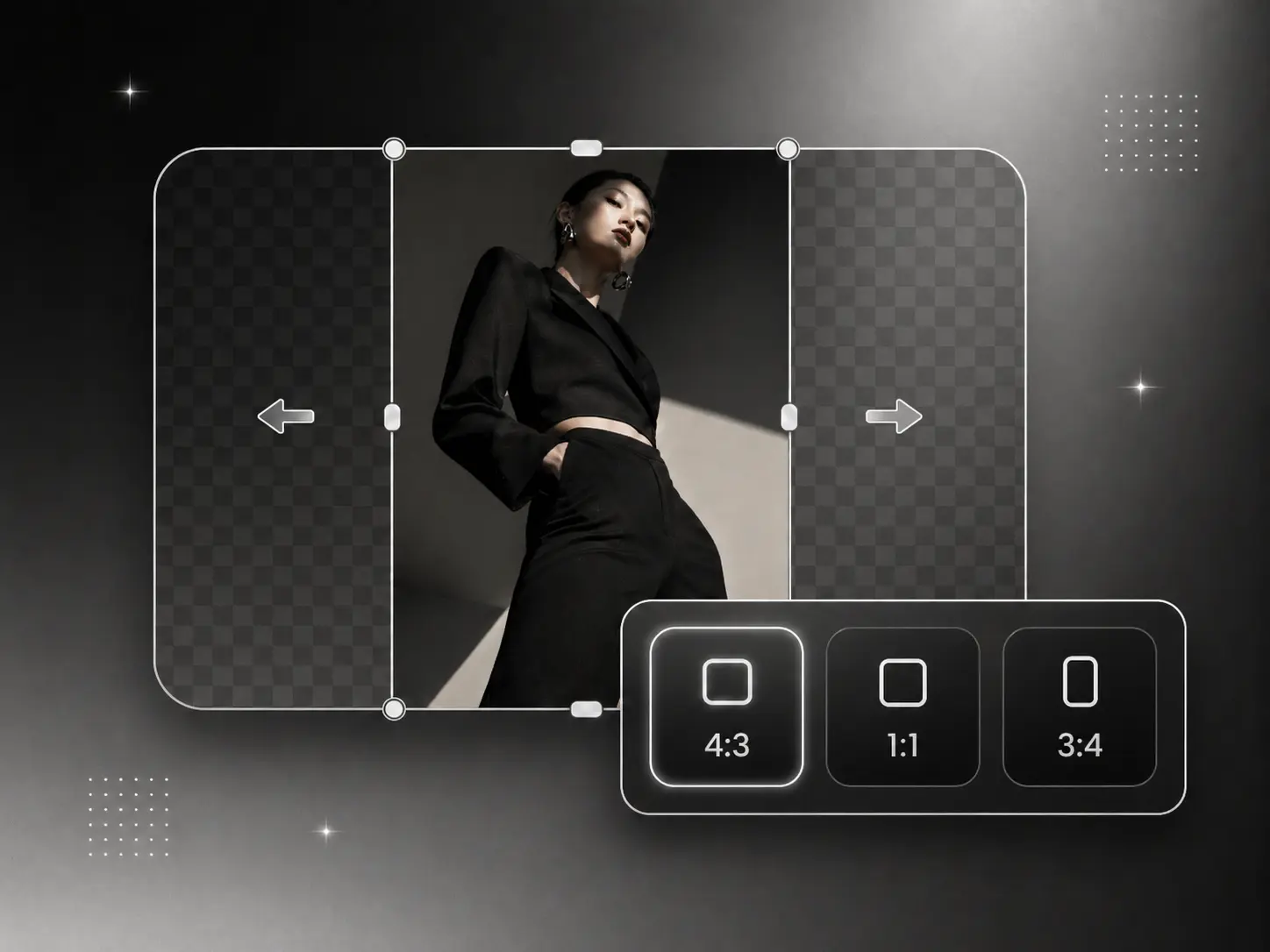
Use Original Ratio to keep the source shape, or Custom Ratio for a fixed output canvas preset.
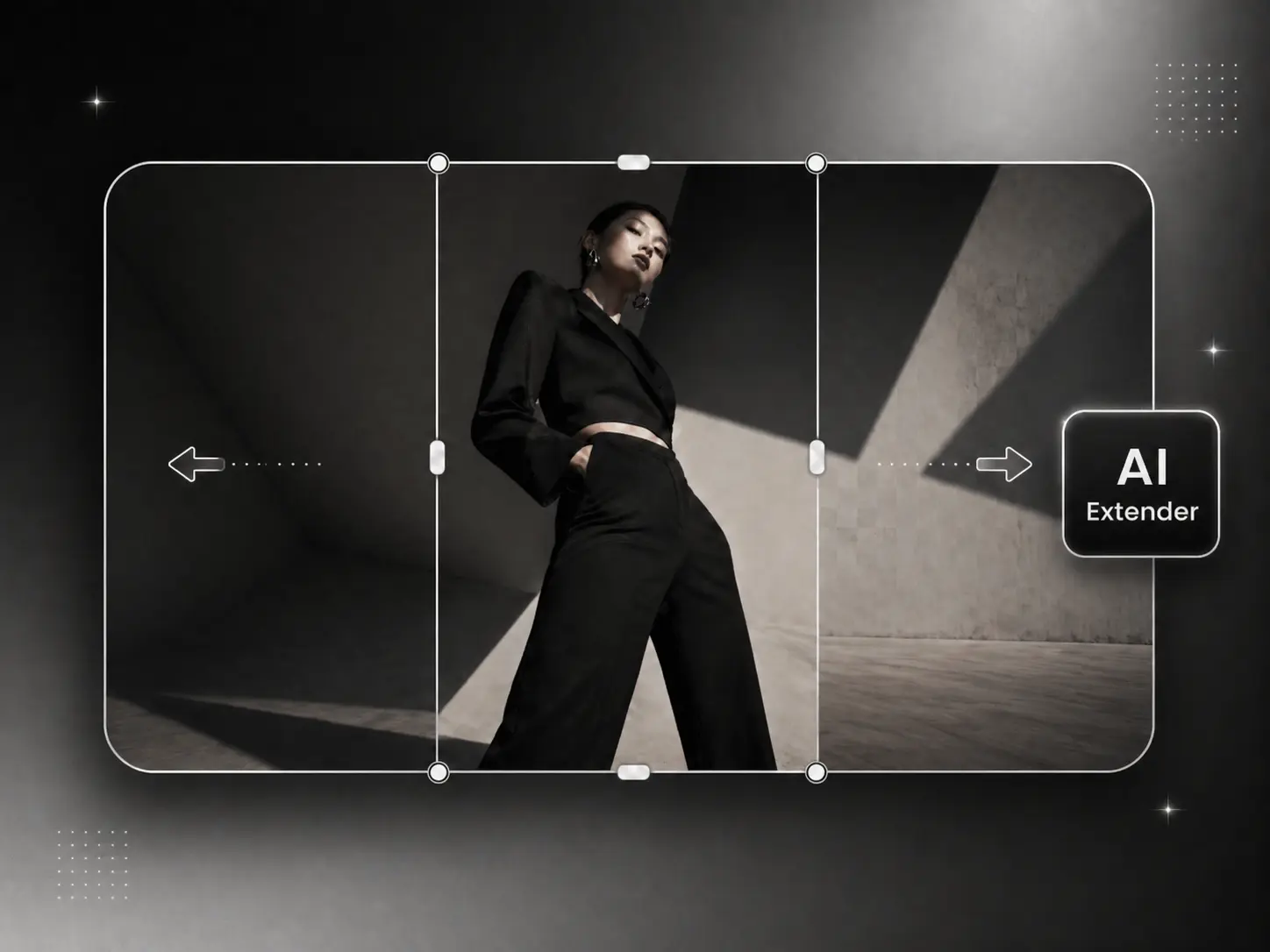
Drag the image inside the canvas so the empty area appears where you want AI to fill.
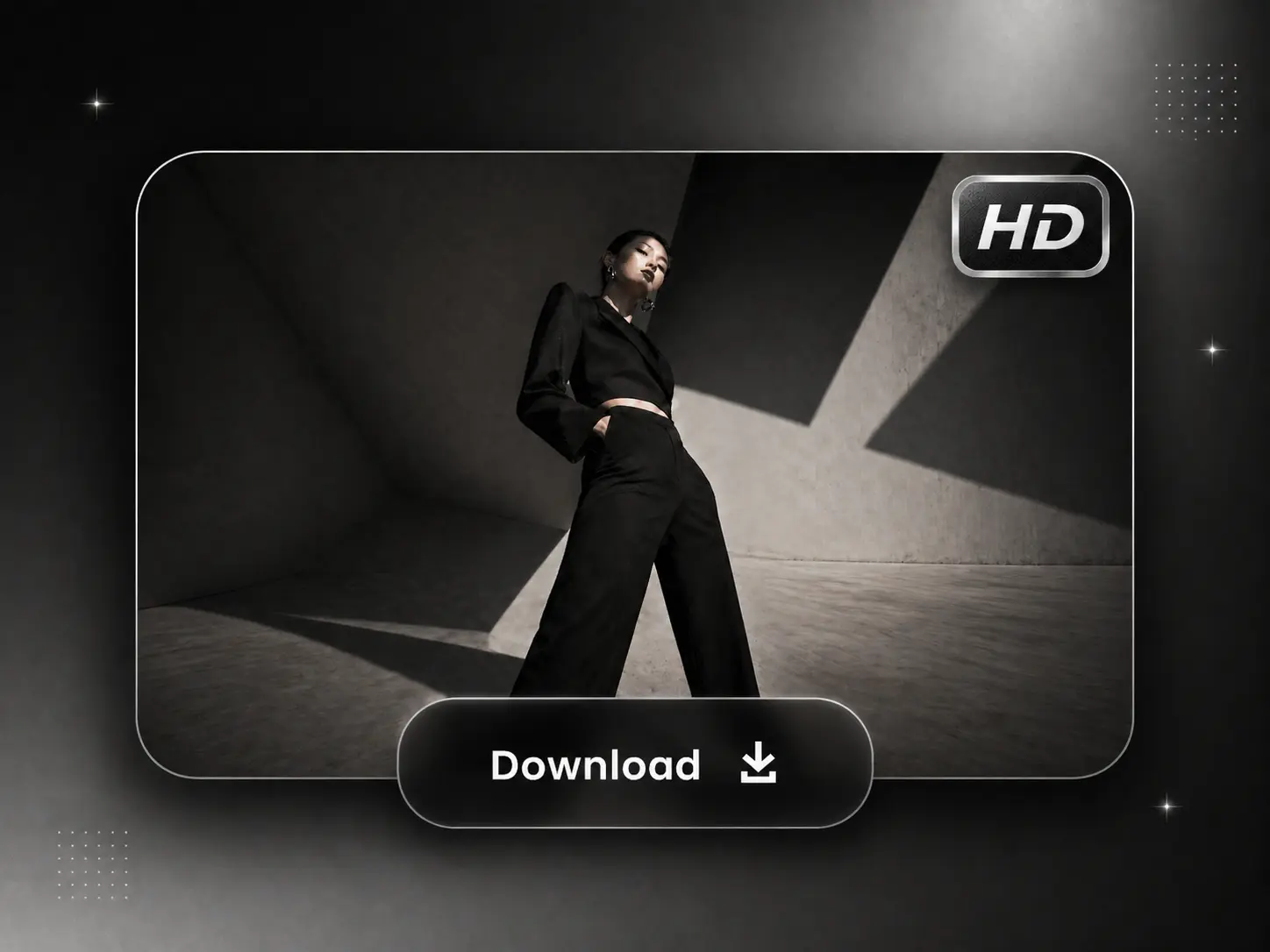
Create the expanded image and download the HD result when it is ready.
Quality guidance
AI extension works best when the new canvas area is reasonable for the image. Keep visible edge detail, anchor the subject, and use smaller passes for large one-side expansions.
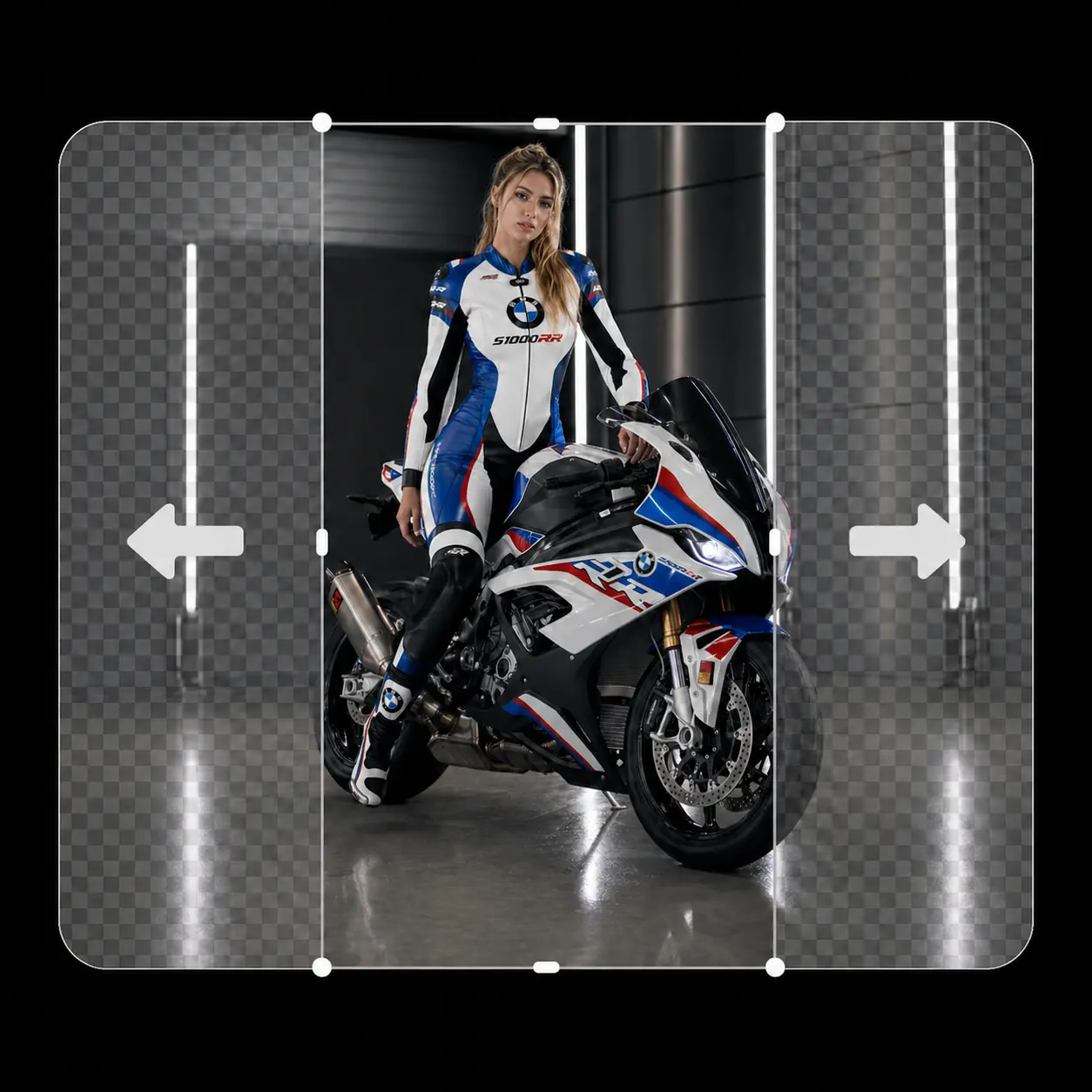
Leave visible edge context so the new canvas has useful detail to continue.
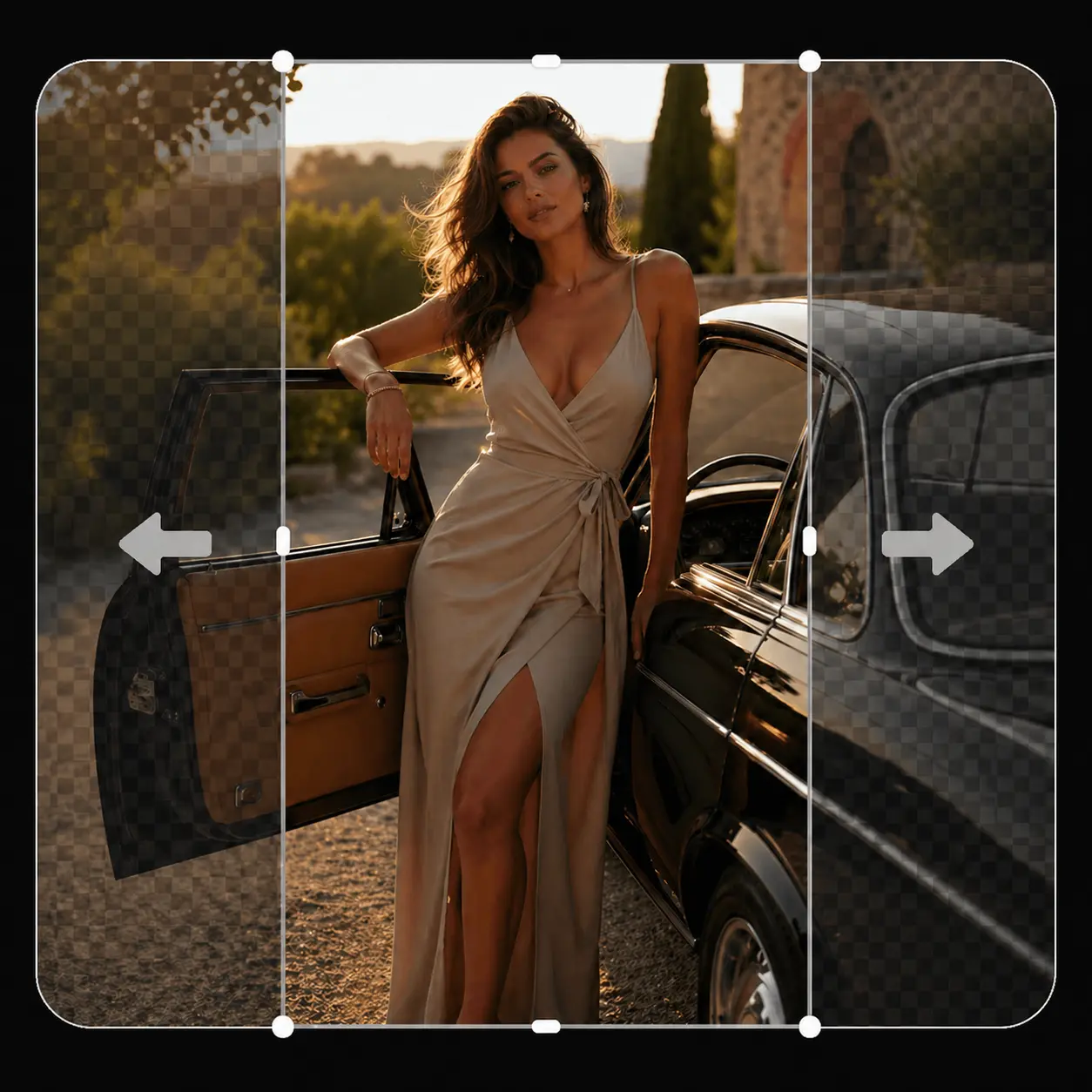
Keep the subject anchored and expand around the surrounding background.
Use cases
Extend portraits with more background, reframe artwork for a wider layout, or create extra side space for social posts, thumbnails, and banners.
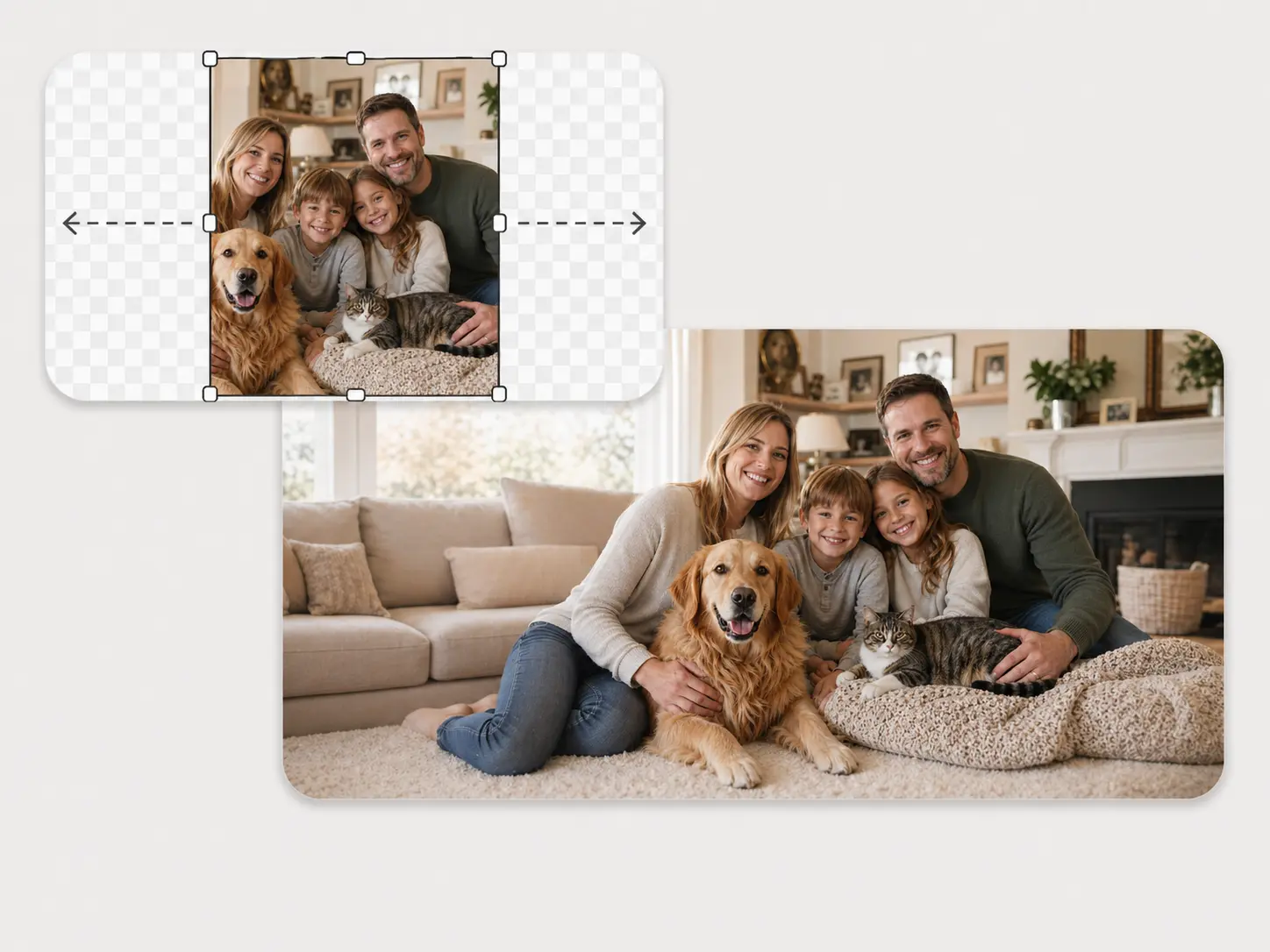
Give family and group shots more room without stretching the people in the frame.
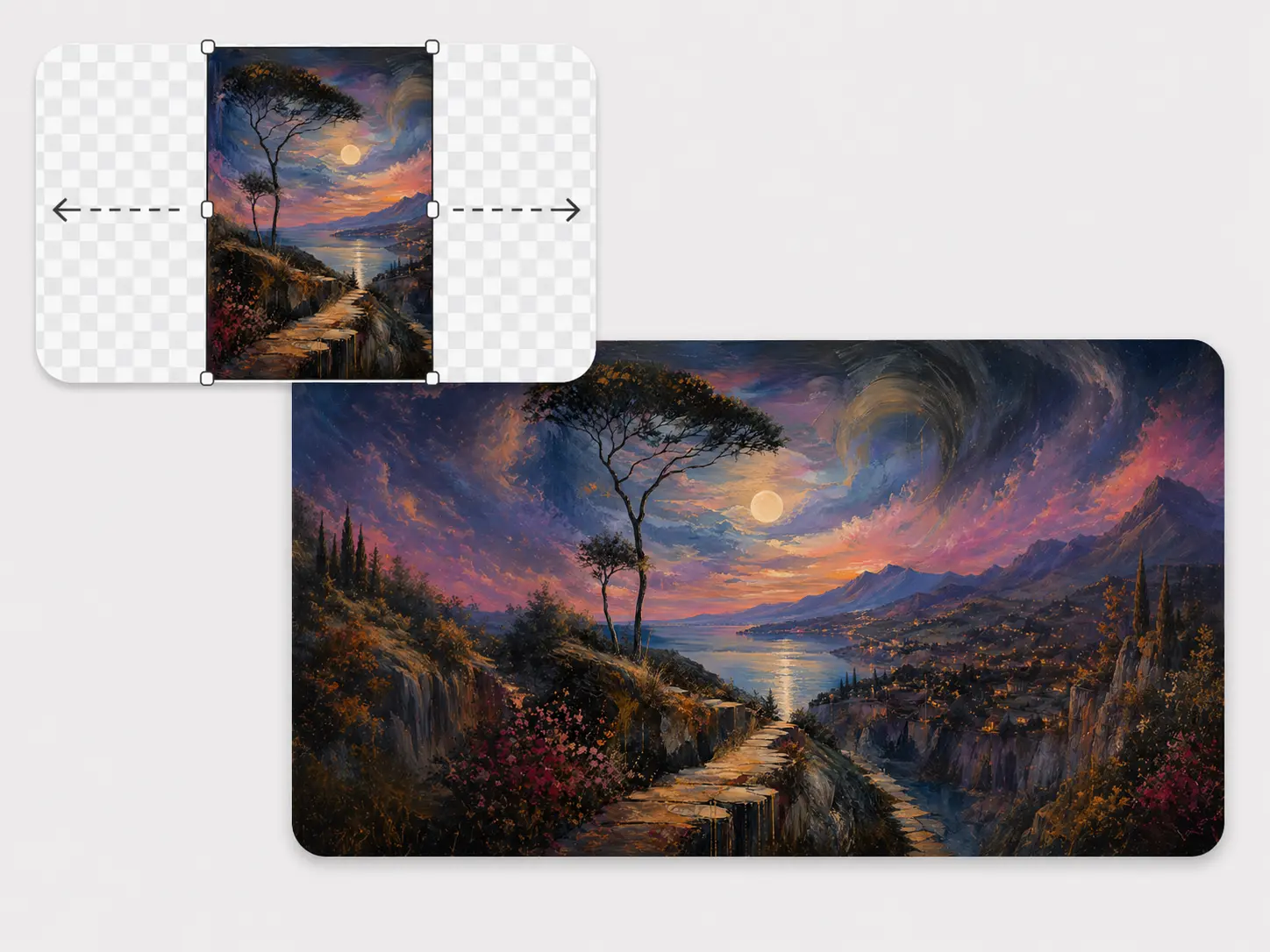
Extend illustrated scenes and landscape-style artwork into wider compositions.
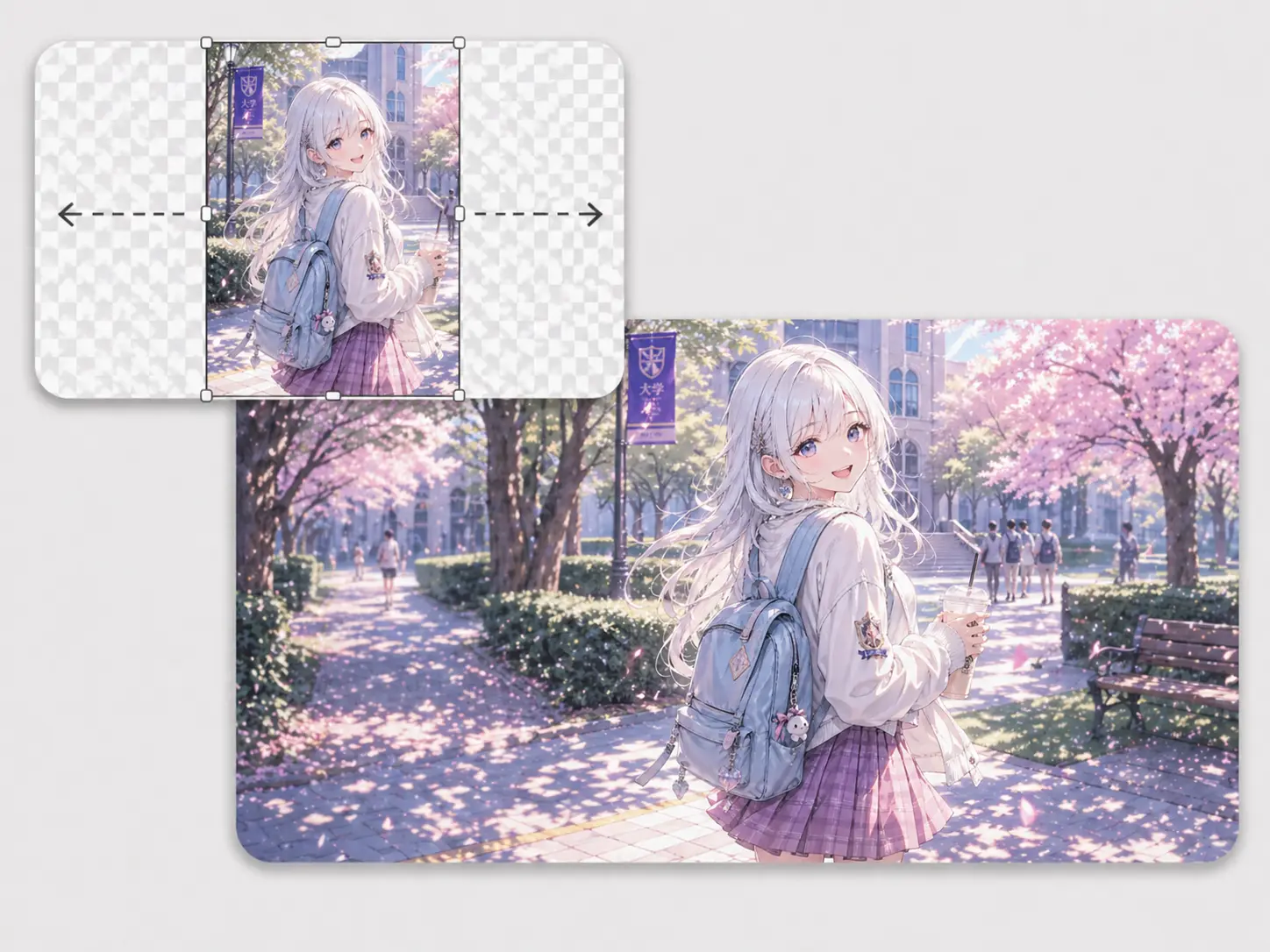
Reframe character art and illustrations while keeping the central subject intact.
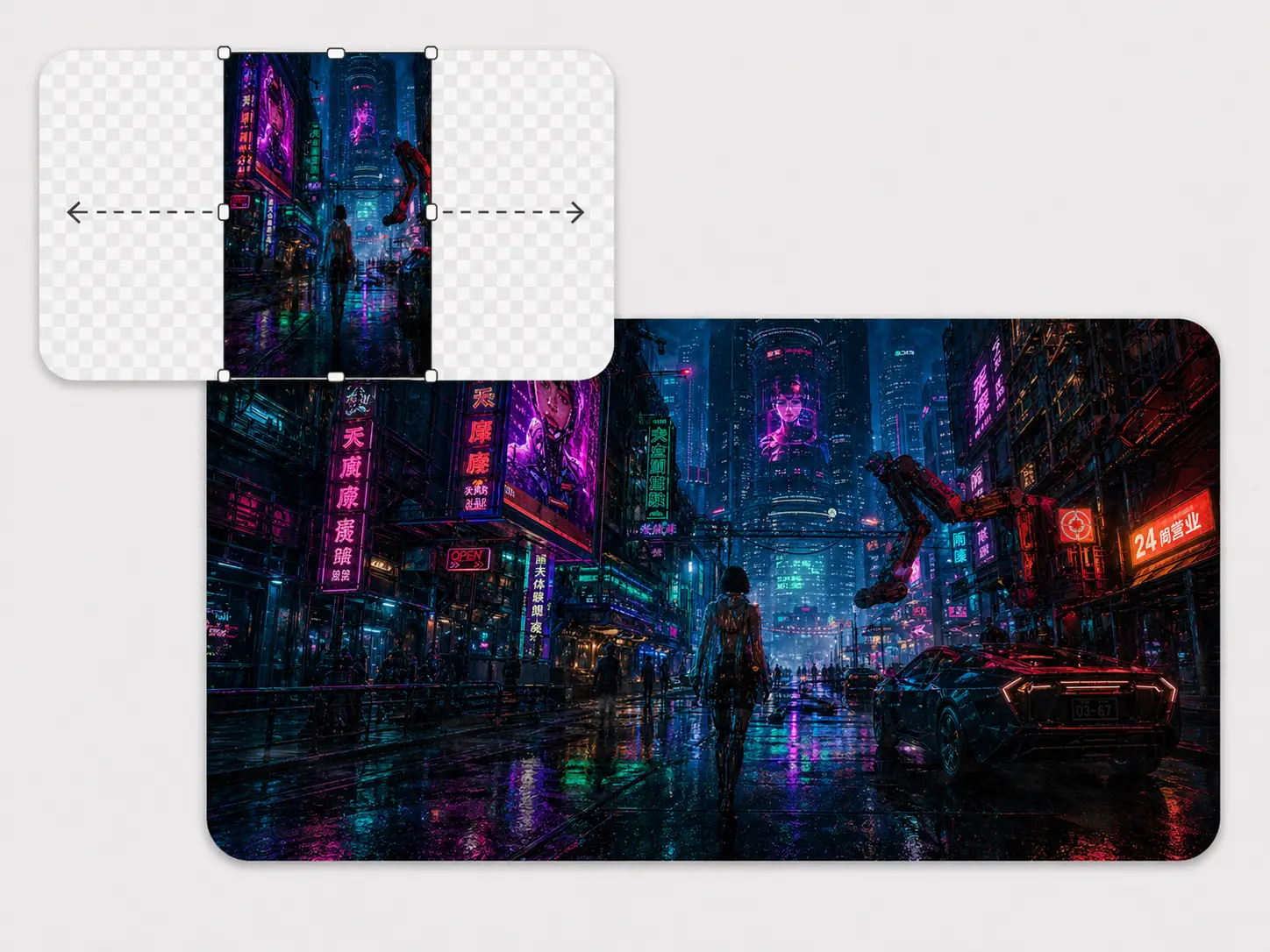
Create more surrounding atmosphere for dramatic visuals and social crops.
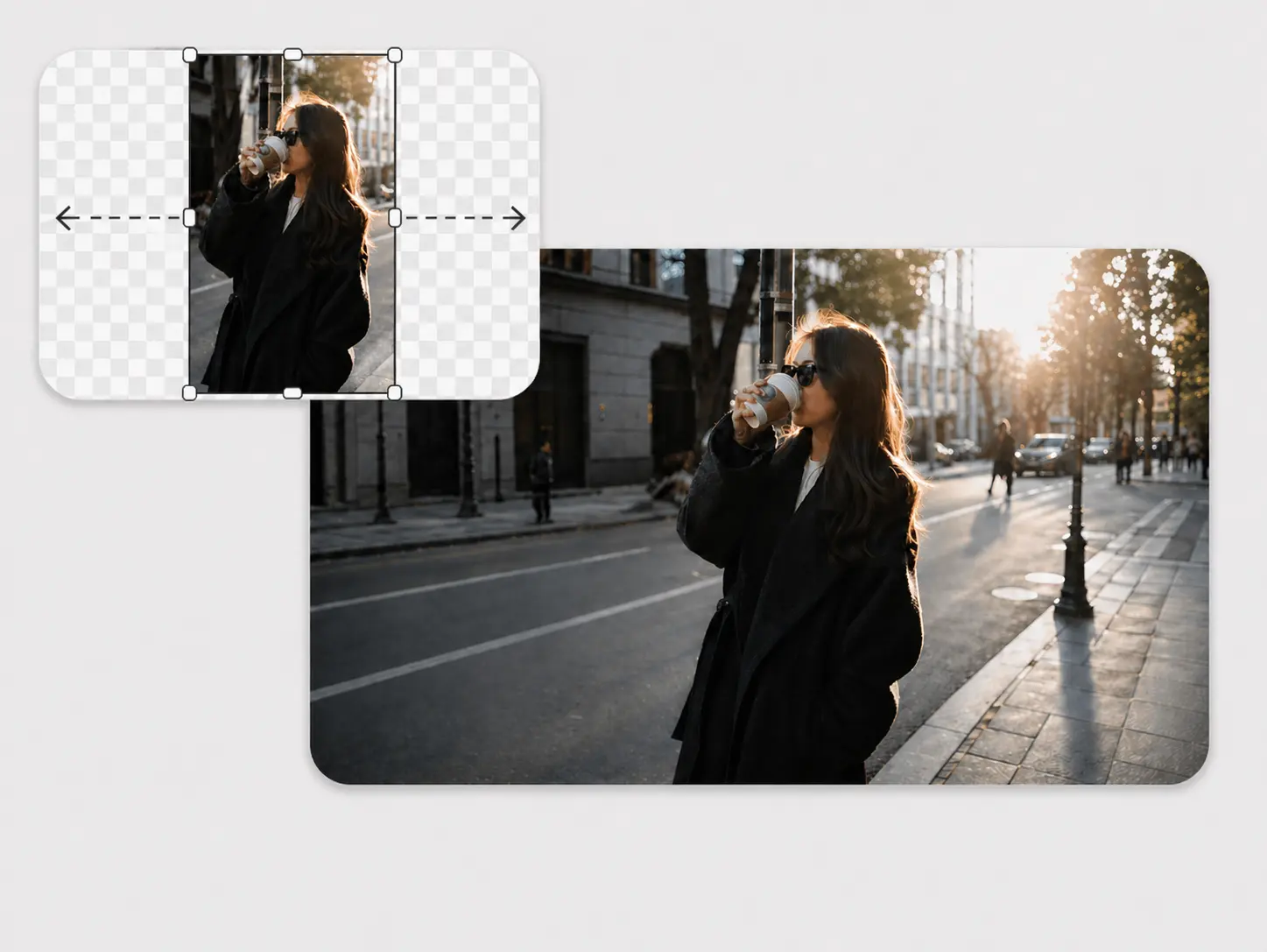
Add side space around portraits for editorial layouts, thumbnails, or text.
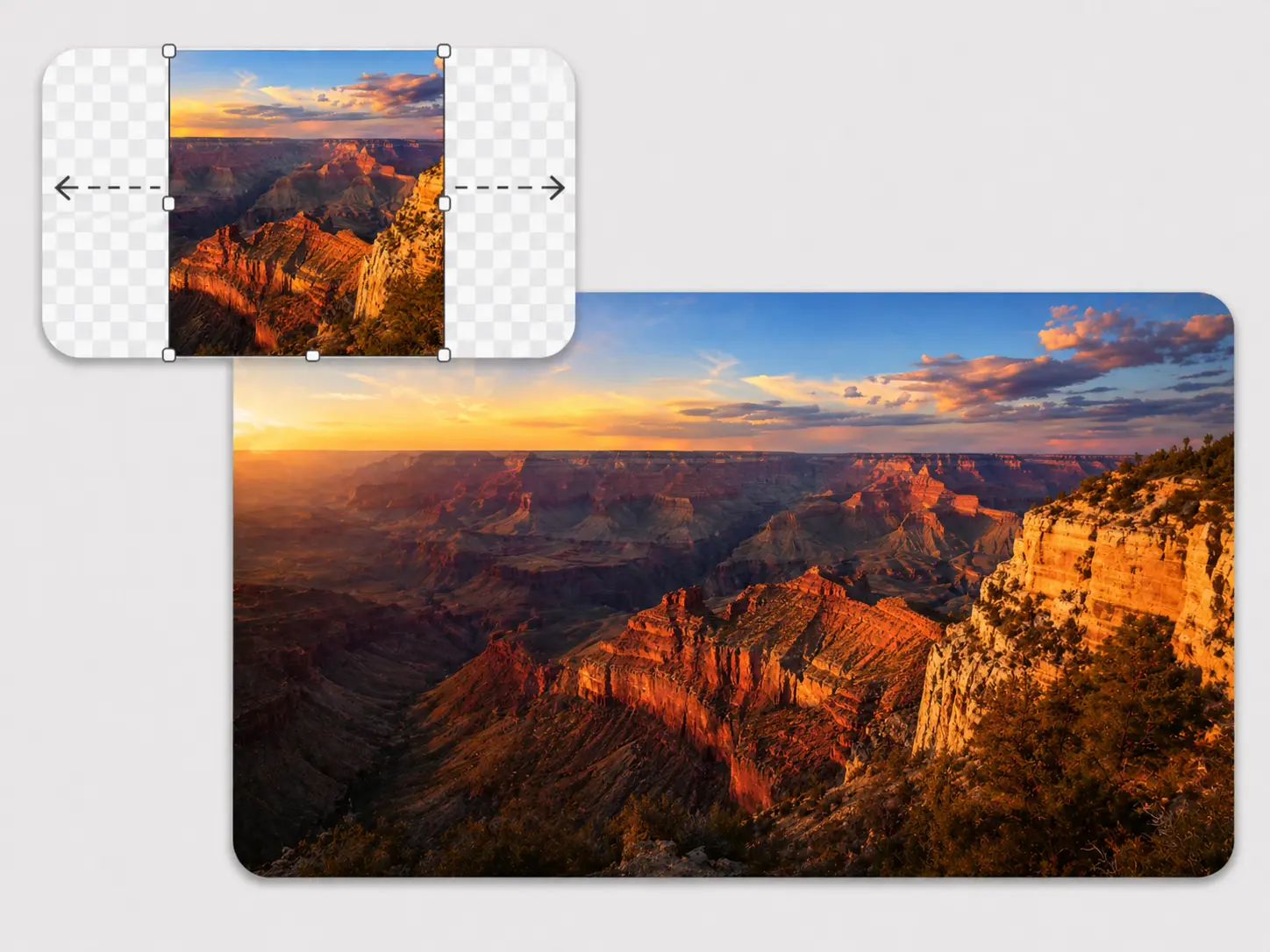
Turn scenic images into wider banner-ready compositions with more horizon room.
AI outpainting
Resizing scales every pixel. AI outpainting keeps the original image anchored, opens new canvas around it, and fills that empty area with matching surrounding content.
The whole image changes scale, so the subject and background can feel cropped, squeezed, or less natural.
The source stays anchored while AI creates matching surrounding content in the expanded canvas.
01
Pick the canvas size or ratio before generating.
02
Move the image so empty space appears where it is needed.
03
AI completes the surrounding content instead of scaling pixels.
Common formats
Upload regular browser image files and keep the workflow simple.
Export
Download the expanded image when the generated result is ready.
Promptless
The canvas position tells AI where new image content should appear.
FAQ
An AI image extender expands the canvas around an image and uses AI to fill the new empty area. It helps fix tight crops, add background space, or reframe an image for a different layout.
Original Ratio keeps the source image shape while expanding the canvas around it. You can adjust the canvas and drag the image to decide where the new space should appear.
Custom Ratio uses a fixed output canvas preset, such as square, portrait, landscape, or a social-style layout. You place your image inside that canvas before generating the expanded area.
Choose a canvas mode, then move the image inside the canvas so the empty area appears on the side you want to extend. For large one-side changes, smaller repeated expansions usually give AI more useful context.
No. You can upload the image, choose the canvas mode, position the image, and generate the result without writing a prompt.
Keep the new canvas area moderate, give the tool enough surrounding image context, and try again if the result looks unclear or adds unwanted objects.
Yes. You can use the AI Image Extender for free, with no login required and no watermark on the downloaded result.
No. Images are not saved, not made public, automatically deleted, and processed in local memory.
Yes. Commercial use is allowed for the output.
Try generating again, or use a smaller expansion before extending more. AI results can vary, especially when the canvas jump is very large or the source image gives limited context.
Ready to expand
Upload an image, choose a canvas mode, position the photo, and let AI fill the missing space. No login, no watermark, and no prompt required.
Let AI Expand ImageCut out the subject from a photo before placing it in a new expanded layout.
Create a clean white product or portrait background after your image is framed.
Clean authorized images before using them in a new composition.