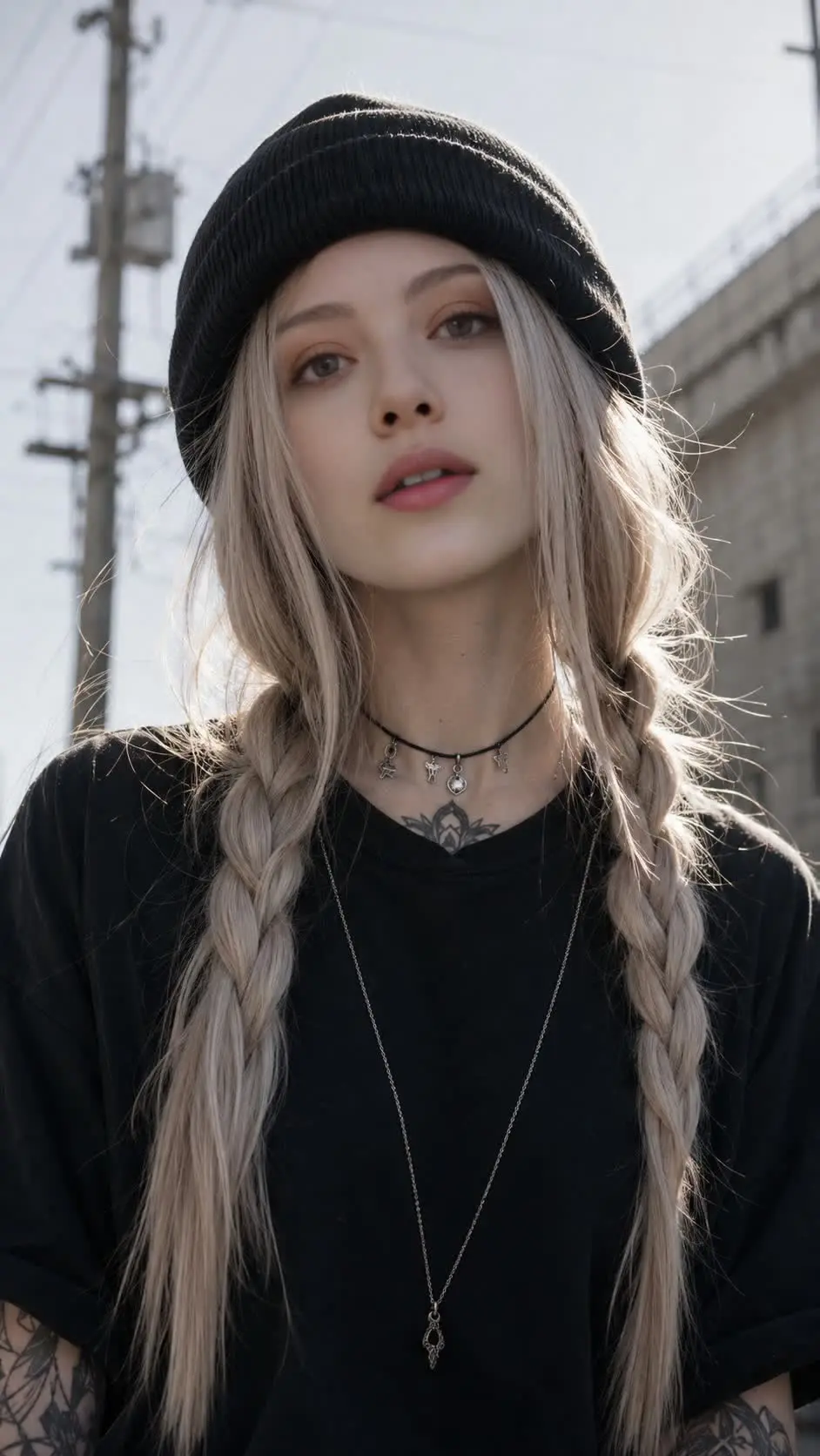
For the group chat
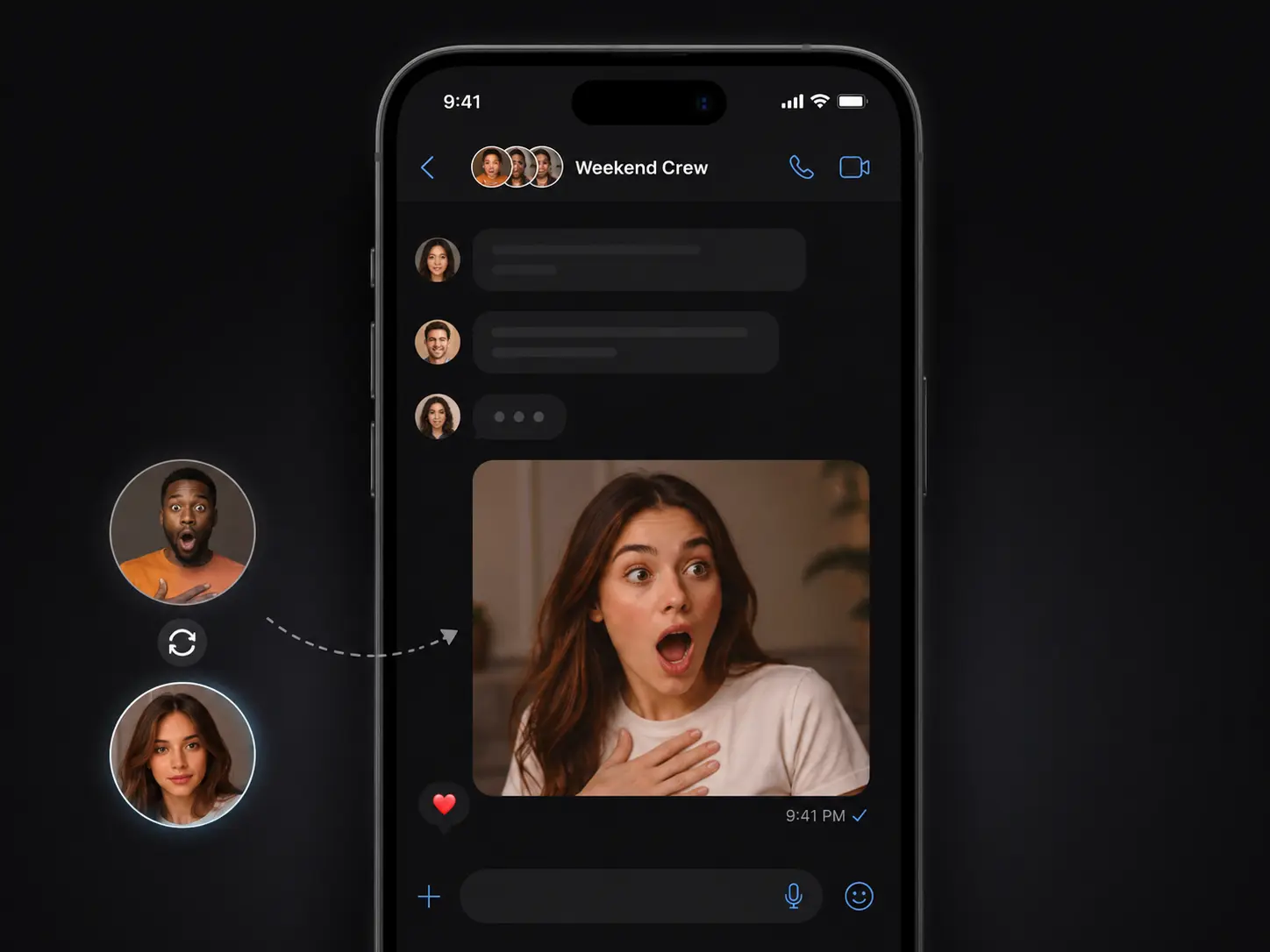
A reaction meme, the second the joke lands.
Someone drops their own face onto a reaction-meme template the second the joke lands in the chat - posted before anyone has to explain it.
 ImageHub
 Photo face swap - fast online tool
Drop in a photo and the face you want, and get it swapped in - one face or everyone in the shot, no hand-editing.
Add the base photo and the new face to begin.
No app, no account
The usual route: install a face-swap app, make an account, run the swap - then the free result comes back with a watermark in the corner, or the download is locked behind a "7-day free trial" that charges your card on day eight.
Open this page instead. Drop in your photo and the new face, get the swap, and download it from the same screen - no app, no account, and no card on file.
One face or the whole room
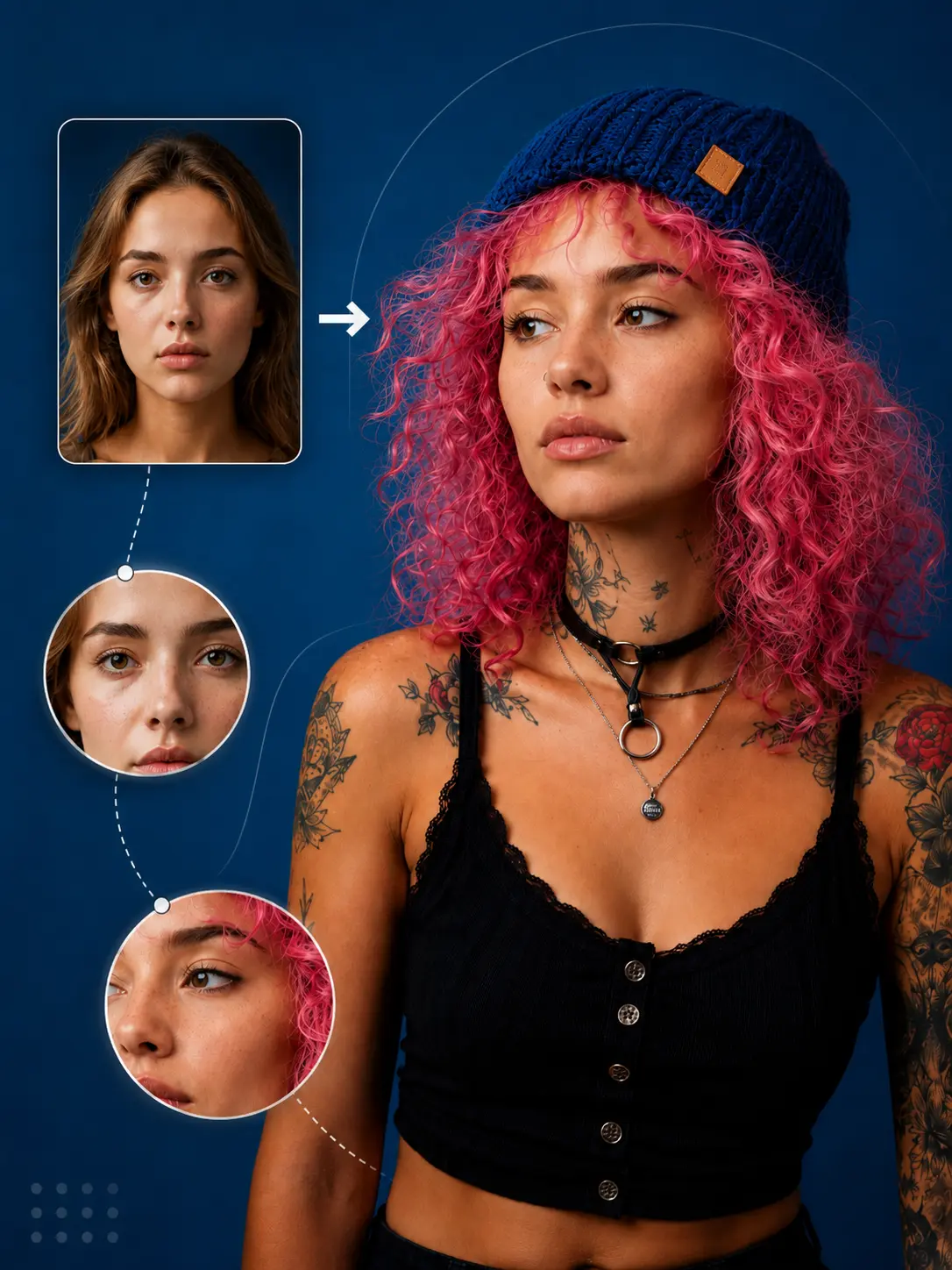
Most face swappers take over the whole image, or make you fix each person one at a time - the wrong tool when only one face in the group shot needs changing. Pick the single face you want replaced and leave everyone else untouched, or swap every face in the photo in one run.
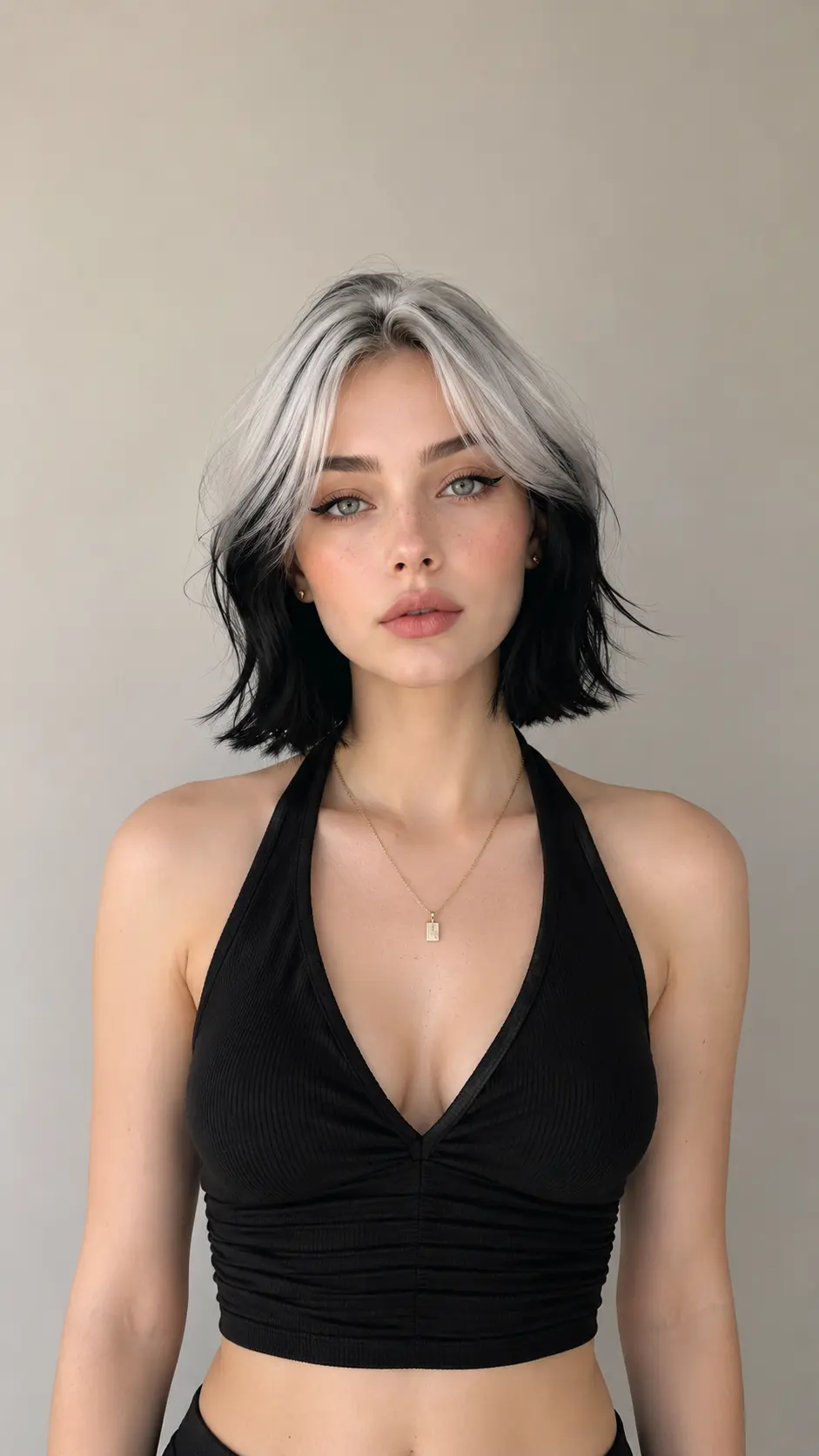
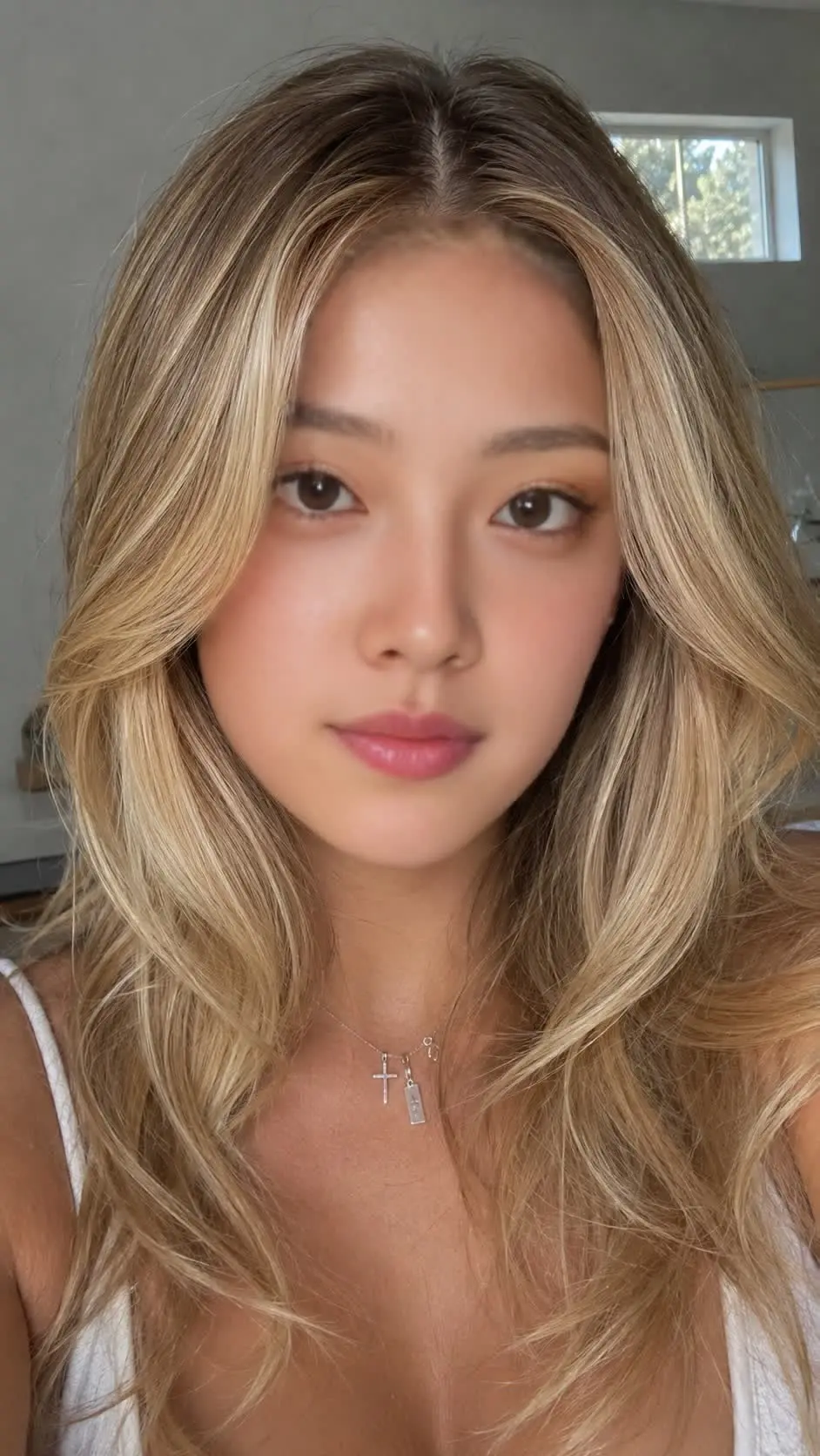
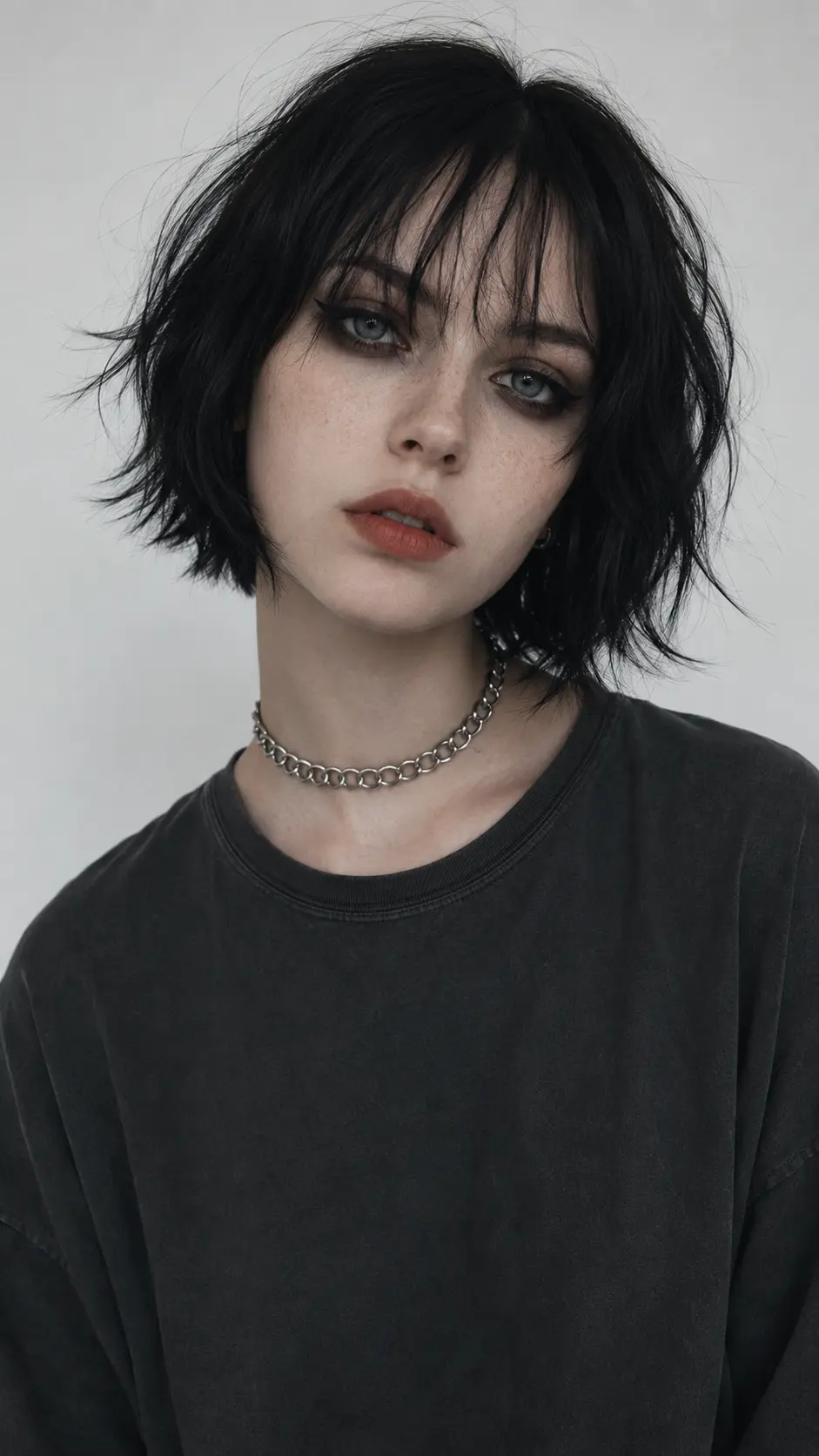
For a group-chat meme where the whole crew gets the same face, swap everyone in one run.
Swap a group photo ->Less of the pasted-on look
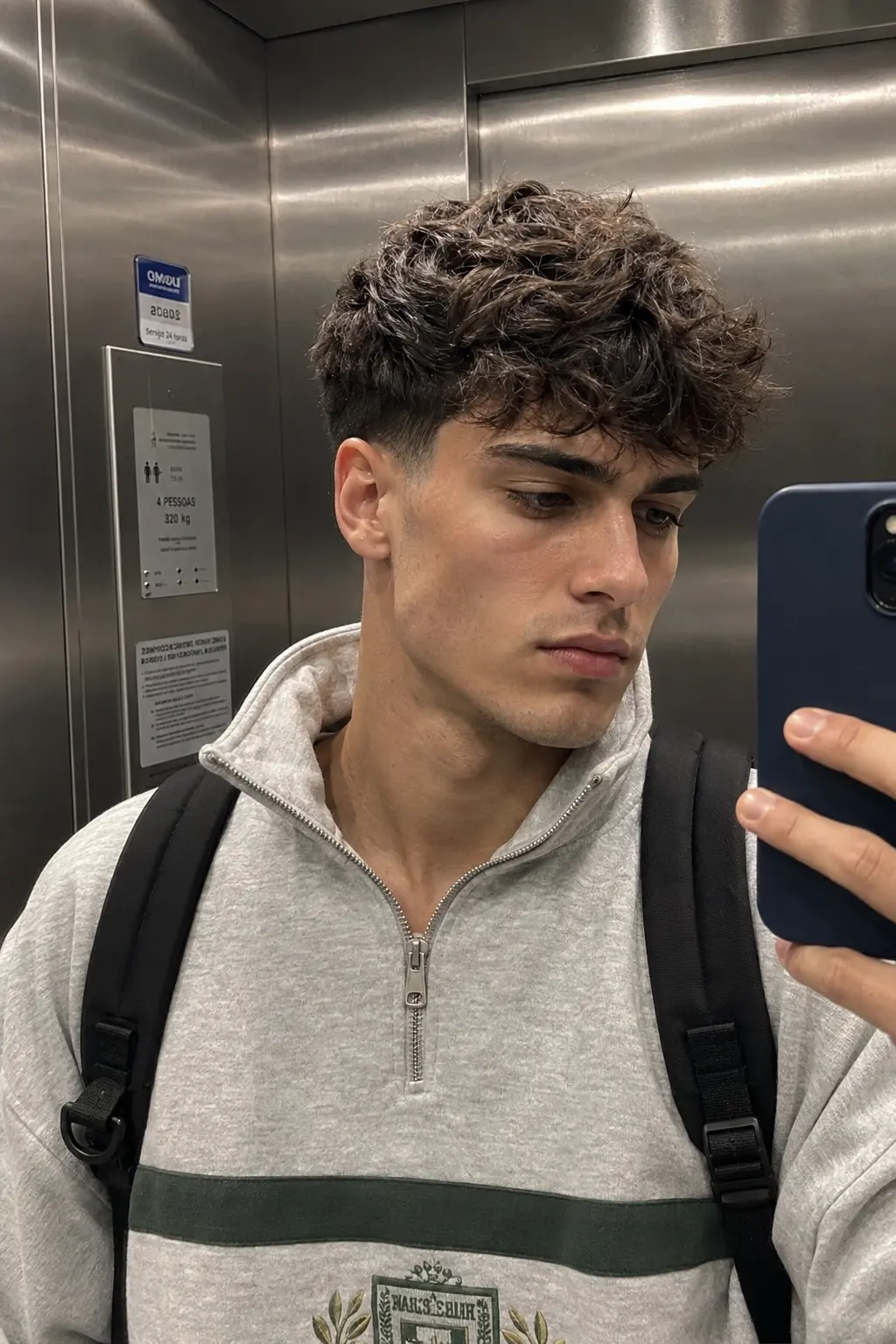
Cheap swaps give themselves away - a bright face on a dim photo, a hard line at the jaw, plastic-smooth skin, eyes pointing the wrong way.
Most of that comes down to the source you hand it. Give it a clear, front-facing shot, lit like the photo you are dropping it into, and skip the heavy filters. Since every run is free, you can swap, check it, and redo until it sits right.
Three steps
No timeline, no masking, no layers. Drop the base photo and the new face, choose who gets swapped, and the HD result downloads from the same screen.
Drop in the photo whose face you want to replace. Group shots, half-body, and full-body all work. JPG, PNG, and WebP are supported.
Choose one specific face in the photo to replace, or set it to swap every face at once.
Run it, review the HD image result, and download the finished swap when it is ready.
Swap a face ->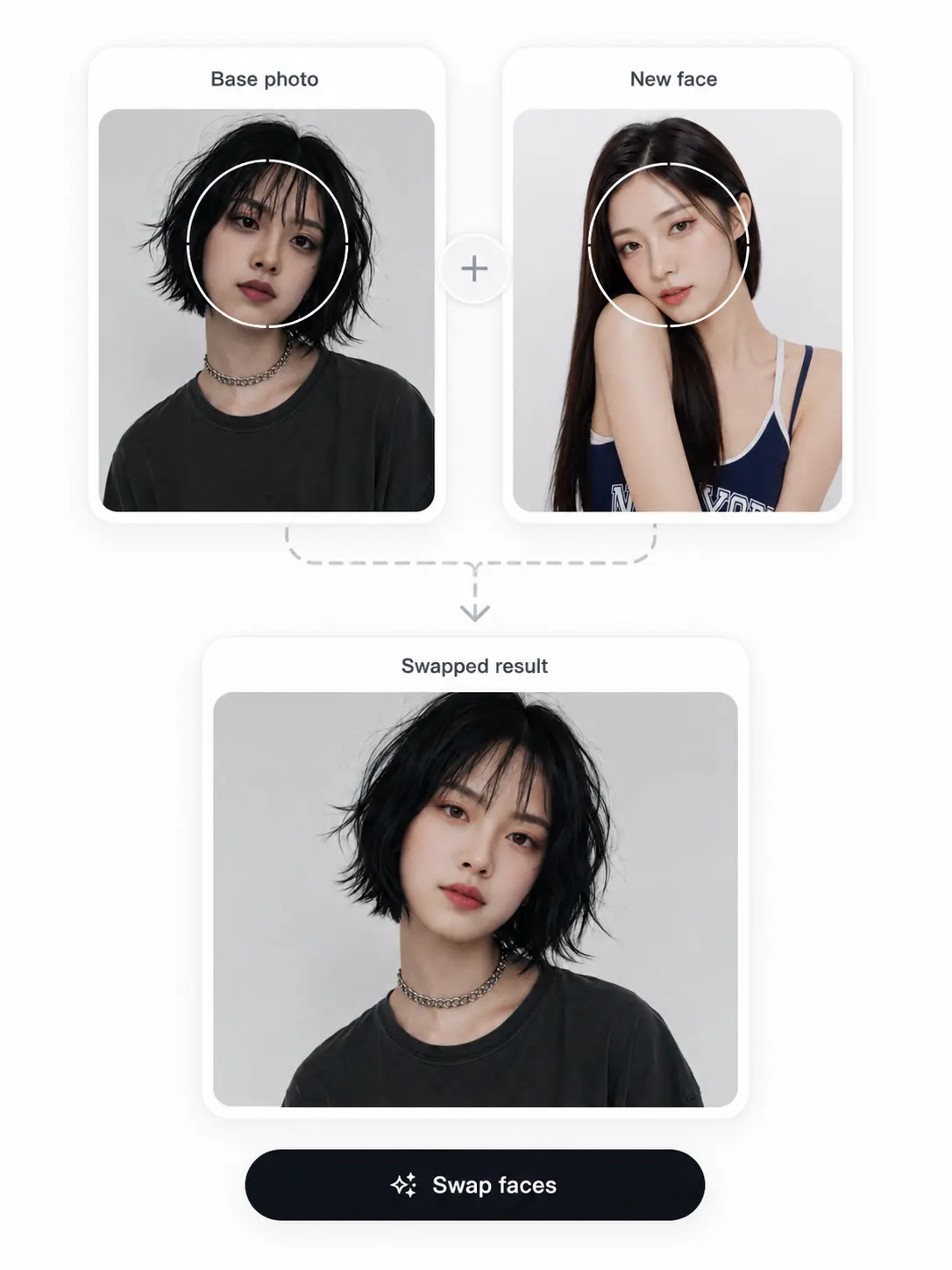
Where it actually gets used
For the group chat
Someone drops their own face onto a reaction-meme template the second the joke lands in the chat - posted before anyone has to explain it.
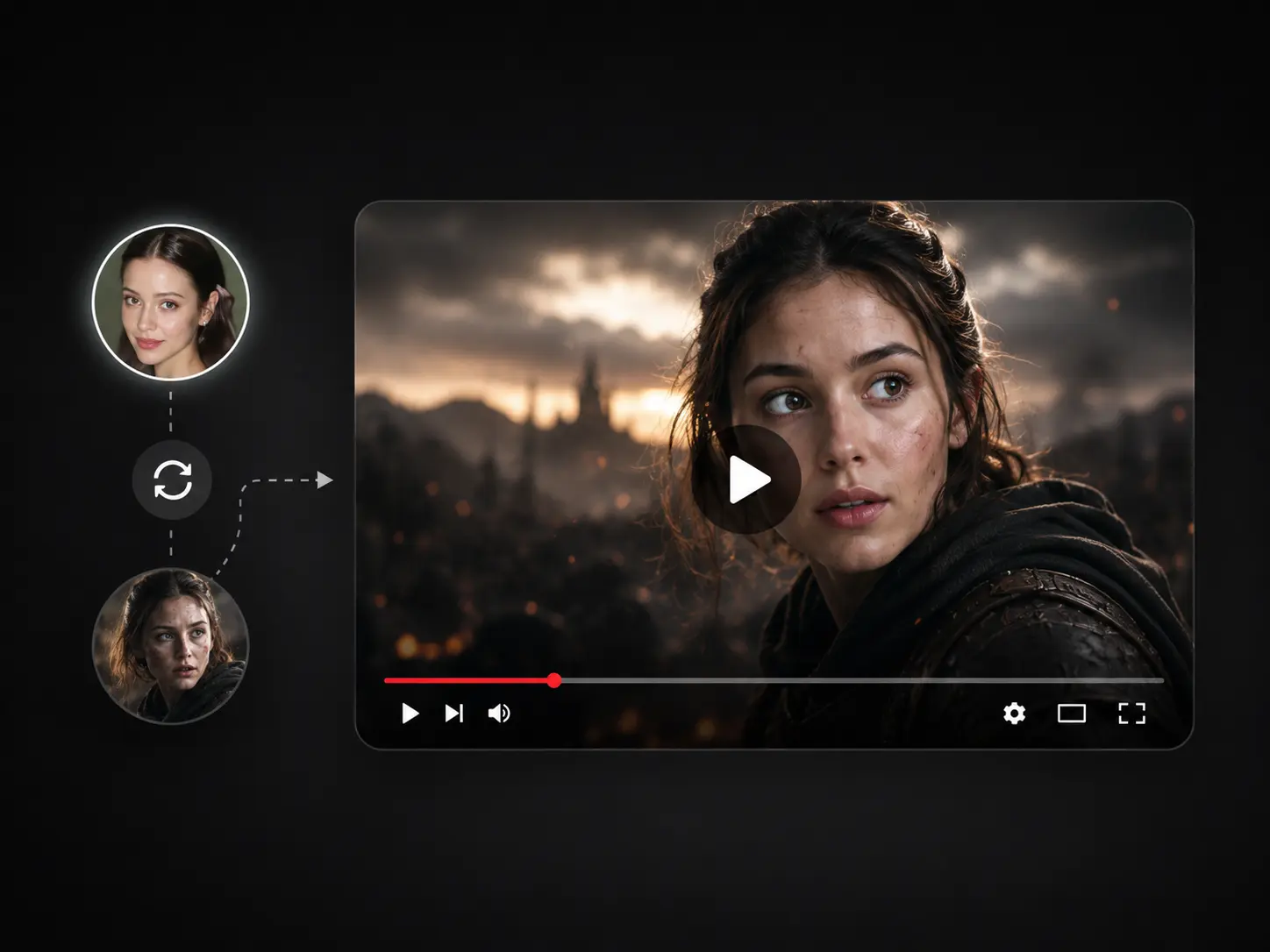
Before the upload window closes
A YouTuber swaps their face into a movie-scene still for the video thumbnail, and ships it the same afternoon they cut the video - no app, no account.
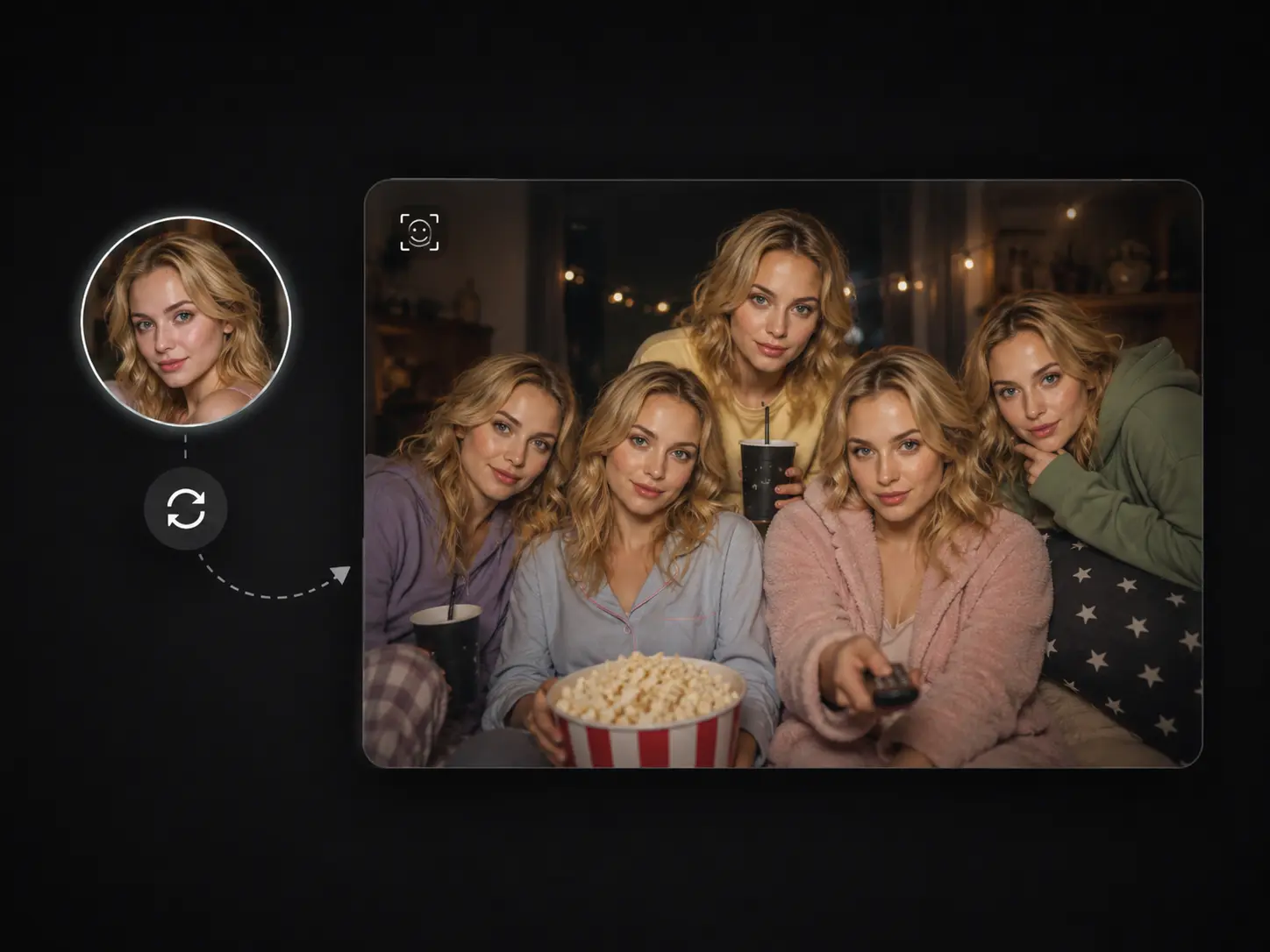
The whole crew
For a watch-party invite, every face in the group photo gets swapped to the same character - one run, one image, dropped in the chat before anyone replies.
Before you swap
Practical answers on cost, multi-face swaps, getting a realistic result, what happens to your photos, and what is fair to swap.
One upload away
You came for a fast face swap with no sign-up. That is still one upload away.
Swap a face ->