A profile photo refresh
Switching servers for the year.
The old avatar is them at 22; the new server gets the anime version of last weekend's selfie, swapped in before the first announcement.
 imagehub
 Photo to anime - free, HD, no watermark
Turn a photo into an anime portrait of the person in it - without drawing it yourself.
Drop photo here
Click, drop, or paste a JPG, PNG, or WebP.
Upload a source photo, then Generate to update the output.
Works showcase
Profile pic, refreshed
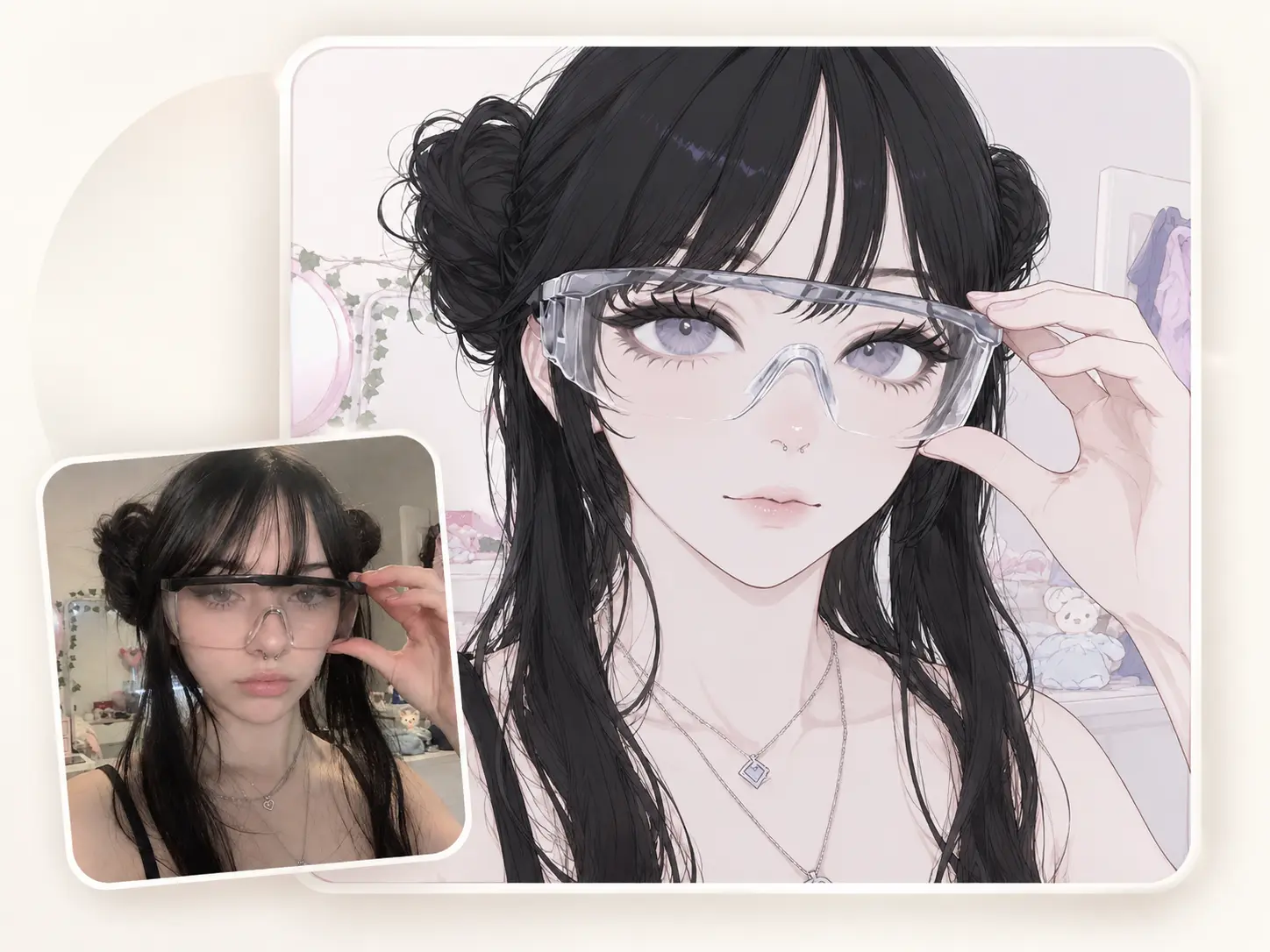
Your old avatar is two years out of date. A new selfie feels too literal for the people who only ever see your name in DMs.
Drop the selfie, hit Generate, save the HD anime portrait - close enough to look like you, abstract enough for a profile photo.
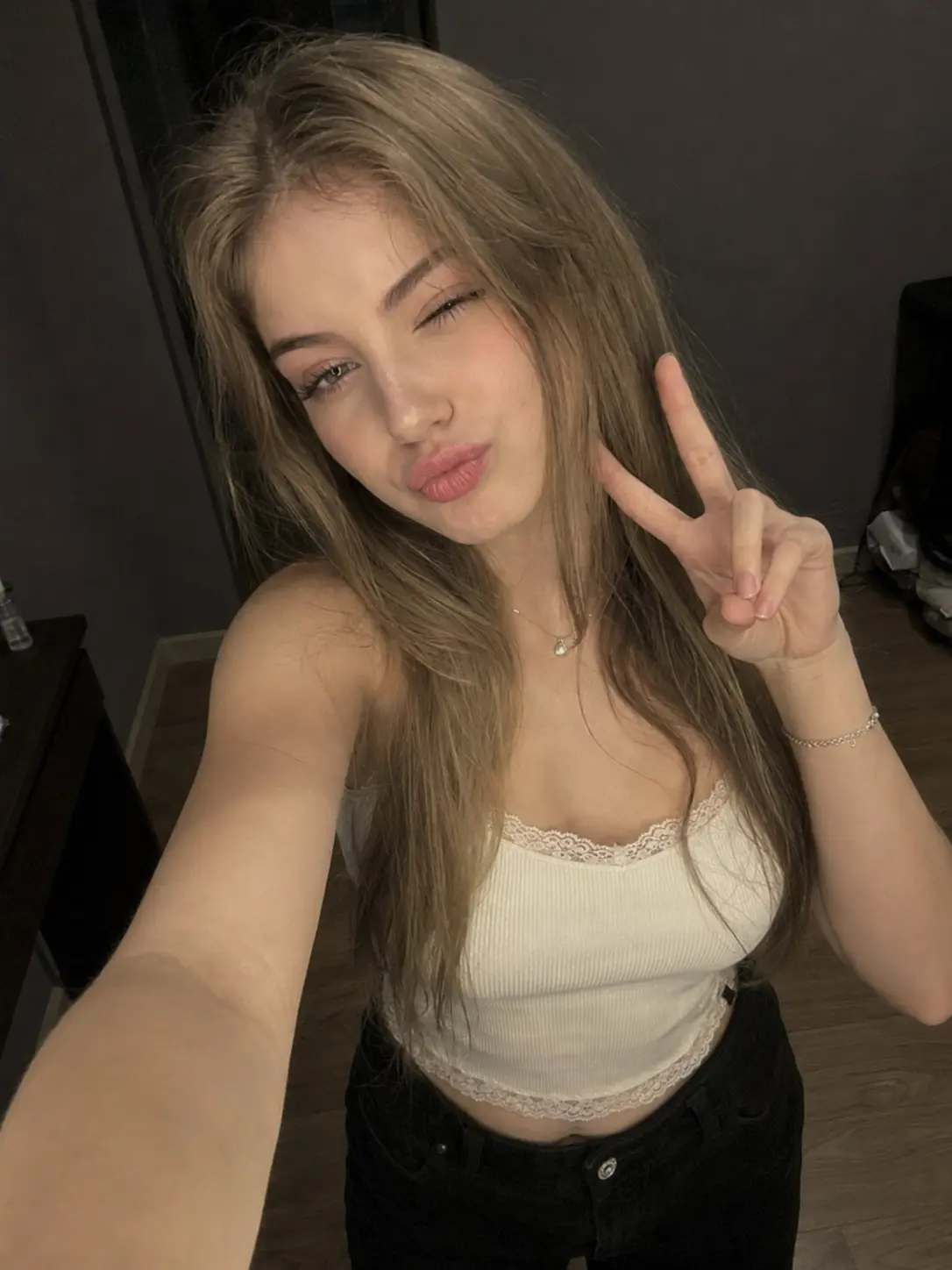 Selfie
 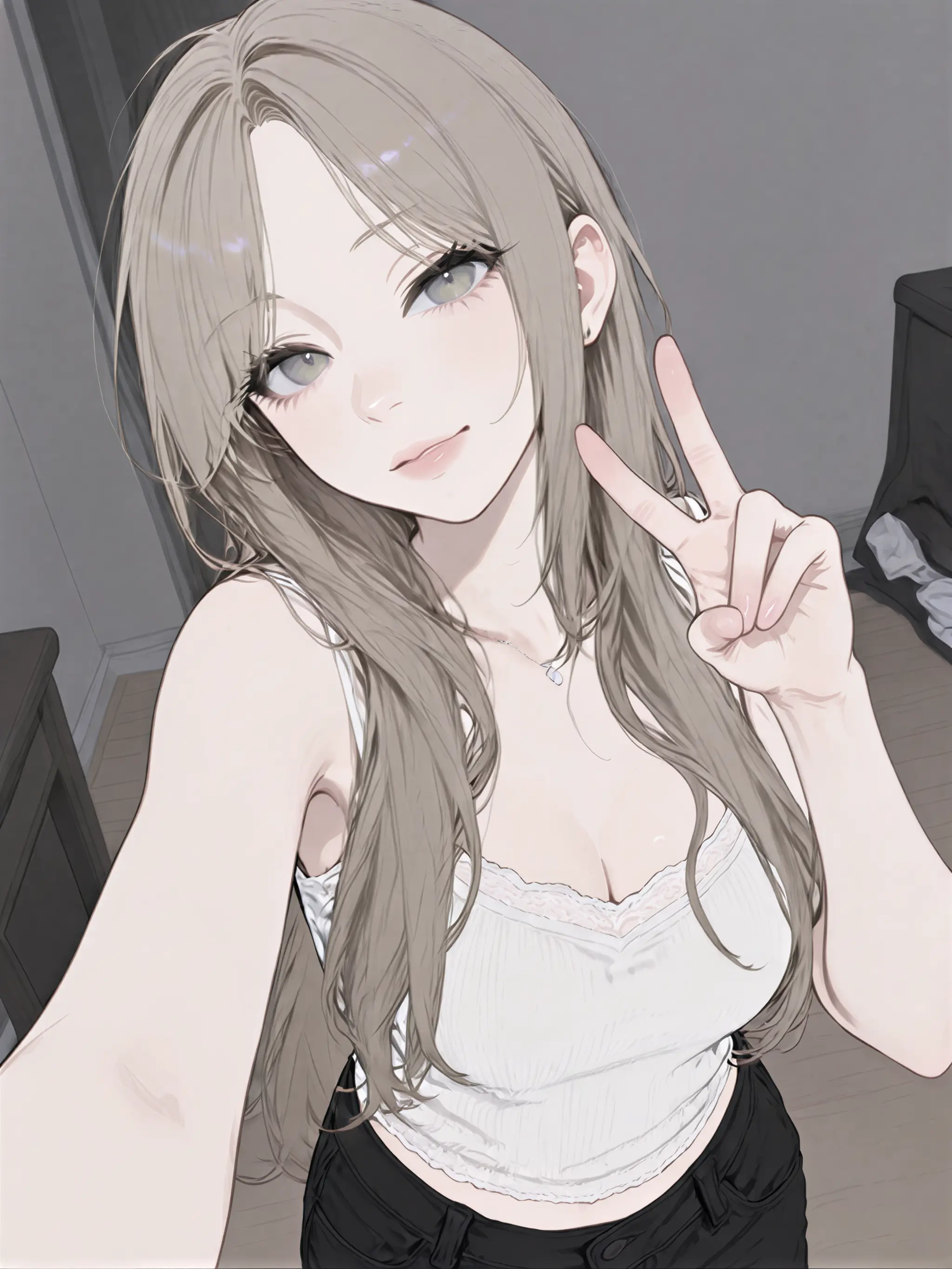 Anime avatar
 A frame the group chat saves
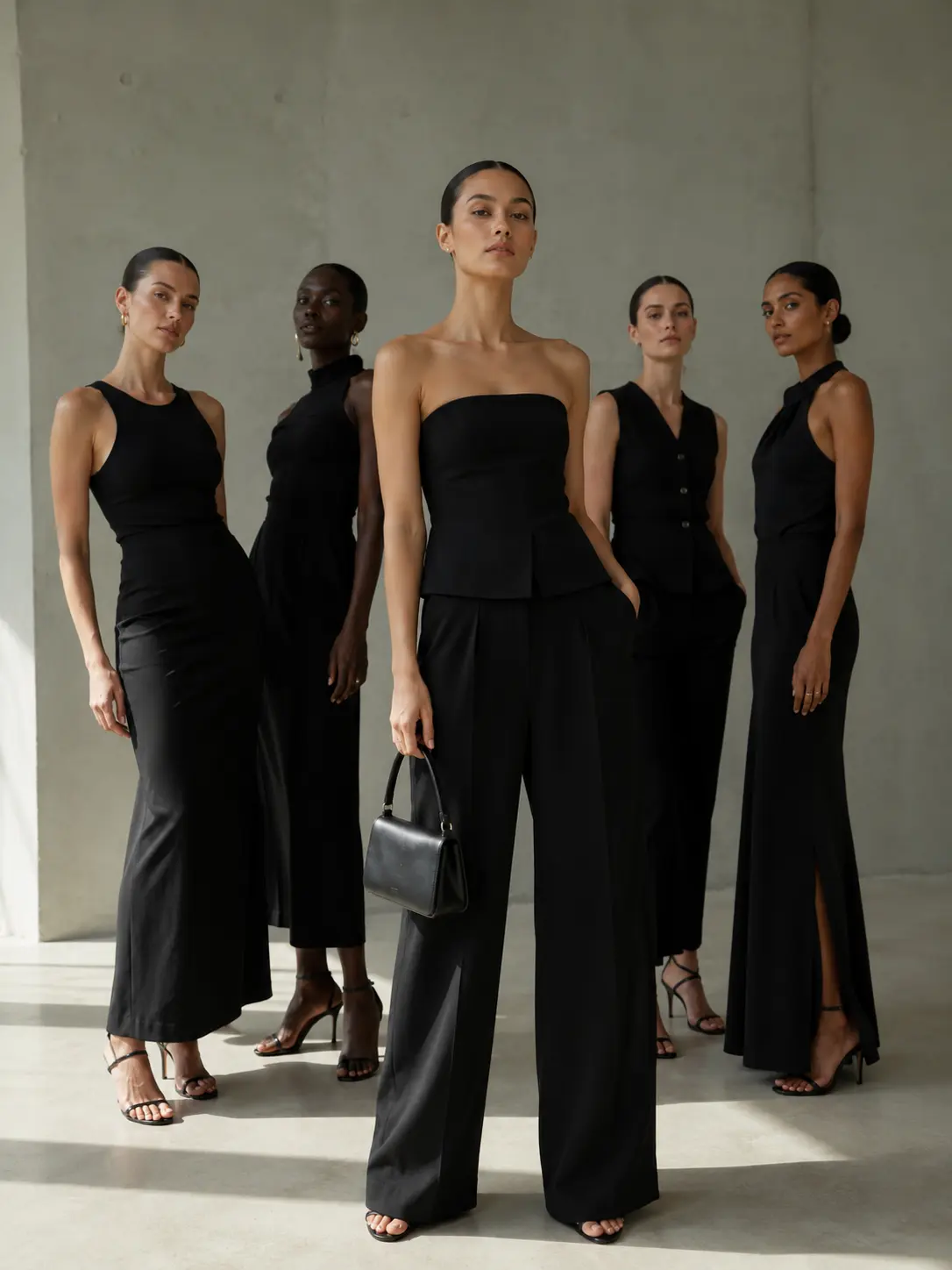
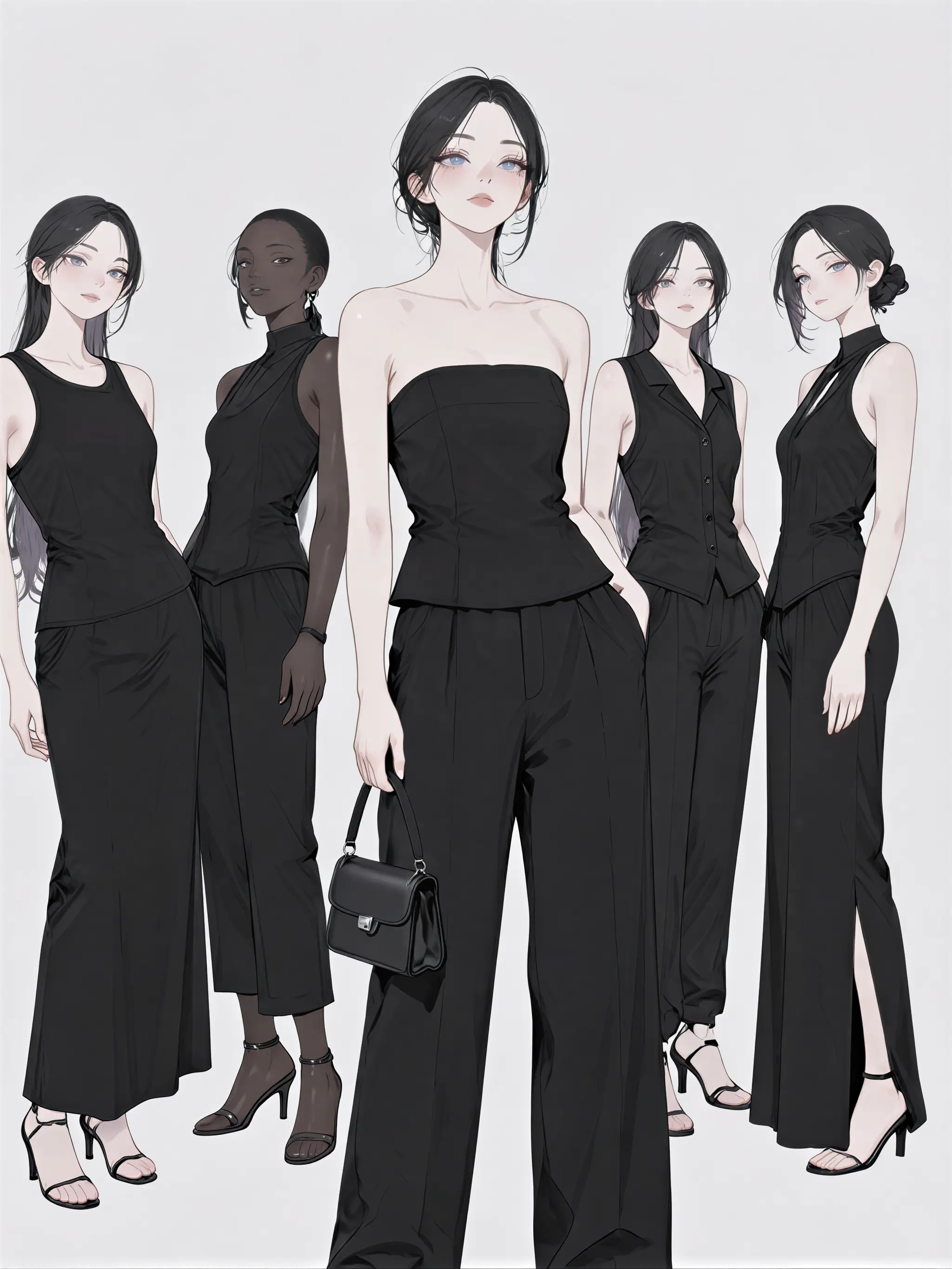
You've got that one group portrait the chat keeps re-sending - same lineup, same poses, same outfits. Run it through the anime maker and the frame comes back stylized, still recognizable enough for everyone to save.
For short-form video editors
Short-form video editors live in the reaction-selfie loop: film the take, find a face for the thumbnail, post. Upload the reaction frame, generate the manga-panel version, slot it into the thumbnail card - it reads as illustration in a 60 x 60 player tile.
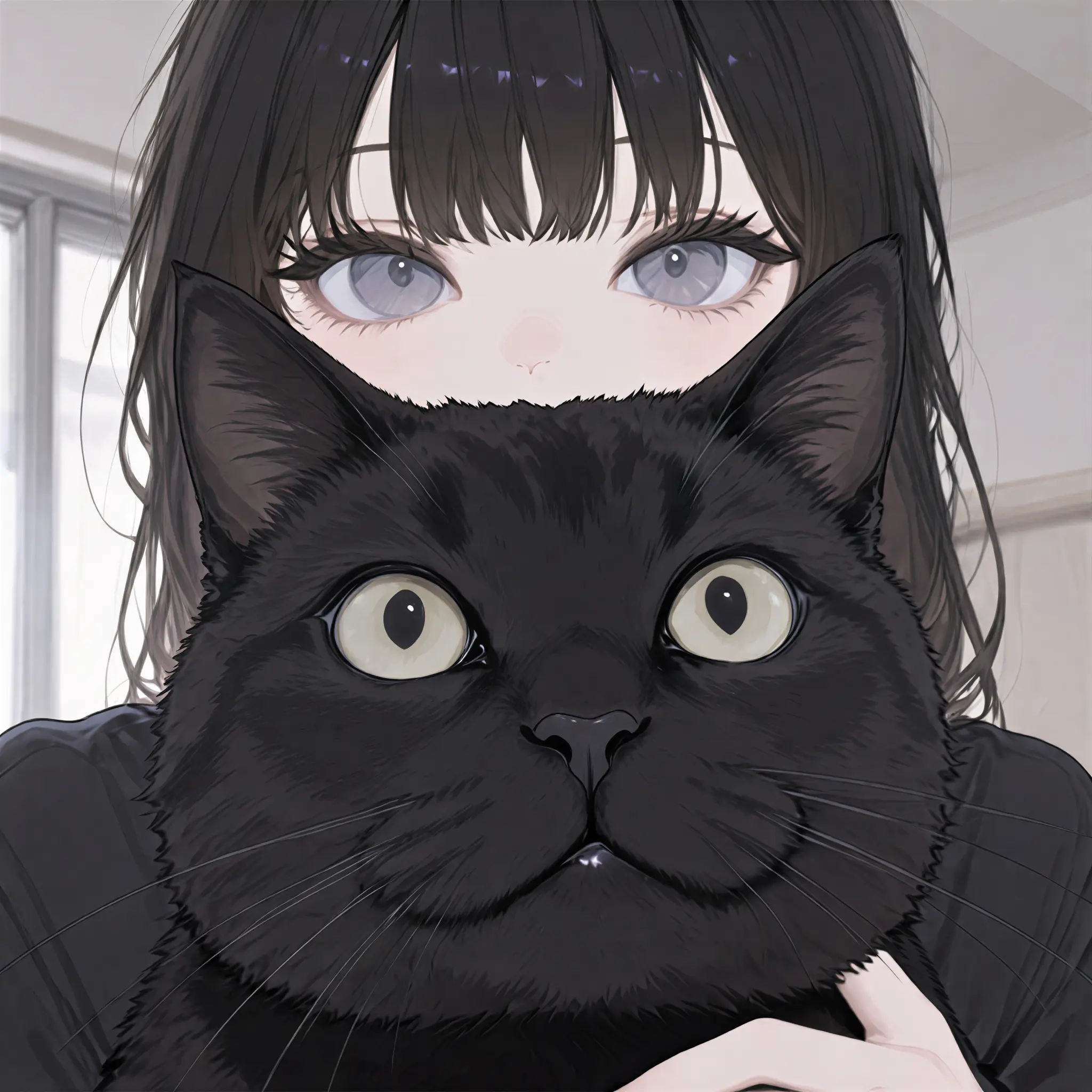
Where it actually gets used
A profile photo refresh
The old avatar is them at 22; the new server gets the anime version of last weekend's selfie, swapped in before the first announcement.
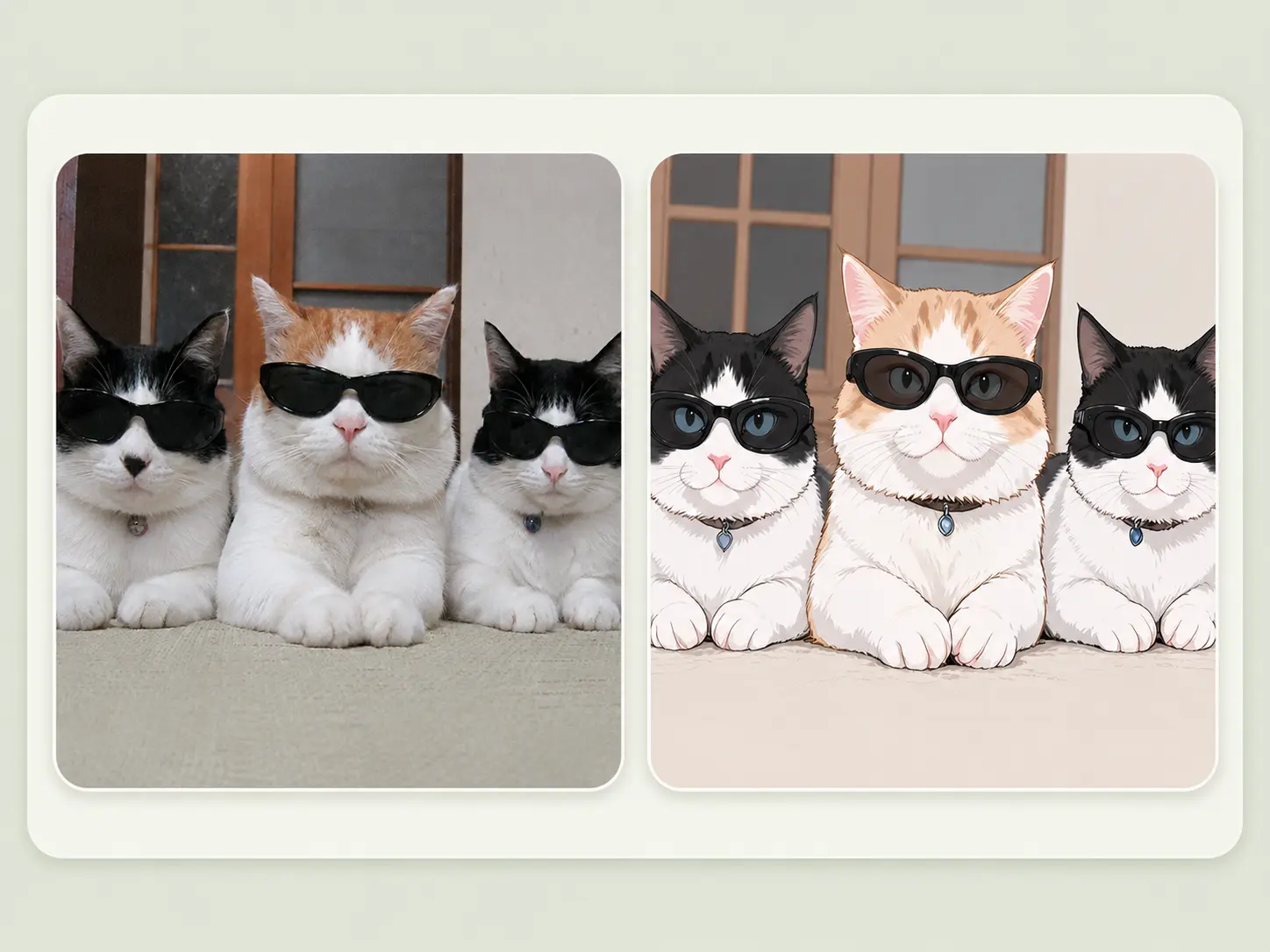
A group-chat favorite
The chat's favorite photo becomes a stylized panel, and the banner picks itself.
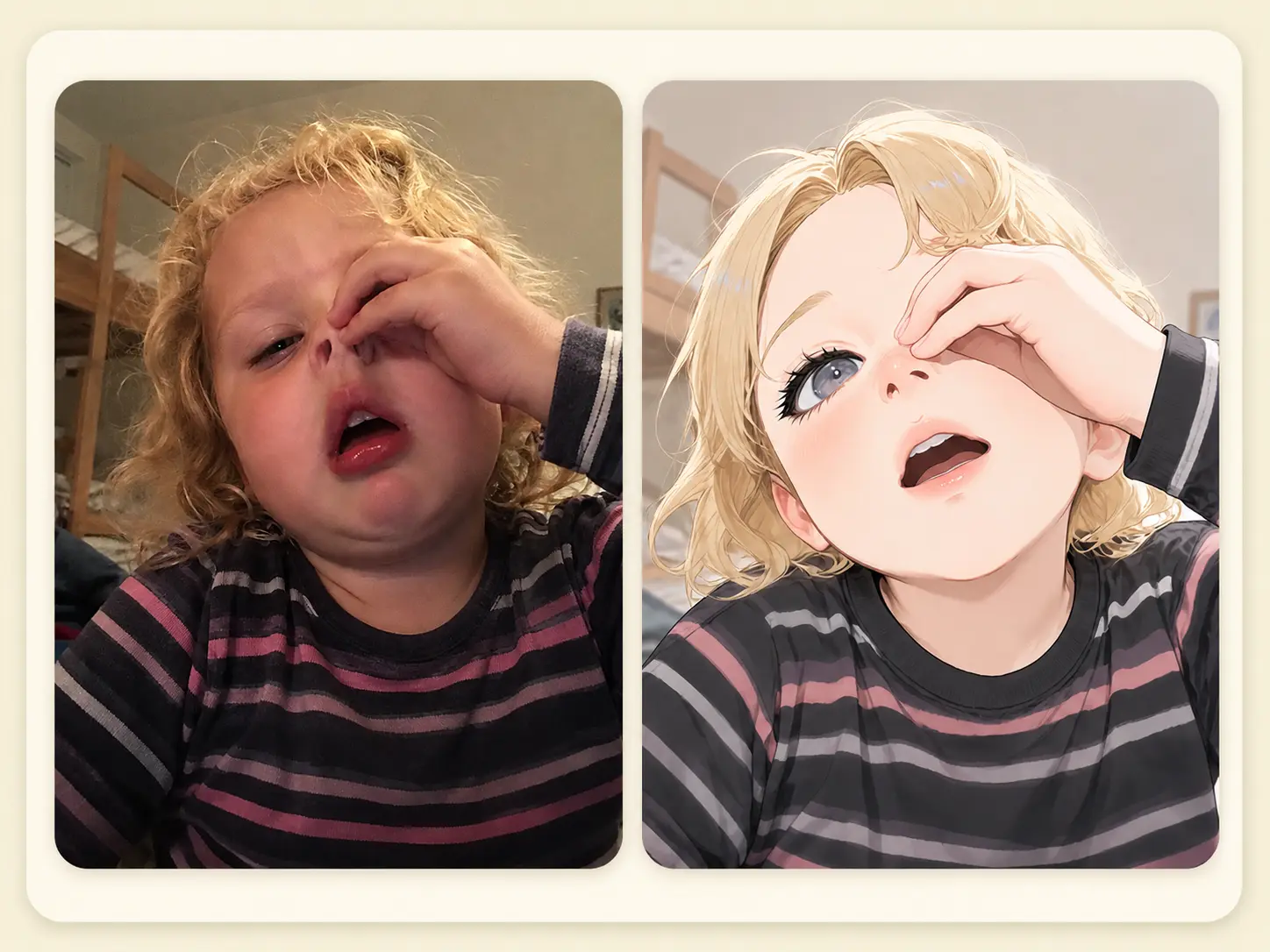
A family photo keeper
The funniest face in the camera roll goes into the AI anime converter and comes back as a softer panel worth saving.
From photo to anime, in three steps
No parameters, no sliders, no avatar-builder. Drop the source photo in, the model handles the conversion, and the HD anime portrait downloads from the same screen.
Group shots, half-body, and full-body all work the same way. JPG, PNG, and WEBP are supported.
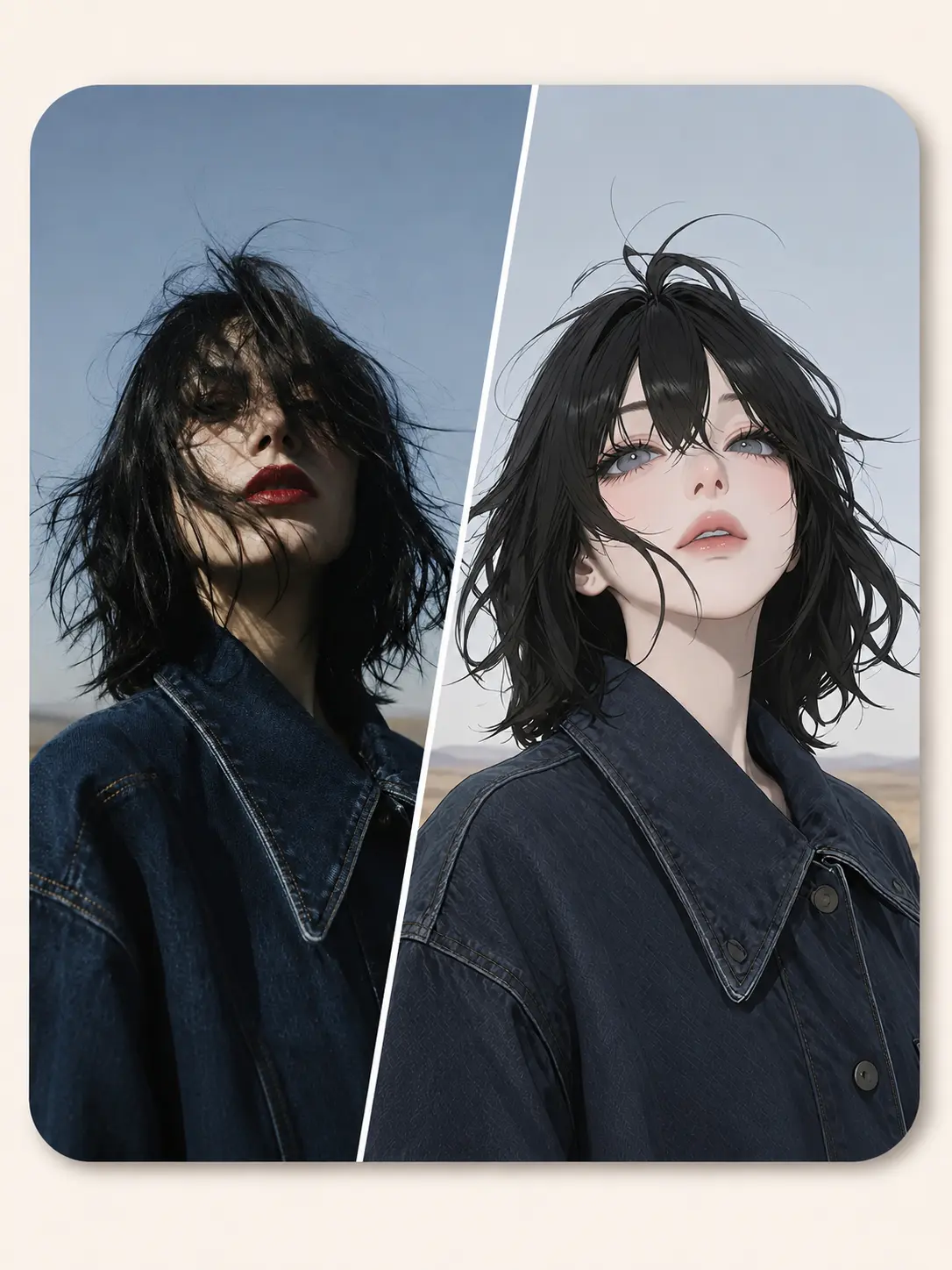
The model reads the photo and renders the same person - hair length, glasses, beard, the rough shape of the outfit - as an anime portrait. No parameters to set.
A clean image you can drop straight into a Discord avatar slot, a chat banner, or a thumbnail card. Run it again from the same screen if you want a different take.
Upload a photo ->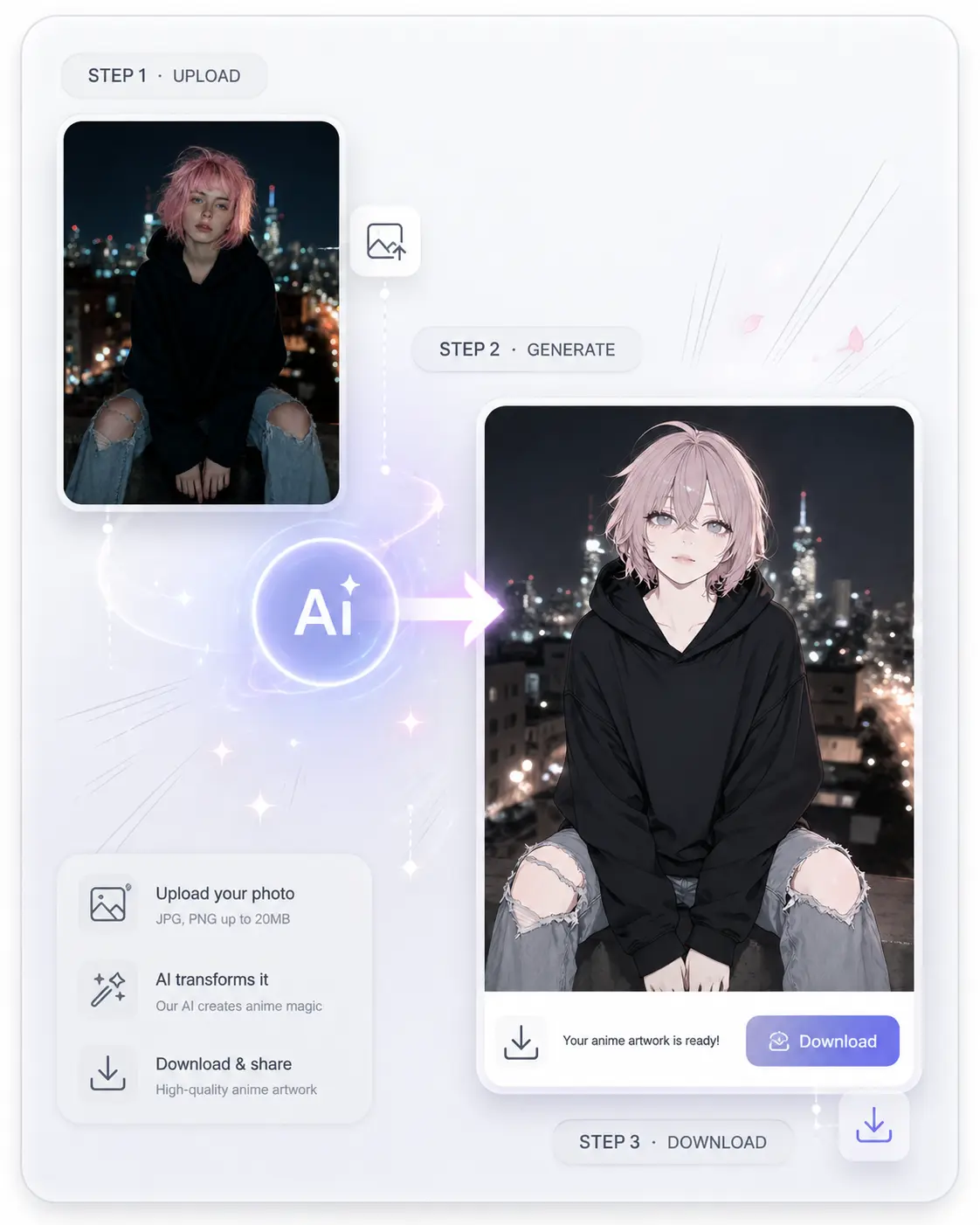
Specs - clean and unrestrictive
Single subjects, group shots, half-body, full-body all supported.
JPG, PNG, and WEBP. No conversion needed.
No watermark on the file.
No per-day cap. No login between you and the next try.
Frequently asked questions
Practical answers about supported subjects, output format, resemblance, and how the tool chains with the rest of ImageHub.
You do not have to draw the version of it that lives on your profile.
Upload a photo ->