Free AI Image Unblur:
Fix Blurry Photos Online
Turn pixelated, out-of-focus shots into crystal-clear HD images instantly. ImageHub uses advanced AI technology to unblur images and fix blurry photos with just one click. Whether it's restoring old memories, sharpening blurry faces, or enhancing text, our tool makes it easy to get professional results directly in your browser.
No signup required · 100% Free · Secure & Private
Upload Blurry Image
Click to upload your blurry image
PNG, JPG, WEBP up to 10MB
Crystal-Clear Result
Your crystal-clear image will appear here
Upload a blurry image to get started
100,000+
Photos Unblurred
3 sec
Average Processing Time
HD
Output Quality
Real-World Examples: See How We Fix Blurry Photos
Explore our gallery to see the transformation. From shaky portraits to pixelated text, witness how our AI works to unblur images and deliver sharp, high-resolution results in seconds.
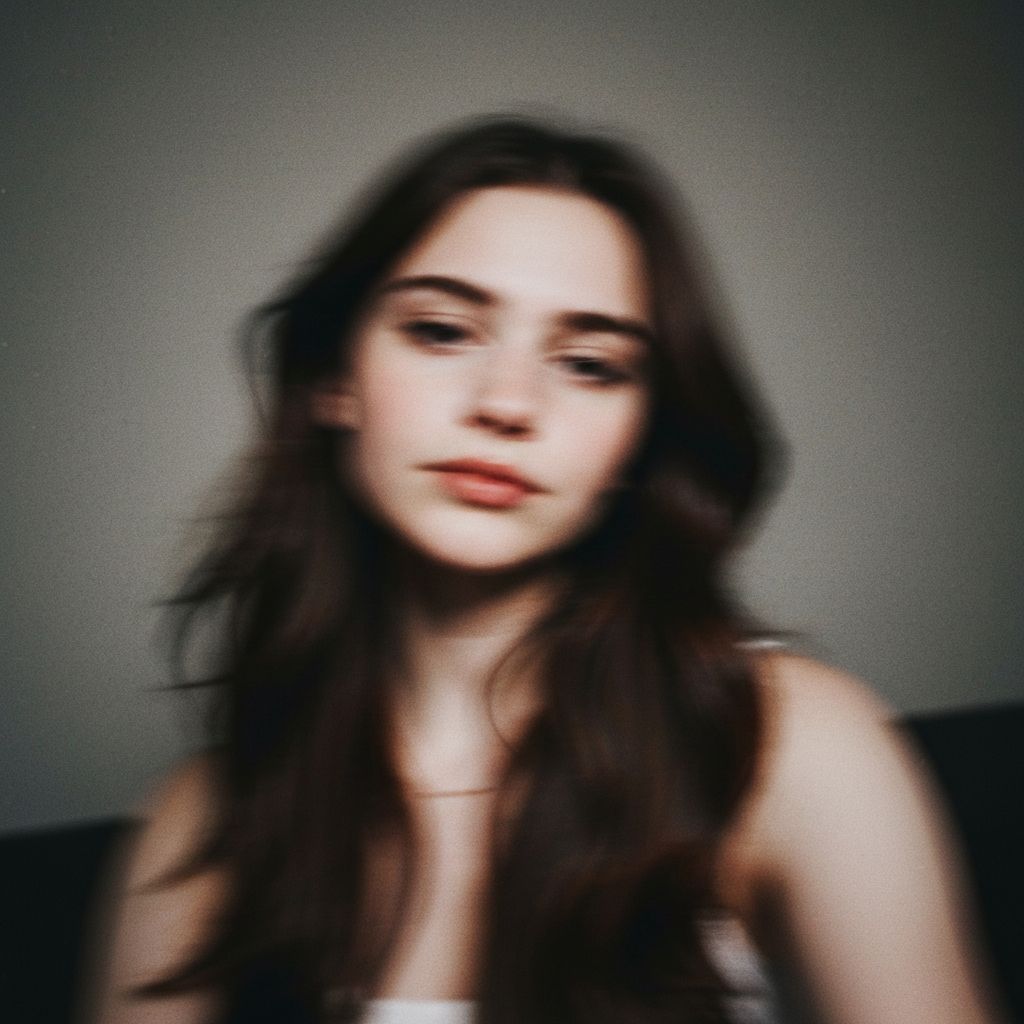
Unblur Faces & Portraits
Instantly fix blurry faces caused by motion or poor focus. Recover facial details, skin texture, and sharpness naturally.

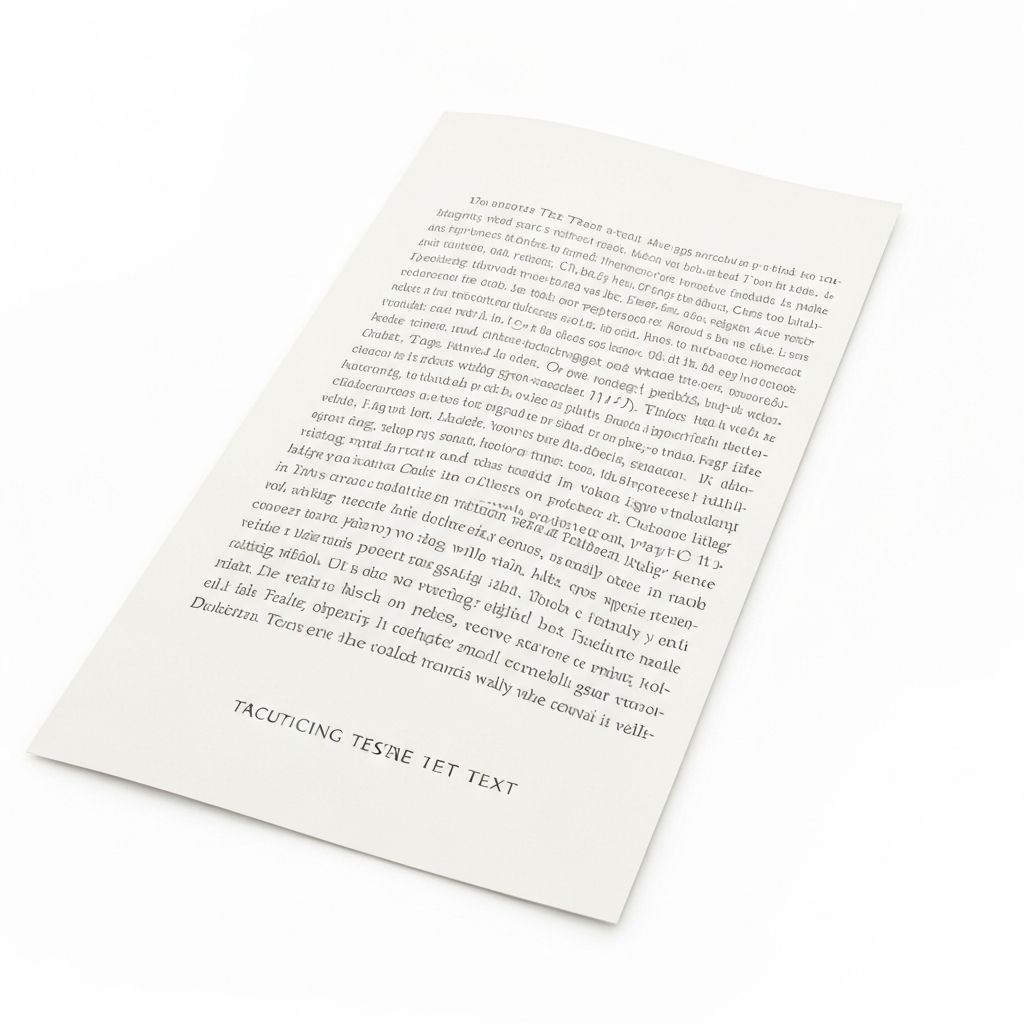
Sharpen Text & Screenshots
Make unreadable text legible again. Perfect for fixing blurry screenshots, scanned documents, and receipts.
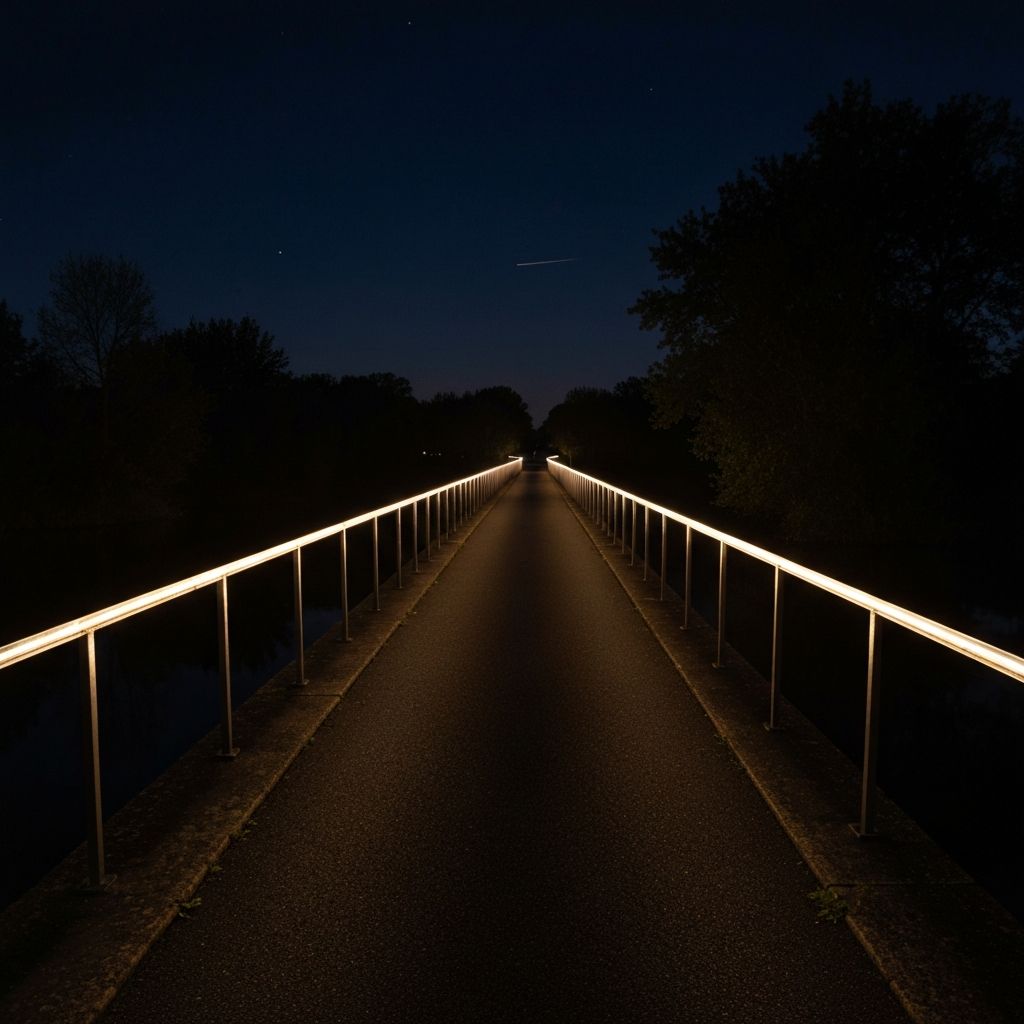
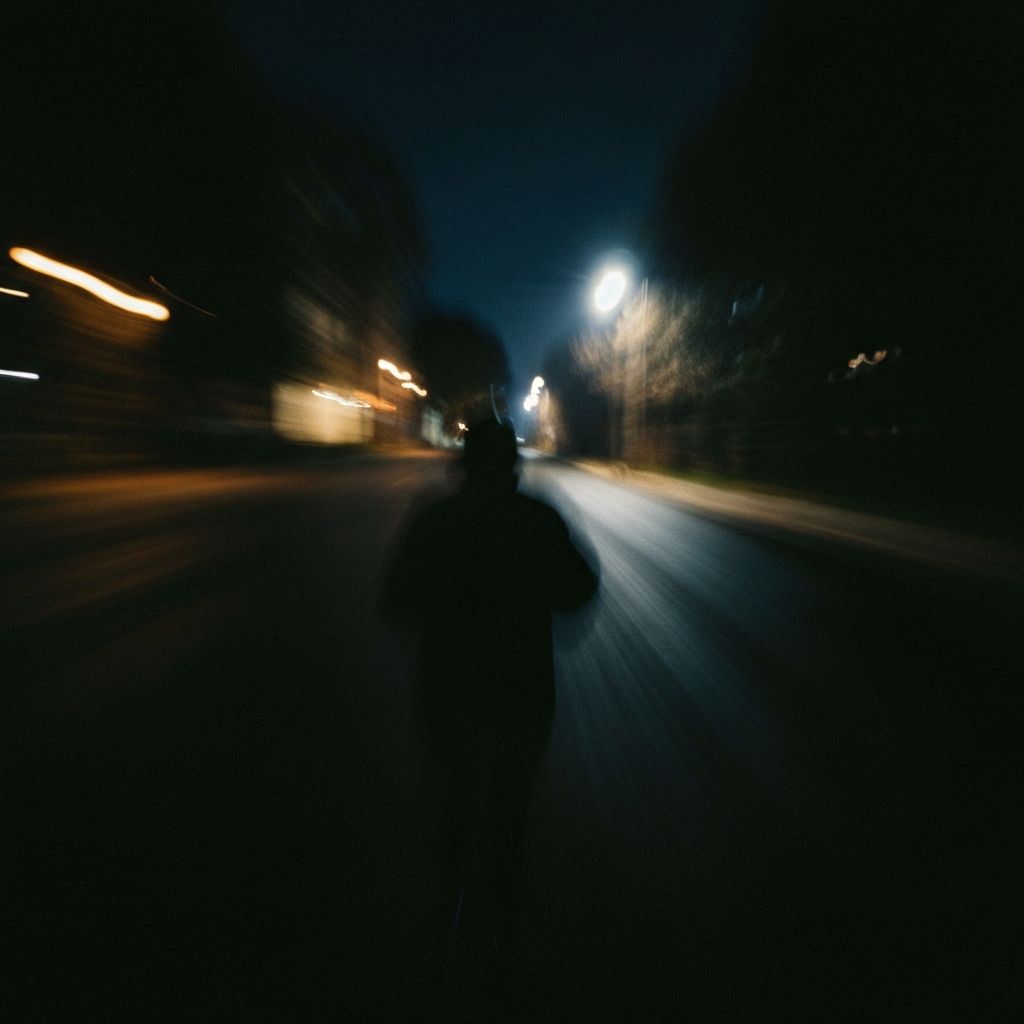
Clear Up Low-Light Photos
Reduce noise and unblur images taken in dark environments. Restore clarity without losing the atmosphere.
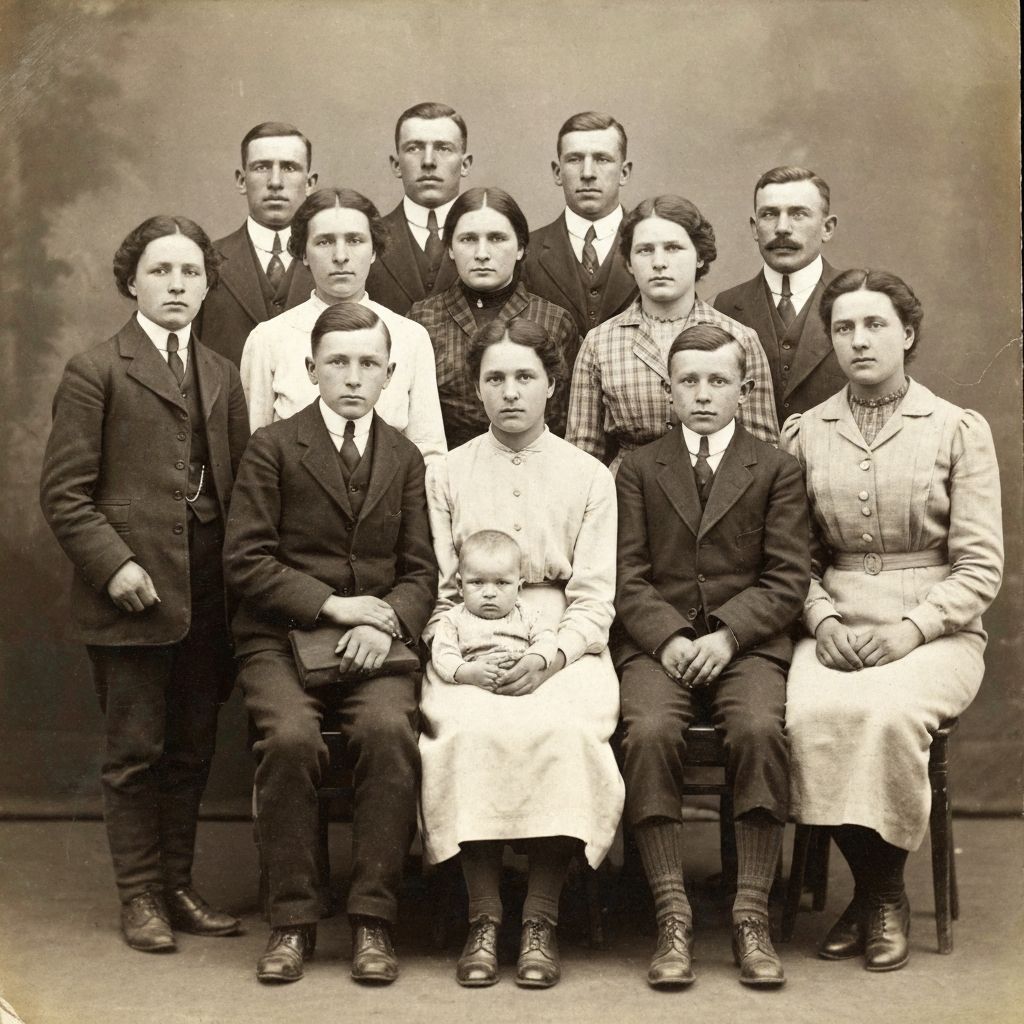
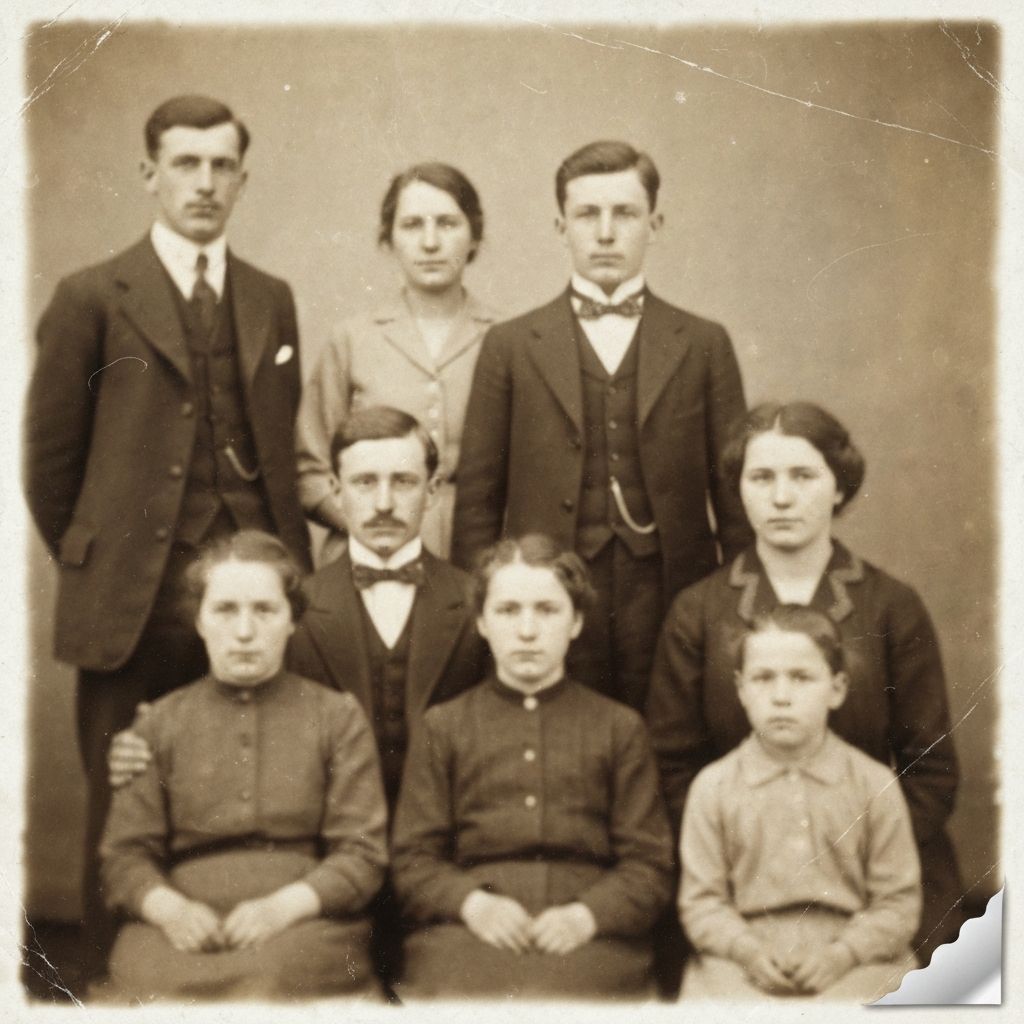
Restore Old & Vintage Photos
Bring old memories back to life. Remove scratches, blur, and pixelation from vintage family photos.
How to Unblur Images in 3 Simple Steps
No professional skills required. Follow this easy guide to fix blurry photos and enhance image quality instantly using our online AI tool.
Upload Your Photo
Drag and drop your file or click to browse. Select the picture you want to restore. Our tool is ready to help you fix blurry photos of any format (JPG, PNG, WEBP).
AI Auto-Enhancement
Sit back while our AI analyzes the image. It automatically detects noise and motion blur, applying advanced algorithms to unblur images and sharpen details in seconds.
Preview & Download
See the magic happen with our before-and-after comparison. Once you are satisfied with the result, save your crystal-clear HD image. It's that easy to fix blurry photos online!
Why Use ImageHub to Unblur Images?
Our AI-powered tool delivers professional-grade results with advanced deep learning technology, instant processing, and complete privacy protection.
Advanced AI Technology
Powered by cutting-edge deep learning algorithms, our tool goes beyond simple sharpening. It intelligently analyzes pixels to unblur images and reconstruct lost details, delivering natural and high-quality results.
Instant One-Click Fix
No manual editing needed. Simply upload your picture, and our AI will automatically fix blurry photos in seconds. It is the fastest way to turn soft focus into sharp HD visuals online.
100% Secure & Private
We value your privacy. All uploaded files are encrypted and automatically deleted from our servers after processing. You can safely use our tool to unblur images without worrying about data storage.
Works on Any Device
Whether you are on a PC, Mac, iPhone, or Android, ImageHub works directly in your browser. Fix blurry photos anytime, anywhere, without installing heavy software or apps.
Perfect Solutions to Fix Blurry Photos for Every Industry
From personal memories to professional workflows, ImageHub helps users across the globe unblur images and achieve crystal-clear results.
E-commerce & Online Sellers
Clear product photos drive sales. Don't let low-quality visuals hurt your conversion rates. Use our AI to unblur images of your inventory, ensuring your product shots are sharp, detailed, and ready for your online store.
Social Media Content
Captured a great moment but your hand shook? Influencers and content creators can easily fix blurry photos before posting to Instagram or Facebook. Keep your feed looking polished and professional with high-definition visuals.
Real Estate Photography
First impressions matter in property listings. Real estate agents rely on ImageHub to unblur images of interiors and exteriors. Turn shaky property shots into crisp, attractive photos that capture buyers' attention.
Marketing & Graphic Design
Working with low-resolution client assets? Designers and marketers use our tool to fix blurry photos and upscale images for websites, presentations, and print campaigns without compromising on quality.
Explore More AI Tools
Discover other powerful AI tools to enhance your creative workflow
Trusted by Thousands to Unblur Images Daily
See why professionals and hobbyists worldwide trust our AI to fix blurry photos and restore clarity.
"I thought I had ruined a perfect shot of my daughter's birthday because of shaky hands. I used this tool to fix blurry photos from the party, and the results were unbelievable. It saved my precious memories!"
"As a graphic designer, clients often send me low-quality assets. ImageHub is now my secret weapon to unblur images and sharpen logos instantly. It saves me hours of manual editing in Photoshop."
"I have tried many apps, but this is hands down the best free tool to fix blurry photos online. It's fast, no download is needed, and the AI clarity is superior to other paid software."
Why ImageHub is the Best Tool to Unblur Images
We built our tool to be the perfect alternative to complex, expensive software. Get the power of premium AI restoration with the simplicity of an online tool.
Superior AI Precision
Unlike basic sharpening filters, our deep learning models understand the content of your photo. We use advanced algorithms to intelligently unblur images, reconstructing lost textures and details for a natural, high-definition look.
Fast & Hassle-Free
Don't waste time learning complex software like Photoshop. ImageHub offers the quickest way to fix blurry photos online. Just upload, and our AI handles the rest in seconds, delivering professional results automatically.
Free to Start, Easy to Use
High-quality image restoration shouldn't be expensive. You can start to unblur images for free immediately. Our user-friendly interface ensures anyone can enhance their photos without technical skills.
All-in-One Solution
Whether it's motion blur, out-of-focus shots, or low-resolution artifacts, our tool adapts to every scenario. We provide a comprehensive solution to fix blurry photos for portraits, products, landscapes, and documents alike.
The smart alternative to expensive software - built for quality and speed
Common Questions About How to Unblur Images
Find answers to frequently asked questions about our AI-powered image unblurring tool.
How can I unblur an image online for free?
It's easy with ImageHub. Simply upload your picture to our tool, and our AI technology will automatically analyze and sharpen the details. It is the fastest way to unblur images directly in your browser without paying for expensive software.
Can I fix blurry photos on my iPhone or Android?
Yes! ImageHub is a web-based platform optimized for mobile devices. You can fix blurry photos on your iPhone, iPad, or Android phone instantly. No app installation is required—just open your browser and start enhancing.
What causes photos to be blurry?
Blurry photos are often caused by camera shake, motion blur, or poor lighting conditions. Our AI is trained to recognize these specific issues. It works to fix blurry photos by reconstructing the lost pixels and sharpening the edges to restore clarity.
Is it safe to upload my personal photos?
Absolutely. We prioritize your privacy. All images uploaded to unblur images are processed securely and are permanently deleted from our servers shortly after you download your result. We do not store or share your data.
Can this tool unblur text in screenshots or documents?
Yes, our AI is highly effective at text restoration. Whether it's a blurry screenshot, a receipt, or a scanned document, you can use ImageHub to fix blurry photos containing text, making them readable and sharp again.
How long does it take to unblur an image?
Our process is nearly instant. Once you upload, it typically takes less than 5 seconds to unblur images and generate a high-definition preview, depending on your internet connection speed.
Start Unblurring Images with AI Today
Join thousands of users who use our AI Image Unblur tool to fix blurry photos, restore out-of-focus shots, and transform pixelated images into crystal-clear HD quality in seconds.
No signup required · 100% free · Instant results