Free Background Remover
Remove backgrounds from images automatically in seconds with our advanced AI technology. Perfect for product photos, portraits, and any image editing needs.




Or drop an image here
No sign-up required • Free to use • High quality results
Remove Background With High Quality and Accuracy
Experience professional-grade background removal powered by cutting-edge AI technology
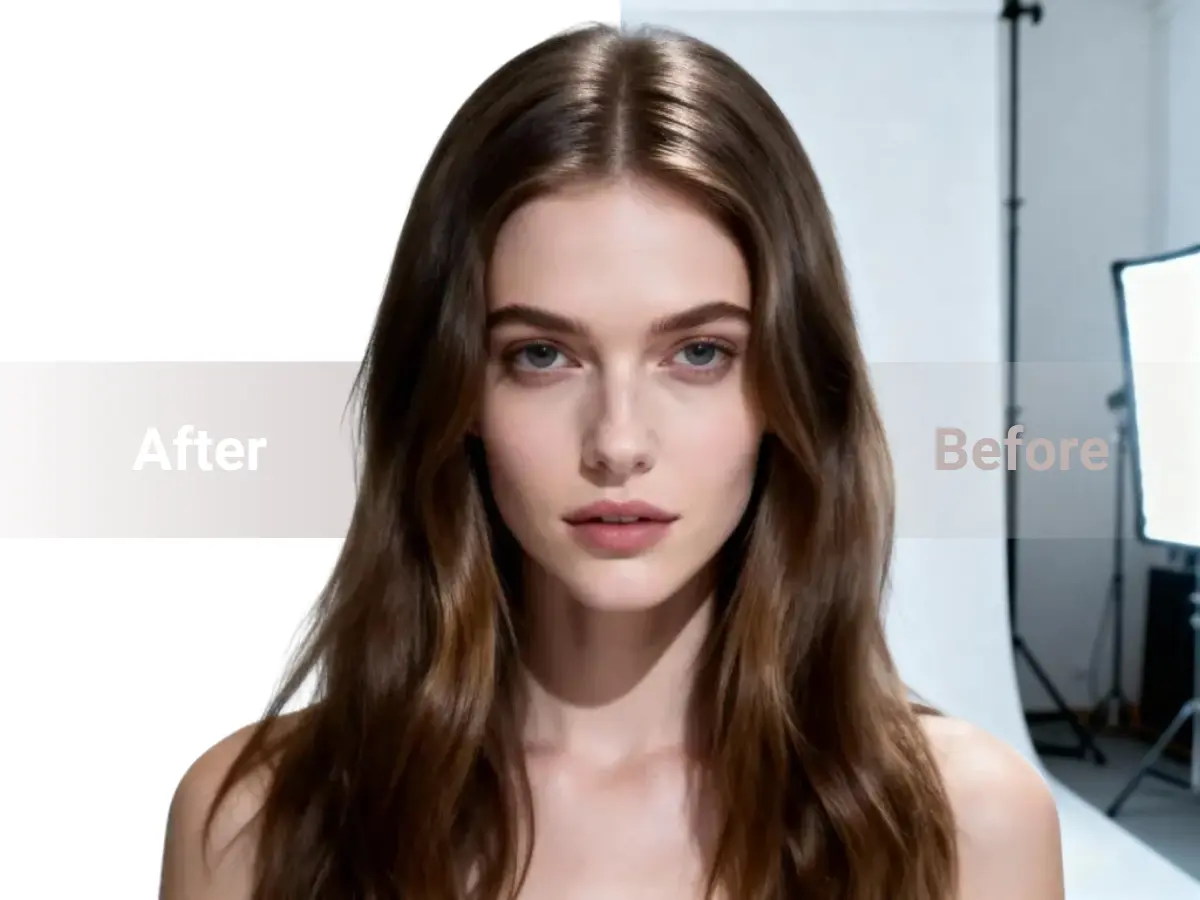
AI-Powered Precision
Advanced AI algorithms detect and remove backgrounds with pixel-perfect accuracy, preserving fine details like hair and edges. Our state-of-the-art machine learning models have been trained on millions of images to understand complex patterns and deliver professional results every time.
- 99.9% accuracy in edge detection
- Preserves fine details like hair strands and fur
- Handles complex backgrounds automatically
- No manual editing required
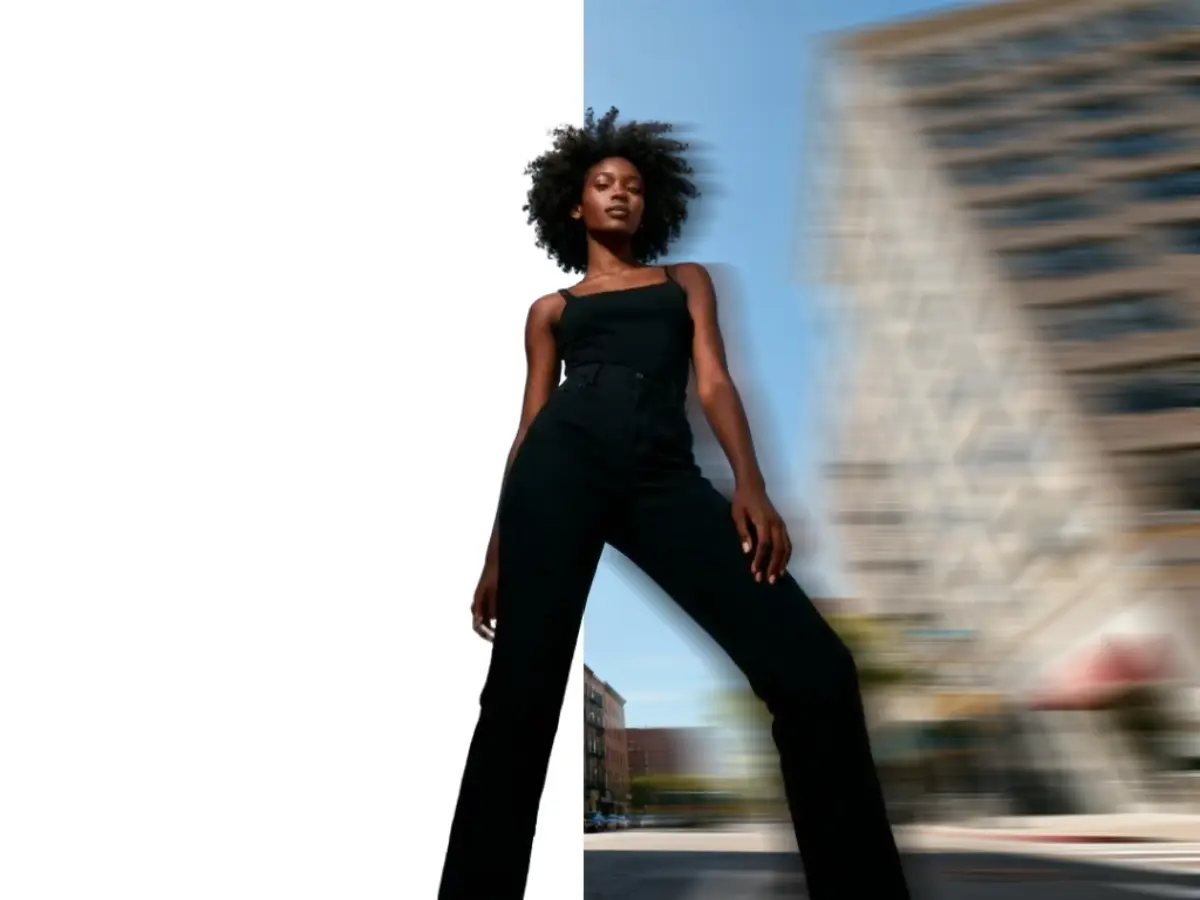
Lightning Fast Processing
Remove backgrounds in seconds, not minutes. Our optimized AI processes images instantly, saving you valuable time. Whether you're processing a single image or batch editing hundreds, our cloud-based infrastructure ensures consistent speed and reliability.
- Process images in under 3 seconds
- Batch processing for multiple images
- Cloud-based for unlimited capacity
- No software installation needed
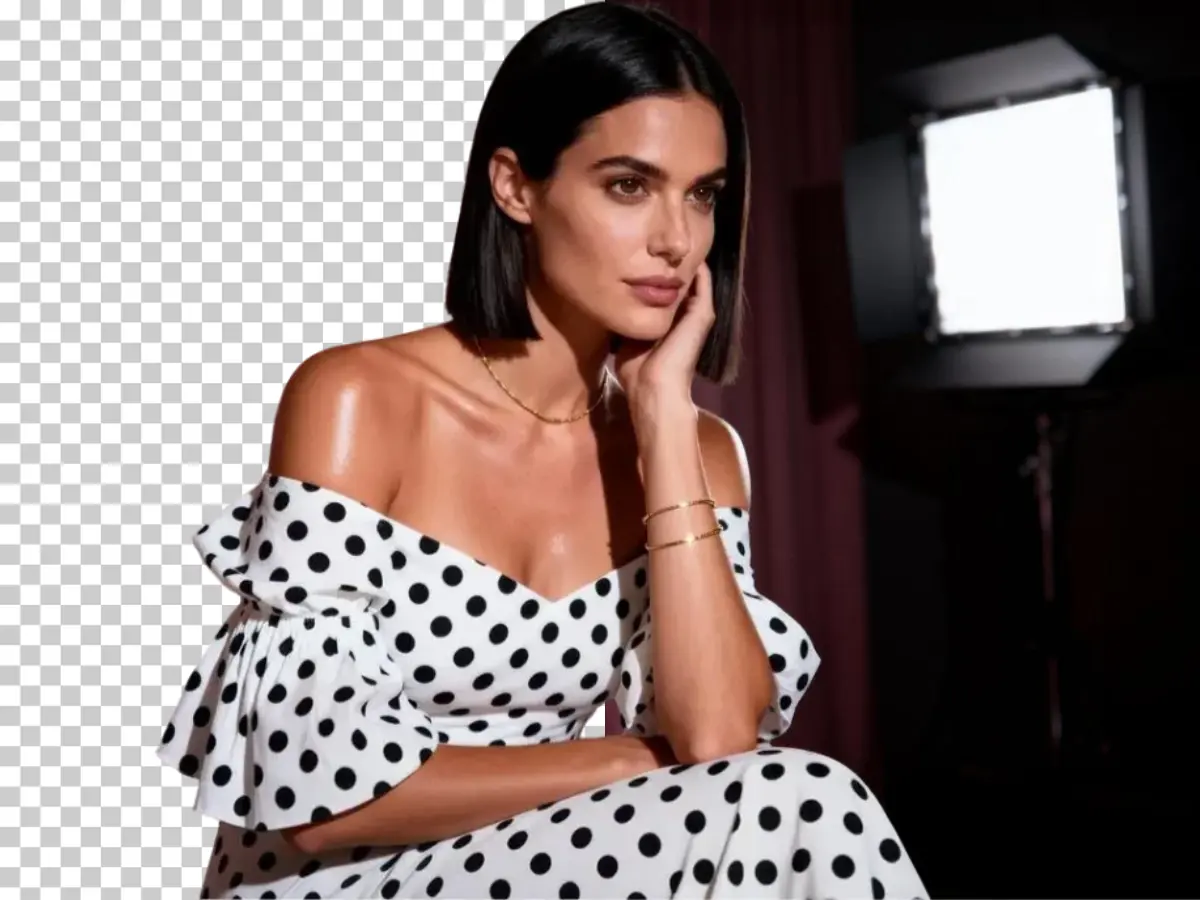
Transparent Background Support
Export images with transparent backgrounds in PNG format, perfect for overlays, product photos, and graphic design projects. Our advanced compression ensures high-quality output while maintaining small file sizes for web and print use.
- High-quality PNG export with transparency
- Multiple format options (PNG, JPG, WebP)
- Optimized file sizes for web
- Maintains original image quality
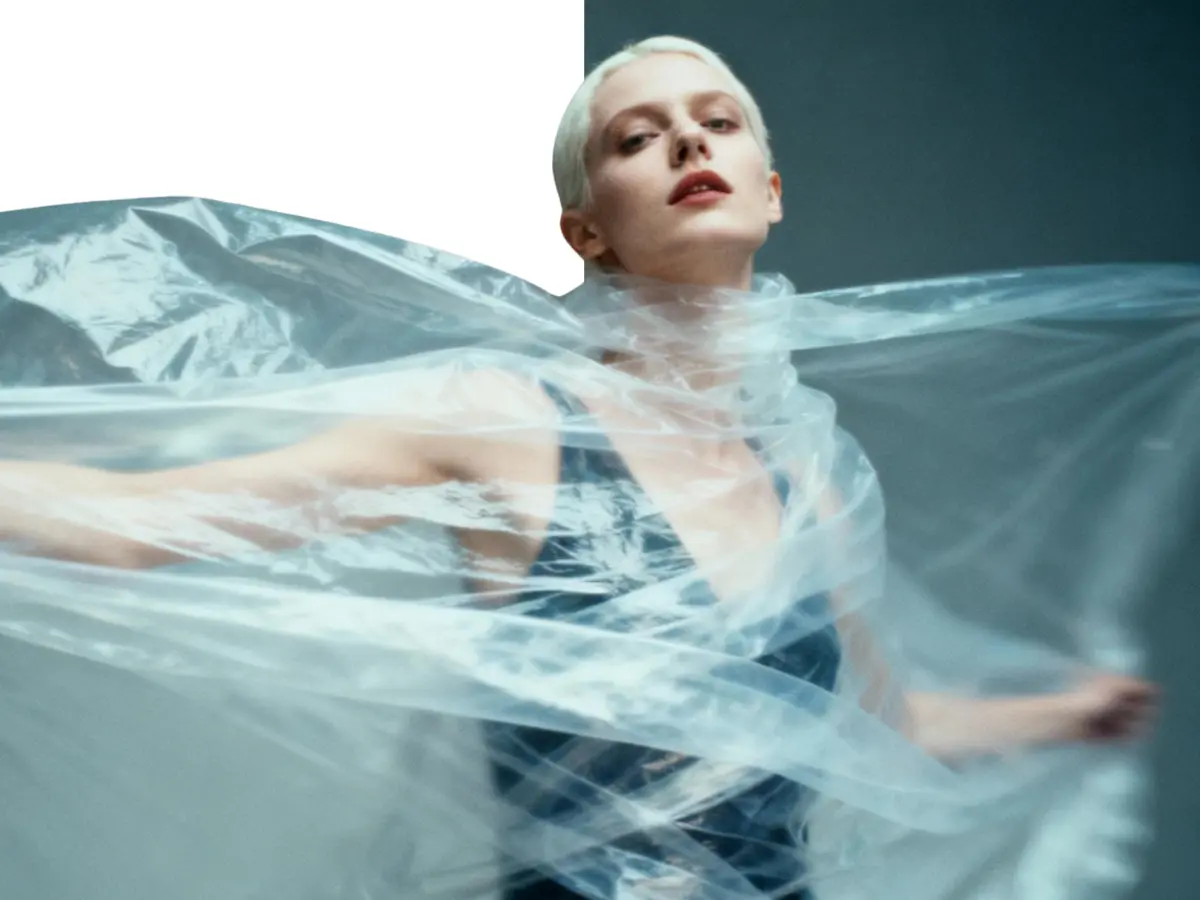
Smart Edge Detection
Our AI intelligently detects complex edges, including hair strands, fur, and intricate details for professional results. Advanced algorithms analyze color gradients, textures, and patterns to separate foreground from background with unprecedented accuracy.
- Handles complex hair and fur details
- Detects semi-transparent objects
- Works with any background type
- Professional-grade results
Remove Your Background in 3 Simple Steps
Three simple steps to perfect background removal
1. Upload Your Image
Start by dragging and dropping your image file directly onto the upload area, or click the button to browse your computer or mobile device. We support all common formats, including JPG, PNG, and WebP, so you don't need to worry about file conversion first.
2. AI Magic Happens
As soon as your image is uploaded, our advanced AI automatically detects the main subject—whether it's a person, product, or animal. It then removes the background in just a few seconds, handling complex edges like hair and fur with precision.
3. Download Result
Review your cutout and download your new image as a high-quality, transparent background PNG file. No watermarks, no sign-up required. Your image is now ready to be used in any e-commerce listing, marketing graphic, or creative project.
Why Choose ImageHub's Background Remover?
The most powerful and easy-to-use background removal tool
AI-Powered Precision & Quality
No manual editing needed. Our AI is 100% automatic and does all the work, delivering professional, high-quality results. It preserves fine details like hair and sharp edges for a clean cutout in just seconds.
Easy to Use on All Devices
Our tool works perfectly on desktop, tablet, and mobile devices right from your browser. It's easy to use and supports all common image formats, including JPG, PNG, and WebP, making it simple for any project.
Completely Free, No Watermarks
Get your high-resolution image without any watermarks or branding. Our service is completely free, allowing you to download a clean PNG with a transparent background for all your personal and commercial projects.
Secure & Built for Workflow
We respect your privacy. Your images are processed securely and automatically deleted after processing. For power users, our batch processing feature lets you remove backgrounds from multiple images at once, streamlining your entire workflow.
Versatile Background Remover for Any Scenario
Perfect for professionals, businesses, and creative projects
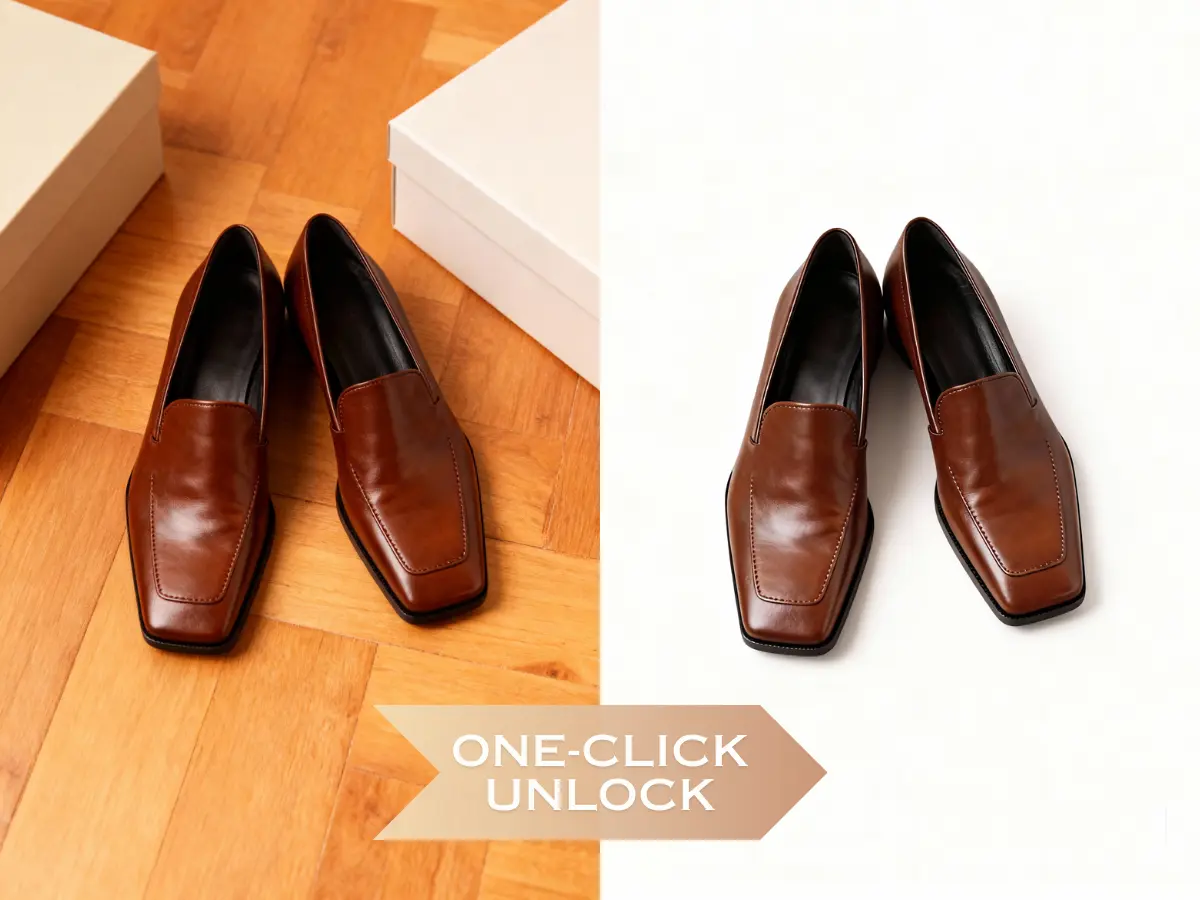
Increase Conversions with Pro E-commerce Photos
Stop losing sales to low-quality images. Get clean, compliant product photos for Amazon, Shopify, and eBay. Save time, reduce costs, and launch products faster.
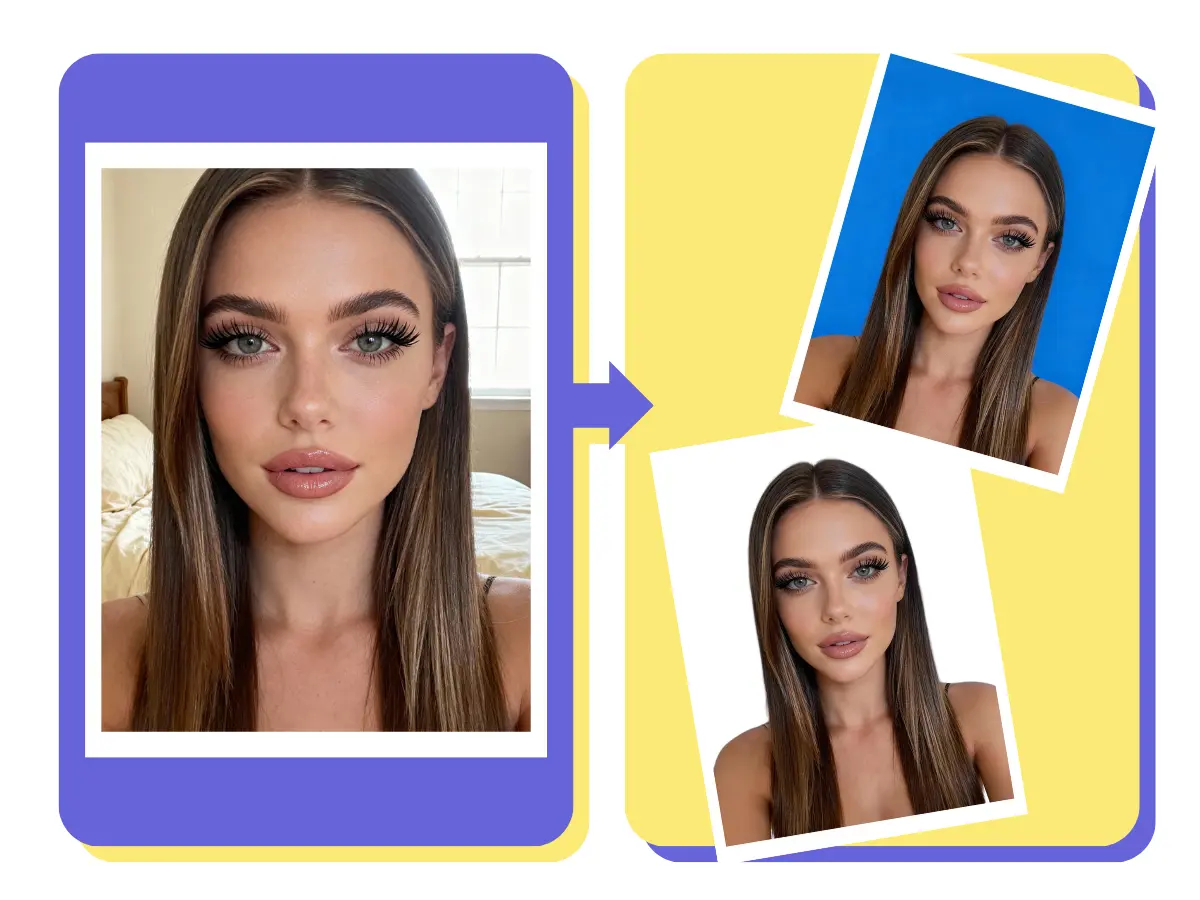
Get Compliant ID & Passport Photos Without Reshooting
No more rejected photos or costly reshoots. Instantly change your background to white, blue, or any official requirement. Get a perfect, compliant ID or passport photo from home in seconds.

Make Your Marketing & Social Media Stand Out
Unleash your creativity. Place yourself in a new location for a travel photo or create stunning graphics for social posts and banners. If you can imagine it, you can create it.
Loved by Professionals Worldwide
Join thousands of satisfied users who trust ImageHub for their background removal needs
"ImageHub's background remover has transformed our product photography workflow. We can now process hundreds of images in minutes instead of hours. The quality is exceptional!"
Sarah Johnson
E-commerce Manager at Fashion Boutique
"As a designer, I need precision and speed. This tool delivers both. The AI accurately detects edges even on complex subjects like hair and fur. Absolutely game-changing."
Michael Chen
Freelance Designer at Creative Studio
"We use ImageHub for all our marketing materials. The background removal is so accurate that we rarely need manual adjustments. It's saved us thousands in editing costs."
Emily Rodriguez
Marketing Director at Tech Startup
"I've tried many background removal tools, but ImageHub is by far the best. The quality is professional-grade, and the speed is unmatched. Highly recommend for any photographer."
David Kim
Product Photographer at Studio Pro
ImageHub vs Other Tools
See why thousands choose ImageHub for background removal
Explore More AI Tools
Discover other powerful AI features to enhance your creative workflow
AI Generate
Go beyond editing and become a creator. Our AI Generate tool turns your simple text prompts into stunning, photorealistic, or artistic images. Describe anything you can imagine and watch our advanced AI models bring your ideas to life.
Try It NowAI Edit
Take your photos to the next level with our intelligent AI photo editor. This isn't just about filters; it's about smart adjustments. Effortlessly change colors, fix lighting, or add creative effects. Our AI makes complex enhancements simple.
Try It NowAI Enhance
Restore and improve your image quality instantly. Our AI Enhance tool uses super-resolution technology to upscale low-quality photos, reduce noise, and sharpen details. Breathe new life into old, blurry, or grainy images and make them crystal clear.
Try It NowAI Beauty
Achieve flawless portraits with one click. This tool provides professional-grade retouching that looks completely natural. Smooth skin, brighten eyes, and remove blemishes without the plastic look. Perfect for photographers and influencers.
Try It NowAI Image Background Remover FAQs
Common questions about our AI image background removal tool
Is the background remover really free?
Yes! Our AI image background remover is completely free to use with no hidden costs. You can remove backgrounds from unlimited images without any watermarks or restrictions.
What image formats are supported?
We support all common image formats including JPG, JPEG, PNG, WebP, and more. The output is always a high-quality PNG with transparent background, optimized for AI image workflows.
How accurate is the AI background removal?
Our AI achieves 99.9% accuracy in most cases, with excellent edge detection for complex subjects like hair, fur, and intricate details. The AI image background removal technology continuously improves through machine learning.
Is my data safe and private?
Absolutely. Your images are processed securely and automatically deleted from our servers after processing. We never store or share your images with third parties. AI image processing follows strict privacy controls.
Can I use the images commercially?
Yes! All images processed through our tool can be used for both personal and commercial purposes without any restrictions or attribution required. AI image results are license-free for your projects.
What's the maximum image size?
You can upload images up to 25MB in size. For best results, we recommend images with good lighting and clear subject separation from the background to improve AI image detection accuracy.
Do I need to create an account?
No account is required! You can start removing backgrounds immediately without any sign-up process. Simply upload your image and download the AI image result.
Can I process multiple images at once?
Yes! Our batch processing feature allows you to remove backgrounds from multiple images simultaneously, saving you time on large projects. Ideal for AI image workflows in e-commerce and content production.
How to remove background from image for free?
You're in the right place! Just upload your image to our tool, and our AI will automatically remove the background for free. You can then download the high-quality transparent PNG file without any cost or sign-up.
What is the best AI background remover for product photography?
ImageHub is ideal for product photography. Our AI is trained to handle clean edges, reflective surfaces, and complex details, ensuring your product photos look professional and ready for any e-commerce platform like Amazon, Shopify, or eBay.
How to make a background transparent online?
Making a background transparent is easy with our tool. 1. Upload your JPG or PNG image. 2. Our AI processes it and removes the background. 3. Download the resulting image, which will be a PNG with a transparent background.
How does the AI handle complex edges like hair and fur?
Our AI is specifically trained to handle difficult edges. It analyzes the image to identify fine details like individual strands of hair or fur, ensuring a clean, precise cutout without losing important details. This is what separates our professional-grade tool from simpler ones.
Can I add a new background color after removing the old one?
Currently, this tool is focused on providing a perfect transparent background PNG. This allows you to take the cutout and use it in any design software, like Canva, Photoshop, or even our own AI Edit tool, to add any background color, new image, or graphic you want.
What's the difference between a JPG and a transparent PNG?
A JPG image does not support transparency; any 'empty' space is automatically filled with a white or black color. A PNG file, which is what we provide for download, supports an 'alpha channel.' This means it can have truly transparent areas, allowing you to place your subject (like a person or product) over any other design perfectly.
Are there limits on the free background remover?
Our goal is to provide the most accessible tool possible. You can process an unlimited number of images for free without watermarks. For users with extremely high-volume needs, such as batch processing thousands of images via an API, we will offer dedicated plans, but for most users, the free tool is all you'll ever need.
Remove Image Background Now
Start removing backgrounds from your images in seconds. No sign-up required, completely free.