AI Blur Background:
Blur Photo Online for Free
Instantly create a professional depth of field with our AI background blur tool. Automatically detect your subject, soften distracting elements, and apply a realistic bokeh effect in seconds—directly in your browser.
Upload Image - Free
Upload Your Photo
Click to upload your photo
PNG, JPG, WEBP up to 10MB
Works best with portraits and product photos
Professional Result
Your blurred photo will appear here
Upload a photo to create professional depth of field
Pro Tips for Best Results
- Use photos with clear subject separation from background
- Best for portraits, product shots, and pet photography
- Higher resolution images produce more realistic bokeh effects
100%
Free to Use
3 sec
Processing Time
No Signup
Required
4K
Output Support
Stunning AI Blur Results: Before and After Gallery
See the power of our AI background blur technology in action. Move the slider to compare the original image with the processed result, featuring realistic depth of field and smooth bokeh.
Professional Portraits & Headshots
Transform casual photos into professional portraits. Notice how our AI precisely detects human subjects, handling complex details like hair to create a natural separation. The resulting soft background makes the subject stand out, perfect for LinkedIn profile pictures or personal branding.


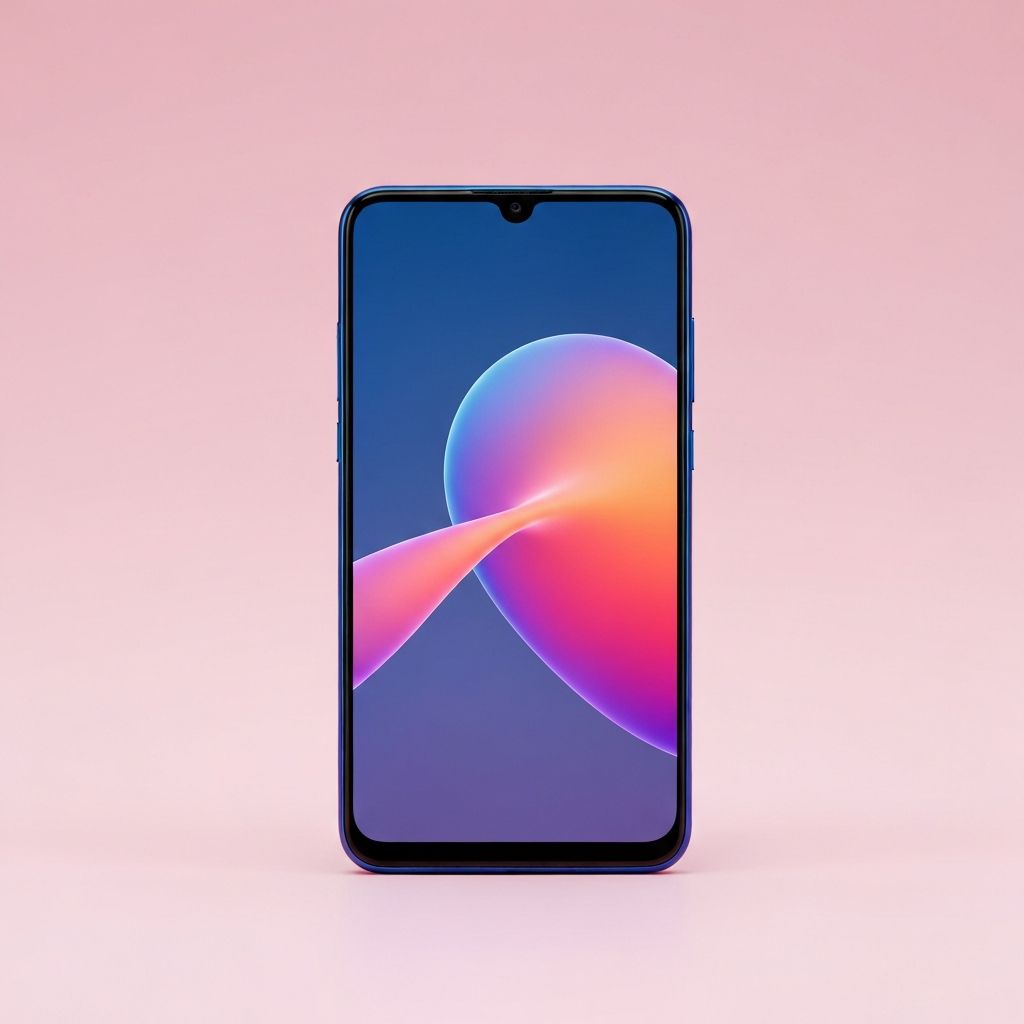
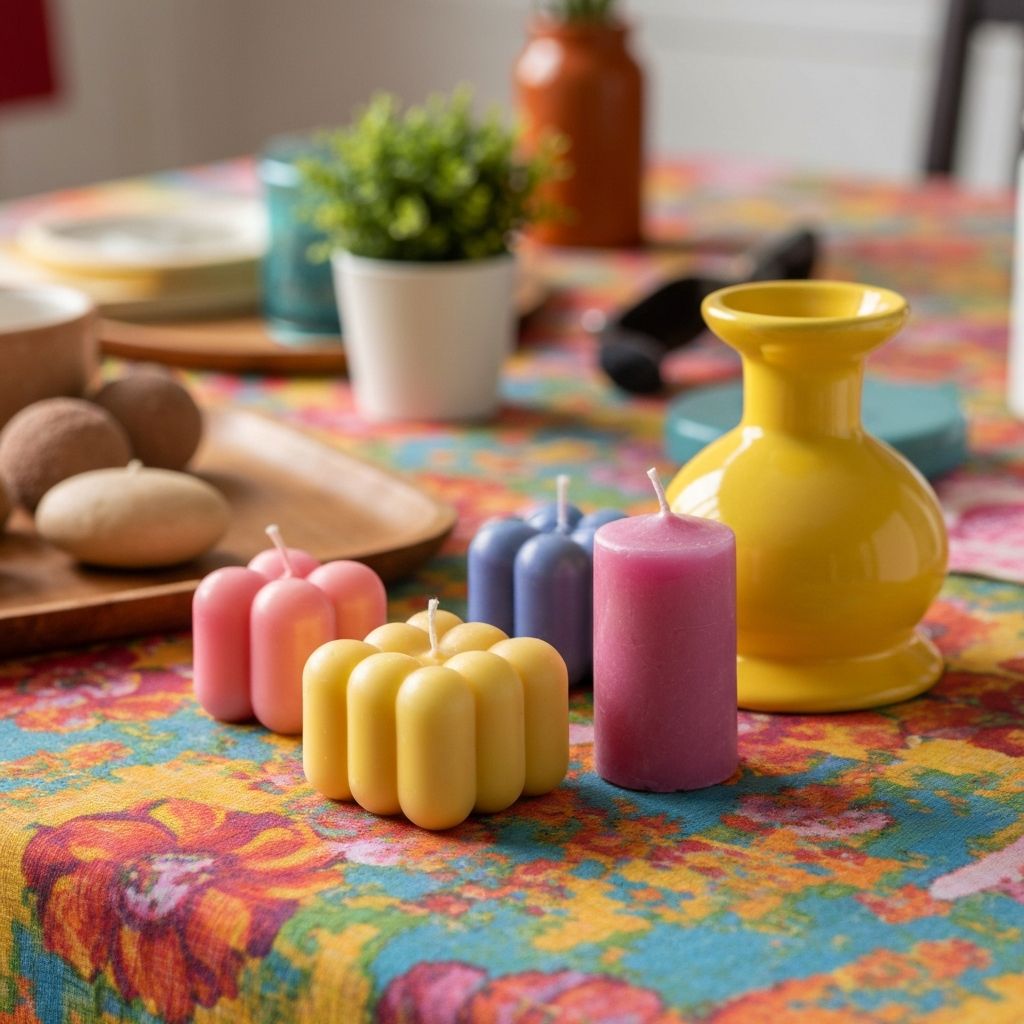
E-commerce & Product Photography
Instantly upgrade your online store listings. For product photography, a busy background can be a major distraction. Our online blur tool keeps the product in sharp, crystal-clear focus while applying a studio-quality blur to the surroundings, driving customer attention right where you want it.
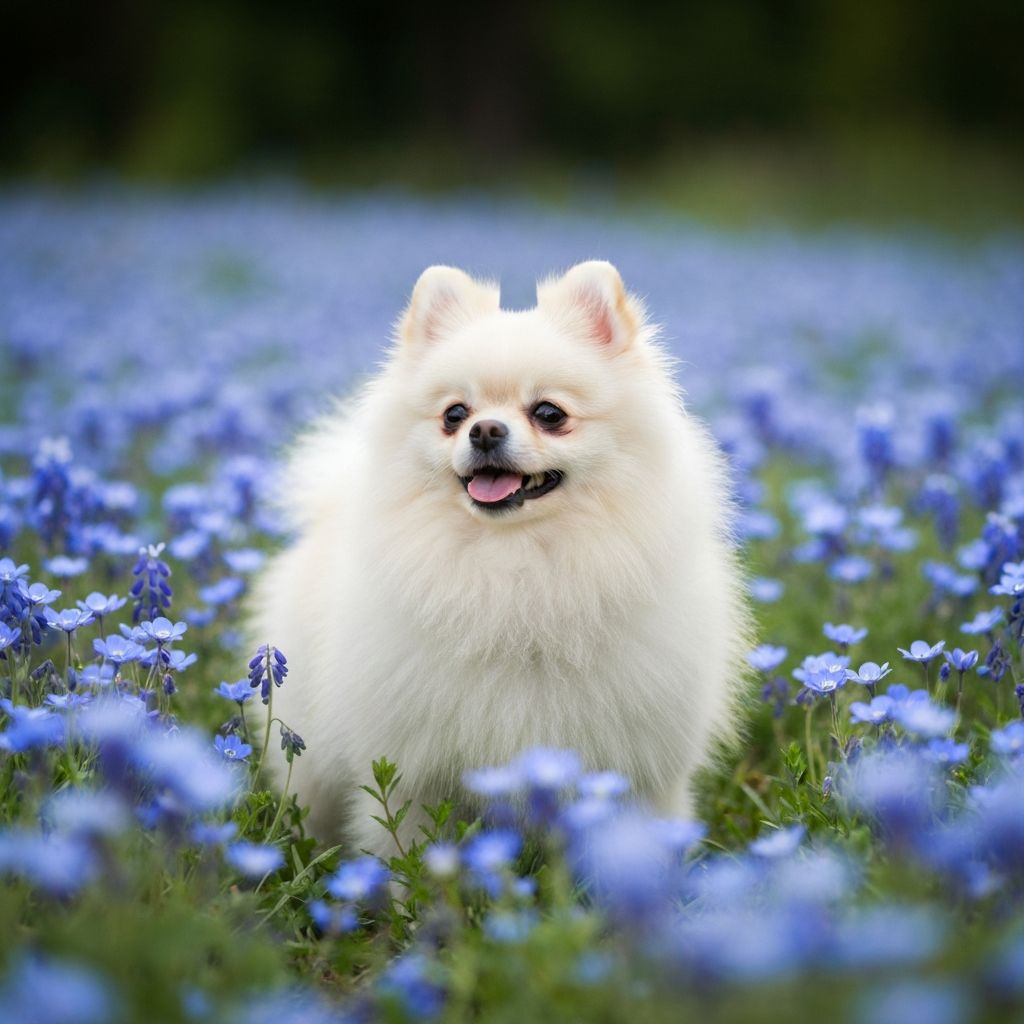
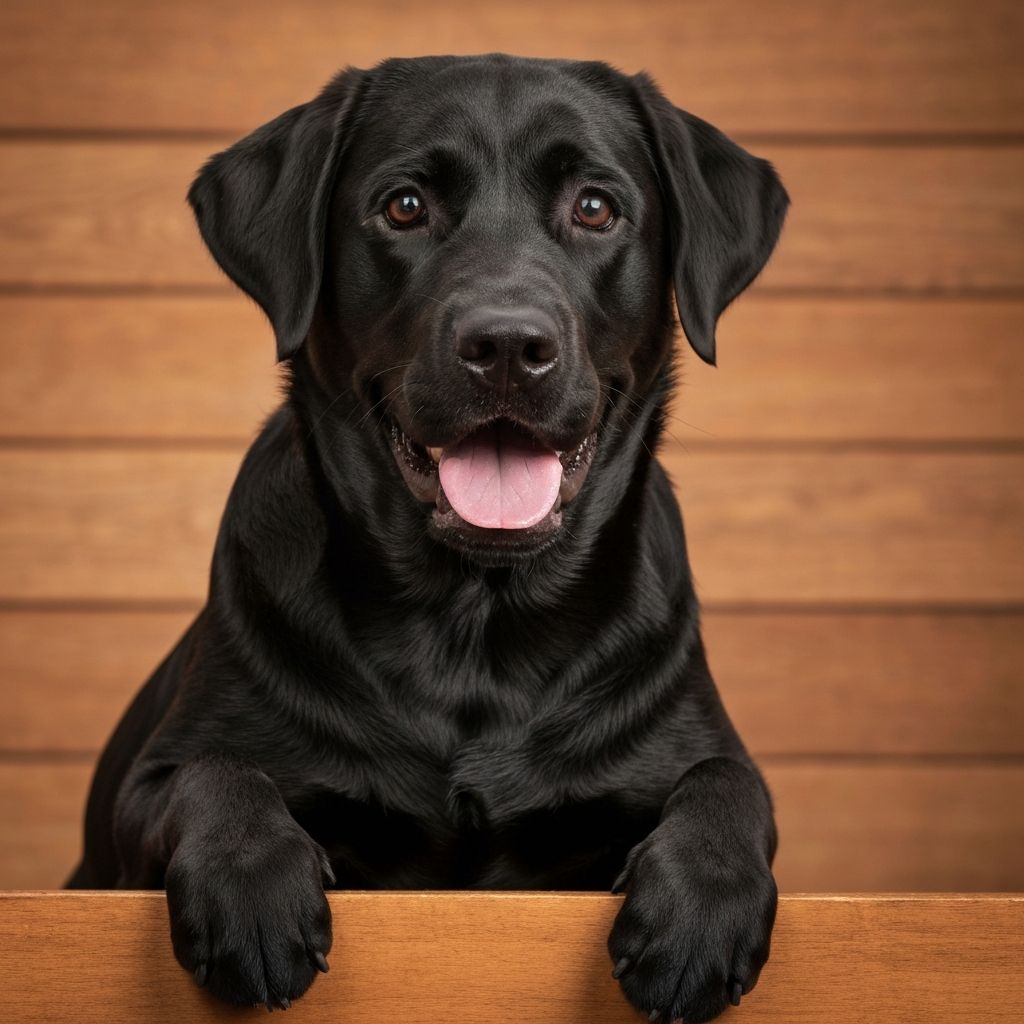
Pets, Nature & Creative
Turn everyday snapshots into artistic memories. Whether it's a dynamic pet photo or a close-up of nature, adding a beautiful bokeh effect creates a sense of professional photography. The AI automatically adjusts the depth of field for a visually pleasing, high-end look.
How to Blur Background Online in 3 Simple Steps
You don't need complex software like Photoshop to get professional results. Follow these simple steps to add a stunning depth of field to your photos using our AI background blur tool.
Upload Your Image
Click the upload button or simply drag and drop your photo (JPG, PNG, or WebP) into the box. Our tool is completely web-based, so you can blur photo backgrounds directly from your browser without installing any apps.
Automatic AI Processing
Wait a few seconds while our AI detects the main subject and separates it from the surroundings. The tool will automatically apply a smooth bokeh effect to the background, simulating a high-quality camera lens.
Download High-Res Result
Preview your new image. Once you are satisfied with the focused subject and blurred background, click "Download" to save your high-resolution photo instantly. It's fast, free, and secure.
Why Choose ImageHub's AI Background Blur Tool?
Experience professional-grade blur effects powered by advanced AI technology. Our tool combines intelligent subject detection with realistic bokeh simulation to deliver DSLR-quality results instantly.
Smart Subject Detection
Our advanced AI algorithms instantly analyze your image to distinguish the foreground subject from the background. Whether it's complex hair strands or intricate product edges, the tool ensures precise separation, keeping your subject sharp while applying the blur effect only where it belongs.
Realistic Bokeh Effect
Don't settle for a flat, unnatural blur. We simulate real camera lenses to create a cinematic depth of field. The result is a creamy, professional bokeh effect that mimics high-end DSLR photography, giving your images a premium look instantly.
Instant & 100% Online
Forget about heavy software downloads or complex Photoshop layers. ImageHub is fully web-based, allowing you to blur photo backgrounds directly from your browser on any device—Windows, Mac, iPhone, or Android. Fast processing means your image is ready in seconds.
Free & Secure Processing
We prioritize your privacy. All uploaded images are processed securely and automatically deleted from our servers after a short period. Best of all, you can download your blurred background images in high resolution for free, with no watermarks on the essential edit.
Perfect Blur Effects for Every Scenario
From e-commerce to social media, our AI blur background tool adapts to your needs. Discover how different industries leverage depth of field effects to create stunning visuals that convert.
E-Commerce & Product Photography
In online sales, the image is everything. A cluttered background can distract customers and lower conversion rates. Use our tool to blur the surroundings of your product photos instantly. Keep your merchandise in sharp focus while creating a clean, non-distracting backdrop that makes your product pop on Amazon, Shopify, or Etsy listings.
Professional Headshots & Profile Pictures
Need a professional photo for LinkedIn or your CV but only have a casual snapshot? You don't need a studio. Simply upload your photo and apply a soft background blur. This instantly hides messy rooms or busy streets, turning a regular selfie into a polished, studio-quality headshot suitable for professional use.
Social Media & Creative Content
Capture your audience's attention on Instagram, TikTok, or Pinterest. Adding a depth of field creates a cinematic look that separates your subject from the noise. Whether it's a travel photo, a food snap, or a fashion shoot, our AI tool gives your images that trendy, high-end aesthetic previously only possible with expensive camera lenses.
Real Estate & Vehicle Showcases
For car dealerships and real estate agents, the background shouldn't steal the show. Use our auto blur feature to soften the environment behind a vehicle or a property exterior. This technique highlights the main asset, guiding the viewer's eye exactly where you want it—on what you are selling.
Explore More AI Image Tools
Discover other powerful AI tools to enhance your photo editing workflow
Trusted by Creators and Businesses Worldwide
See why professionals around the world rely on our AI blur background tool for high-quality product photos, portraits, and social content.
A game changer for my online store.
"I used to spend hours editing product photos manually. ImageHub's AI blur tool automatically detects my products and adds a clean, professional blur to the background instantly. It makes my listings on Shopify look so much more expensive. Highly recommended for e-commerce!"
Incredible edge detection and quality.
"As a freelance designer, I'm usually skeptical of auto-editing tools, but this one surprised me. The depth of field effect is surprisingly realistic, handling tricky areas like hair perfectly. It's the best way to create professional headshots without opening Photoshop."
Fast, free, and no apps needed.
"I wanted to blur the background of a photo on my iPhone, but didn't want to download a heavy app. This website is super fast. I just uploaded my picture, and it added a beautiful bokeh effect in seconds. The fact that it's a free online tool makes it a winner."
The ImageHub Advantage: Better, Faster, Free
We built our AI blur background tool to be the perfect alternative to expensive software and restrictive online tools. Get professional results without the limitations.
100% Free with No Watermarks
Unlike many other tools that slap a logo on your final image or force you to pay for HD downloads, ImageHub is transparent. We believe professional editing should be accessible. Enjoy unlimited background blurring and download your high-resolution images completely free, with no watermarks attached.
Advanced AI, Not Just a Filter
Basic photo editors just smear the pixels. Our tool utilizes state-of-the-art machine learning models trained on millions of professional photos. It understands depth and distance, ensuring the bokeh effect looks natural and optical—just like a real camera lens—rather than a cheap digital filter.
Your Privacy is Our Priority
We understand that your photos are personal. ImageHub employs SSL encryption for all file transfers. More importantly, we operate on a strict "process and delete" policy. Your original and edited images are automatically deleted from our servers shortly after processing. We never store or sell your data.
No Sign-Up, No Hassle
Get straight to work. While other platforms require you to create an account, verify emails, or subscribe just to edit one photo, ImageHub is open to everyone. No login required. Just upload, blur your background, and download. It's the fastest workflow for busy creators.
How We Compare to Alternatives
| Feature | ImageHub.ai | Traditional Software | Other Online Tools |
|---|---|---|---|
| Cost | 100% Free | Expensive Subscription | Freemium / Paid |
| Ease of Use | One-Click AI | Steep Learning Curve | Varies |
| Watermark | None | None | Often Included in Free Version |
| Installation | No (Online) | Heavy Installation | No |
| Speed | Seconds | Slow | Moderate |
The smart alternative to expensive software - built for quality and speed
Frequently Asked Questions about AI Background Blur
Get quick answers to common questions about our AI blur background tool, from mobile compatibility to privacy concerns.
How can I blur the background of a photo for free?
It's simple with ImageHub. Just upload your image to our AI blur background tool, and our system will automatically identify the subject and apply a professional blur effect. You can then download your edited photo for free, with no watermarks and no hidden fees.
Can I blur photo backgrounds on my iPhone or Android?
Yes! Because ImageHub is a fully web-based platform, you can blur image backgrounds directly from the browser on your iPhone, iPad, or Android device. There is no need to install heavy apps or software—it works instantly on any mobile browser.
What is the "Bokeh Effect" and does this tool create it?
Bokeh refers to the aesthetic quality of the blur produced in the out-of-focus parts of an image. Yes, our AI technology simulates real camera lenses to create a creamy, natural-looking bokeh effect, giving your photos a high-end, DSLR-quality appearance.
Will blurring the background lower my image quality?
No. Our algorithm is designed to preserve the quality of your main subject. While it softens the background to create depth of field, the foreground subject remains sharp and high-resolution. We support high-quality downloads for professional use.
Is it safe to upload my personal photos?
Absolutely. We take data privacy seriously. All images uploaded to our online blur tool are processed via secure SSL connections and are automatically deleted from our servers shortly after processing. We do not store or use your photos for any other purpose.
Can I adjust the intensity of the background blur?
Yes. After the AI automatically processes your image, you can use the adjustment slider to control the blur intensity. Whether you want a subtle soft focus or a heavy, dramatic blur, you have full control over the final look.
Start Creating Professional Depth Effects Today
Join thousands of photographers and creators who use our AI Blur Background tool to create stunning bokeh effects, enhance portraits, and make subjects stand out in seconds.
No signup required • 100% free • Instant results